From Guesswork to Data: How Agencies Are Automating Competitor Ad Research
Learn how agencies compare manual competitor ads research with automated tracking, cut wasted hours, and turn fresher intelligence into better client
Chris Edington
12 min read
Competitor Ads: How Agencies Are Automating Ad Research with Data
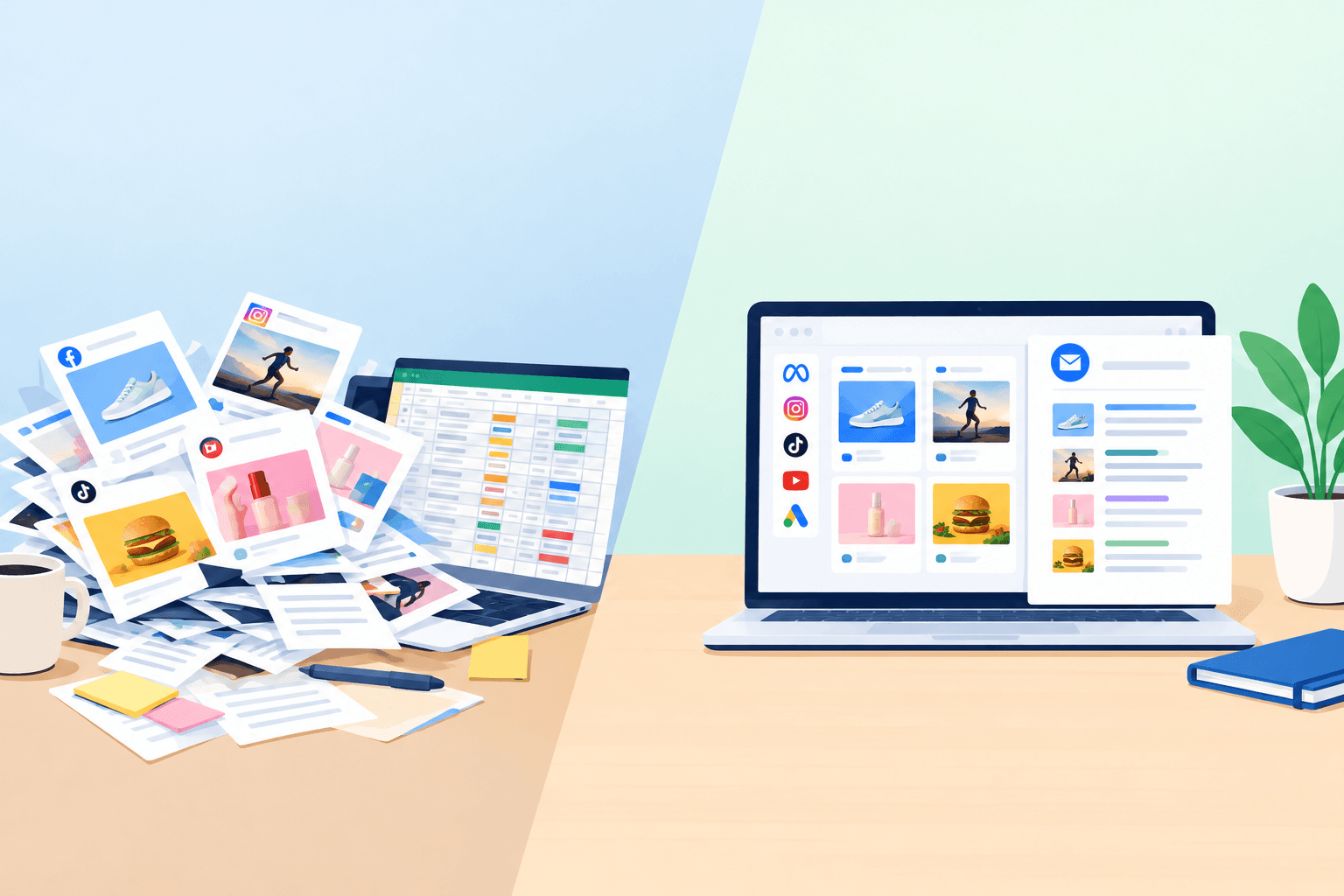
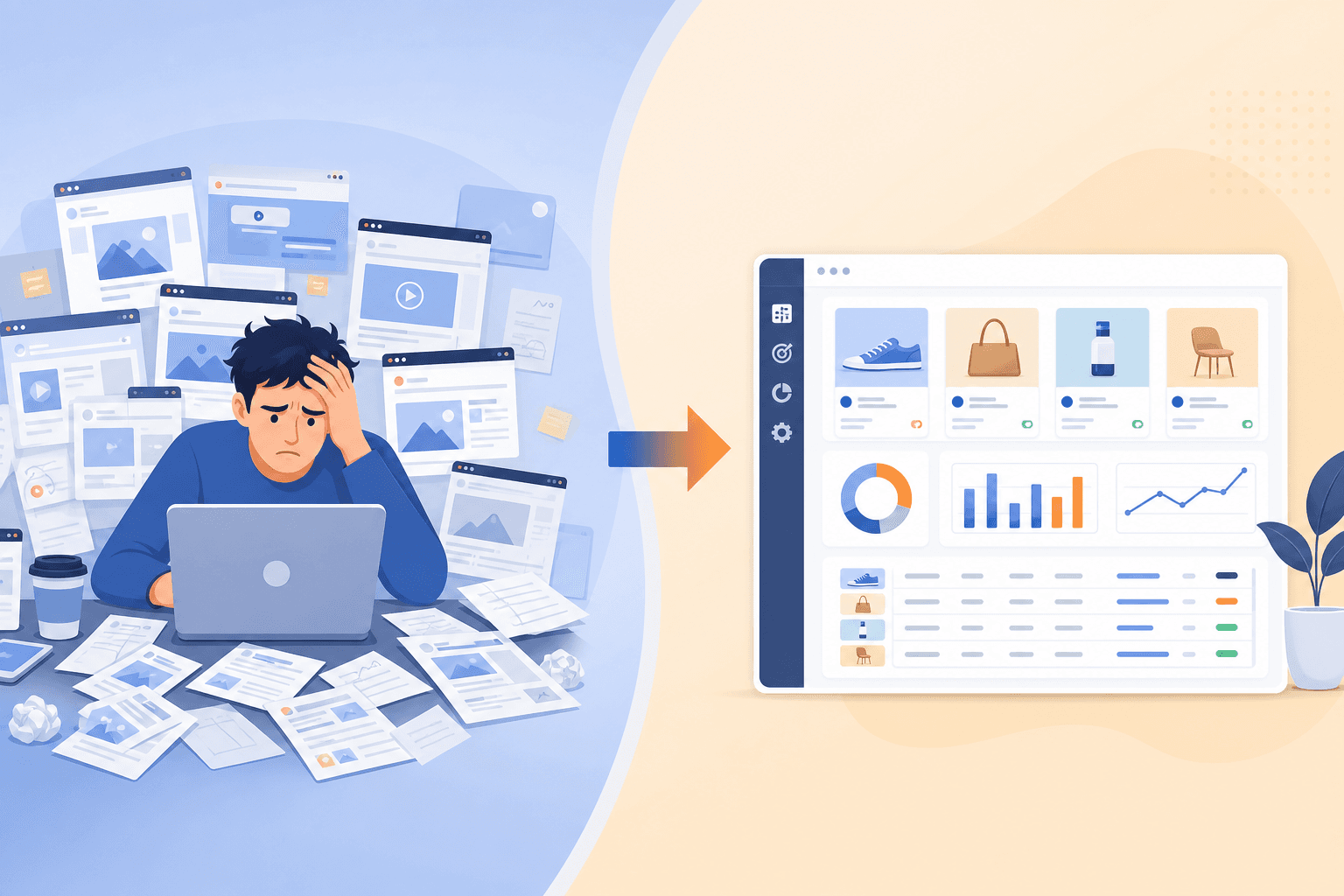
If you've ever asked a junior account manager to "pull together competitor ad research" for a client, you already know what happens next. They disappear for the better part of a day, come back with a Google Slides deck full of screenshots, and half of it is already out of date by the time anyone reviews it.
Here's a rough number that should give every agency owner pause: manually tracking one competitor's ads (logging into Meta Ad Library, screenshotting creatives, checking Google Ads separately, then TikTok, then remembering LinkedIn exists) can eat 5-8 hours a month, depending on how many platforms you cover and how many active creatives that competitor is running. This isn't a published industry statistic; it's the kind of estimate agencies land on when they actually time the workflow, and it varies a lot by market and account. But the shape of the problem holds up: if a client wants three competitors watched, you're looking at a part-time job hiding inside someone's "other duties as assigned."
This is exactly the gap that an ad intelligence platform is built to close. Tools like Rival Ads, one example among several on the market, pull active competitor ads across Meta, Google, TikTok, and LinkedIn on a set schedule, flag what's changed, and hand your team a summary instead of a stack of screenshots. The hours you get back can go into the strategy work clients actually pay premium rates for, assuming the tool's coverage and accuracy hold up to scrutiny, which is worth checking before you commit.
Let's break down where those manual hours actually go, what even diligent manual research misses, and what a sensible evaluation of automated competitor ad tracking looks like for a UK agency team.
The True Cost of Manual Competitor Ad Screenshotting
Walk through what "checking competitor ads" actually involves, and it stops sounding like a quick task.
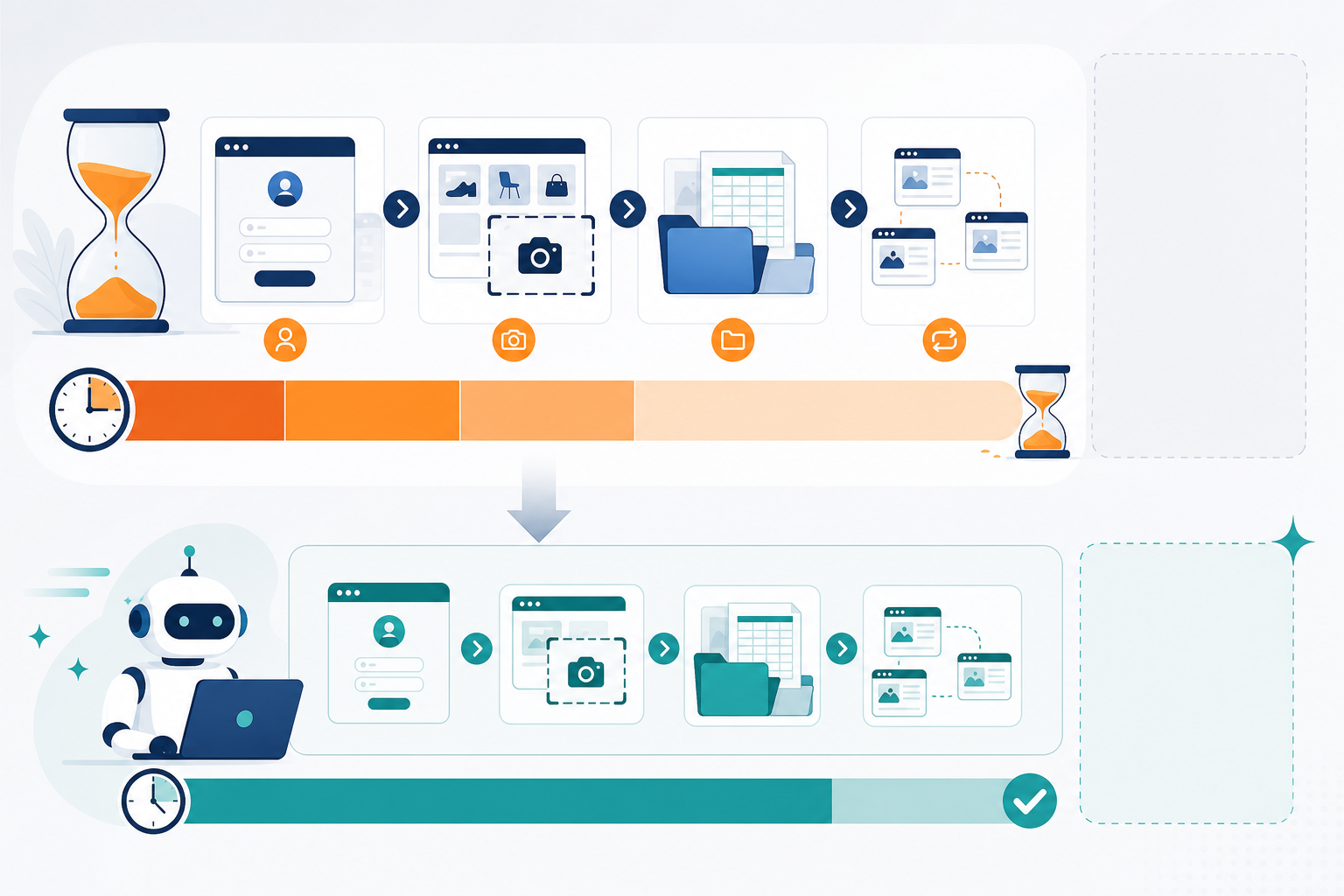
Here's a rough task breakdown for one competitor, one month: finding the right pages (10-15 minutes, more if the brand runs multiple regional accounts), scrolling and screenshotting active creatives across Meta (20-30 minutes), repeating that for Google Ads, which has no single clean public library the way Meta does (30-40 minutes), then TikTok (15-20 minutes), then LinkedIn if anyone remembers it exists (15-20 minutes). Add organising everything into a doc or deck and writing up what it means, and you're easily at 2-3 hours per competitor for a single check-in. Do that weekly instead of monthly, or track three competitors instead of one, and the 5-8 hour range starts to look conservative rather than inflated.
Now multiply that by every competitor a client cares about. Most brands don't have just one rival. They've got three or four they mention by name in every strategy call. And most agencies aren't managing one client. If you've got fifteen accounts and each one wants two or three competitors tracked, you're running this process dozens of times a month. A quick worked example: 15 clients, averaging 2.5 competitors each, at even a conservative 5 hours per competitor per month, comes to roughly 190 hours a month spent on collection alone, before any strategic interpretation happens.
The time cost is real, but it's not the whole story. The bigger cost is opportunity cost. This work almost always falls on junior staff or account managers, people whose time would be far better spent interpreting what competitors are doing rather than collecting screenshots of it. You've hired someone for their strategic judgement, and you're using them as a manual data-entry system. That's not just inefficient, it's a retention problem waiting to happen. Nobody stays excited about a role that's 60% screenshotting.
What Gets Missed When You Track Competitor Ads Manually
Here's the part that doesn't get talked about enough: even when your team does the manual process diligently, you're still missing things. Ad libraries and manual checks have blind spots baked in, partly because of how the platforms themselves work and partly because of how much a human can realistically track by hand.
- Short-lived ads are easy to miss. An ad that runs for a few days and gets pulled may well be gone by your next check-in, whether that's weekly or monthly. Even automated tools running on a weekly schedule won't guarantee catching every ad that starts and stops between collection points; it's a real improvement over a monthly manual glance, but it's not the same as continuous, real-time capture unless a platform specifically documents that capability.
- Platform blind spots are common. Most agencies check Meta religiously because it's the most visible and familiar, thanks to its public ad library. LinkedIn and TikTok often get skipped because they feel like extra work on top of an already long checklist, even though that's sometimes exactly where competitors test new plays with less scrutiny.
- There's no historical record. Without a running archive, you lose the pattern of what a competitor tried and dropped. Did they test three different offers last quarter before landing on the one they're scaling now? You'll never know if nobody saved the earlier versions.
- Placement changes are a signal worth investigating, not a conclusion. If a competitor's ad shows up in noticeably more placements than before, that's worth flagging and digging into, since it can suggest they've found something that's performing well. But placement visibility alone isn't a reliable proxy for spend or results across every platform, so treat it as a prompt to ask questions, not a confirmed fact about their budget.
- Copy gets paraphrased from memory. Ask someone to recall exact wording from a screenshot they saw three weeks ago and you'll get the gist, not the actual copy. Precise messaging, offer language, and landing page URLs often get lost or approximated instead of captured verbatim.
None of this is because your team isn't thorough. It's because manual, point-in-time checks simply can't catch what only shows up in continuous, cross-platform monitoring, and it's worth knowing that even automated tools have limits worth verifying before you rely on them completely.
Manual vs Automated Competitor Ad Research: A Side-by-Side Comparison
It helps to see the two approaches next to each other. The claims on the automated side below describe what ad intelligence platforms typically aim to do, worth confirming against any specific tool's documentation before you buy, since coverage and update frequency vary between providers.
| Manual Workflow | Automated Workflow (e.g. Rival Ads) | |
|---|---|---|
| Setup | Learn each platform's ad library interface, track competitor names/pages manually | Enter competitor's website URL, platform attempts to detect presence across Meta, Google, TikTok, LinkedIn |
| Ongoing effort | Log in separately to each platform, screenshot manually, paste into a shared doc or deck | Platform fetches active ads on a set schedule (commonly weekly), check the specific cadence a provider offers |
| Comparing changes | Compare against last month's screenshots by memory or by digging through old files | Diff view shows what's new, what's stopped, and what's changed since the last check |
| Analysis | Write up findings manually, often under time pressure before a client call | AI-generated summary as a starting point, still worth a human sense-check before it reaches a client |
| Time per competitor, per month | Roughly 5-8 hours, based on task-level estimates above | Minutes to set up, then largely hands-off, though light review time still applies |
| Output quality | Fragmented screenshots scattered across docs and decks | Organised, searchable archive with creatives, copy, and links, assuming the platform retains history |
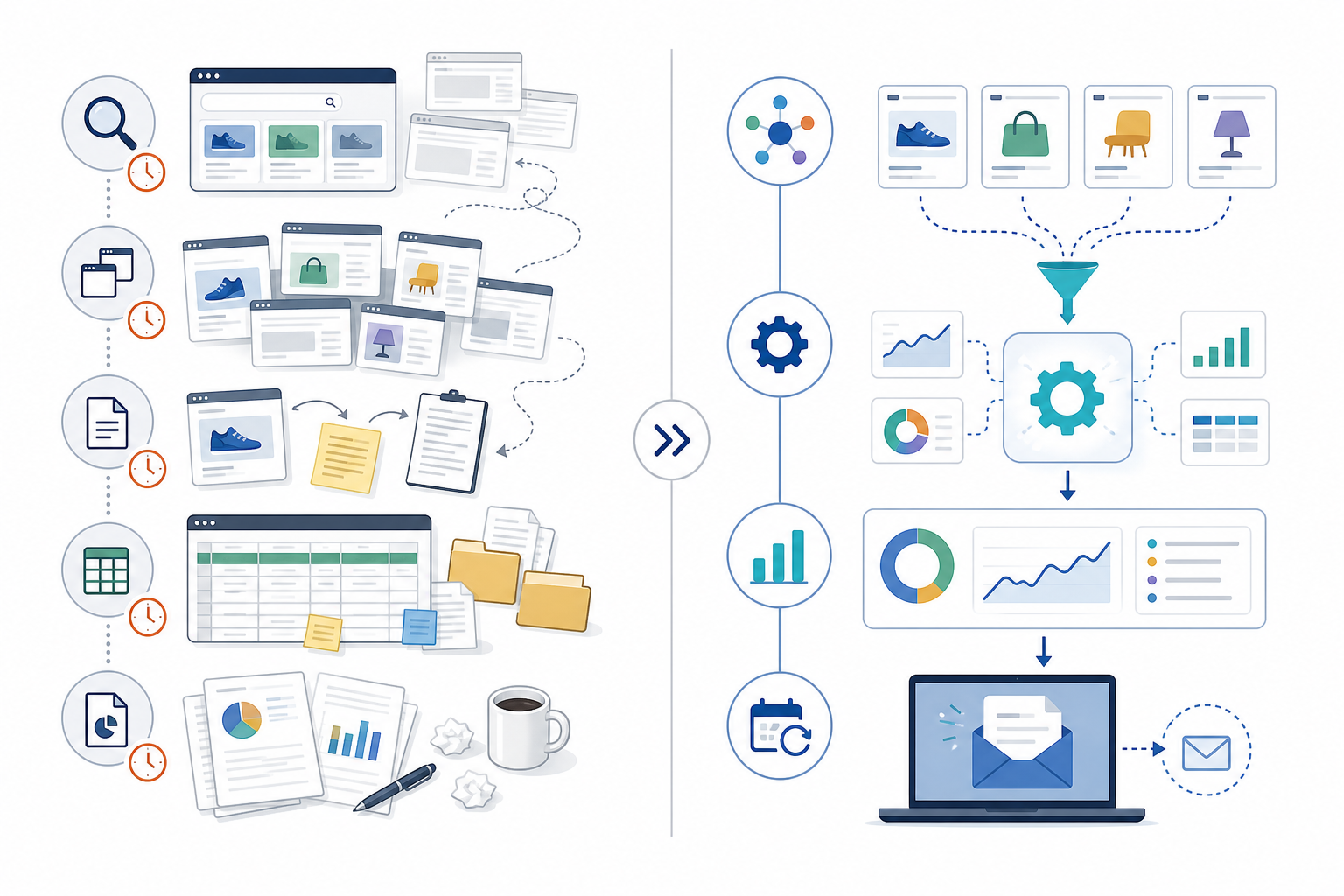
The manual column isn't just slower. It tends to produce a weaker output too. A folder of screenshots from three different months, taken by three different people, is hard to use for anything beyond a single presentation. An organised archive with period-over-period comparisons is something you can actually build ongoing strategy on, provided the underlying data collection is solid. That's the real difference to evaluate: not just time saved, but whether the resulting dataset is genuinely more useful.
What an Ad Intelligence Platform Frees Your Team to Do
Saving hours only matters if those hours go somewhere useful. Here's what agencies typically aim to do with the time once competitor ad monitoring stops being a manual task, though it's worth being honest that some of this still requires real judgement, not just less admin.
- Spend it on interpretation, not collection. Instead of gathering raw screenshots, your team can focus on what the data means: why a competitor shifted messaging, what a new offer might suggest about their margins, and where they're likely headed next. For example, if a weekly digest flags that a competitor has swapped a discount-led offer for a free-trial angle across three ad sets, that's a prompt for a strategist to ask why, not an automatic answer.
- Build proactive strategy decks faster. Starting from a summary instead of a blank screen means your strategist edits and refines instead of starting from scratch every time. That's a genuinely different task, though someone still needs to verify the summary is accurate before it goes in front of a client.
- Monitor more competitors per client without adding headcount. If tracking one competitor costs less time, tracking three or four for the same client becomes more realistic. Whether that improves margin depends on your pricing structure and how much oversight the automated output still needs.
- Explore creative testing ideas inspired by real competitor data. Seeing which creative angles a competitor is running gives your creative team a starting point for their own testing roadmap, rather than guessing at what might work, though what works for a competitor's audience won't automatically transfer to yours.
- Show up to QBRs with more current information. Clients tend to notice the difference between "here's what we found last month" and "here's what changed recently, and here's what we think it means." The second version still needs a human to draw out the "what it means" part; the tool surfaces the change, not the strategic conclusion.
The honest pitch for any ad intelligence platform is that it doesn't replace your team's judgement. It's meant to free that judgement up from data entry so it can be applied to harder questions instead.
How to Automate Competitor Ad Research Without Disrupting Client Work
Switching workflows mid-retainer can feel risky, especially if clients are used to a certain kind of deliverable. Moving to automated ad monitoring doesn't require blowing up your existing process. It can slot in alongside it, provided you evaluate the tool properly first.
Before committing to any platform, it's worth checking a few things directly with the provider: which platforms they actually cover (and how reliably), how often they collect data, whether they retain historical creative and copy, whether landing pages are captured, what export or API options exist, whether whitelabelling is available, how they handle data retention and permissions, and what the pricing looks like per competitor rather than per seat. Ask for a trial period and compare outputs against your own manual check before rolling it out to a client.
- Run it in parallel first. Pick one client and set up automated tracking alongside your existing manual process for a month. Compare the two outputs directly; if the automated version catches things the manual process missed, and the accuracy holds up, that's a genuinely useful internal case for switching.
- Assign competitors by role, not by person. Rather than one team member owning all competitor research for every client, use role-based access to spread competitor assignments across your team. This avoids the single-point-of-failure problem where all your competitive knowledge lives in one person's head.
- Use whitelabel dashboards if it matters to your positioning. A whitelabel setup means clients see your agency's branding on the dashboard and digest, not a third-party tool logo. For agencies that want competitive intelligence to feel like a proprietary service, this is worth confirming is actually available on your chosen plan.
- Fold the digest into your existing reporting cadence. Don't create a brand-new deliverable from scratch, add it into the reporting rhythm you already have with clients, so it reads as an upgrade rather than an extra thing to review.
- Reframe the pricing conversation, carefully. Competitive intelligence can move from a sunk internal cost to a billable retainer add-on. As a rough reference point, some UK-facing platforms price plans from roughly £23-29 a month depending on how many competitors you're monitoring (check current pricing directly, as this changes), but whether reselling this improves your margin depends on your existing retainer structure, VAT treatment, and how much review time the automated output still needs from your team.
The agencies that make this switch smoothly tend to treat it as a quiet upgrade rather than a big announcement, and they keep validating the tool's output against reality rather than assuming it's always right.
FAQ: Competitor Ads and Automated Ad Research
How much time does manual competitor ad research take?
Based on task-level estimates (finding pages, screenshotting, organising, and repeating across Meta, Google, TikTok, and LinkedIn), a single competitor typically takes somewhere in the 5-8 hour range per month, before any analysis happens. This varies with how many creatives a competitor runs and how many platforms you check, so treat it as a working estimate rather than a fixed figure.
What's lost when you track competitor ads manually?
Short-lived ads that get pulled before your next check, platforms you skip because they take extra effort (LinkedIn and TikTok are common casualties), and any real historical record of what a competitor tested and abandoned. You also lose precision: paraphrased ad copy from memory is rarely as useful as the exact text and creative, and it's easy to over-read a single snapshot as a bigger trend than it is.
How do agencies automate competitive research for clients?
Most use a whitelabel ad intelligence platform so the tool sits inside their existing brand and reporting rather than appearing as an outsourced add-on. The platform handles data collection and comparison; your team still needs to verify the output and add the strategic interpretation and client relationship, which is where the actual value to the client shows up.
Can automated tools really catch everything a human researcher would miss?
They generally catch more, particularly across platforms that get skipped in manual checks. But it's worth being realistic: even scheduled automated collection can miss very short-lived ads if the collection frequency doesn't line up with when the ad ran, and platform coverage varies by provider. The safest approach is to verify a tool's actual collection frequency and coverage rather than assume it captures absolutely everything, and to keep a human reviewing the output before it reaches a client.