How to Track Competitor Discount Codes Without the Manual Screenshot Grind
eCommerce ad monitoring helps UK marketers automate competitor discount code tracking, spot promo trends and react before offers disappear.
Chris Edington
12 min read
eCommerce Ad Monitoring: How to Catch Competitor Discount Codes
If you're still screenshotting competitor websites and Instagram ads to catch their latest discount codes, you're going to miss things. Codes get swapped mid-week, tested on specific audiences, or pulled after 48 hours—long before your next competitor research session rolls around. This is exactly the gap eCommerce ad monitoring is built to close: instead of relying on what happens to land in your own feed, a monitoring tool checks competitor activity on a set schedule across Meta, Google, TikTok, and LinkedIn. It can then flag new discount codes and show you how discount depth has shifted over time.
I want to be upfront about how this actually works, because a lot of the marketing around “automated ad tracking” implies real-time, catch-everything alerts. That’s not quite the reality, and it’s worth understanding the actual mechanics before you build a process around it. So let’s look at why the manual screenshot habit falls apart, what a proper monitoring setup can and can’t do, and how to build it into a workflow your team will actually stick with.
Manual Competitor Ad Tracking: Why Screenshotting Discount Codes Fails
A lot of eCommerce teams start out the same way. Someone on the marketing team keeps a spreadsheet, a Notion document, or a folder of screenshots grabbed during a Monday morning coffee scroll through competitor Instagram accounts. It’s scrappy, it’s free, and honestly, it works fine when you’re casually watching one or two rivals without much riding on it. Manual checks aren’t useless, either—they’re a perfectly good way to verify that a live offer is genuinely running when you spot it.
The trouble is, manual checking alone breaks down the moment you need it to be reliable.
Here’s why:
- Discount codes hide in places you can’t see. A meaningful amount of promotional activity happens in geo-targeted or audience-specific ads. If you’re not in the exact segment a competitor is targeting—say, lapsed customers or people who abandoned a cart—you’ll simply never see that ad, code and all.
- Codes rotate faster than your check-in schedule. A weekly manual scroll means you’re often looking at information that’s already stale. Brands frequently swap codes every few days to test performance, and by the time you screenshot one, it might already be retired.
- There’s no historical record. Once a screenshot gets buried three folders deep in someone’s camera roll, nobody goes back to compare it against what the same competitor was offering last month. You lose the pattern entirely, which, as we’ll get into shortly, is where the real strategic value sits.
I’ve spoken with UK eCommerce marketers who believed they had competitor tracking “covered” because someone checked Instagram every Monday. Then a rival ran a 25%-off flash sale on a Wednesday, pulled it Friday, and nobody on the team knew it happened until a customer mentioned it in a support ticket. That’s the gap manual tracking leaves wide open, and it’s the specific problem eCommerce ad monitoring tools are designed to solve.
What Automated eCommerce Ad Monitoring Actually Catches
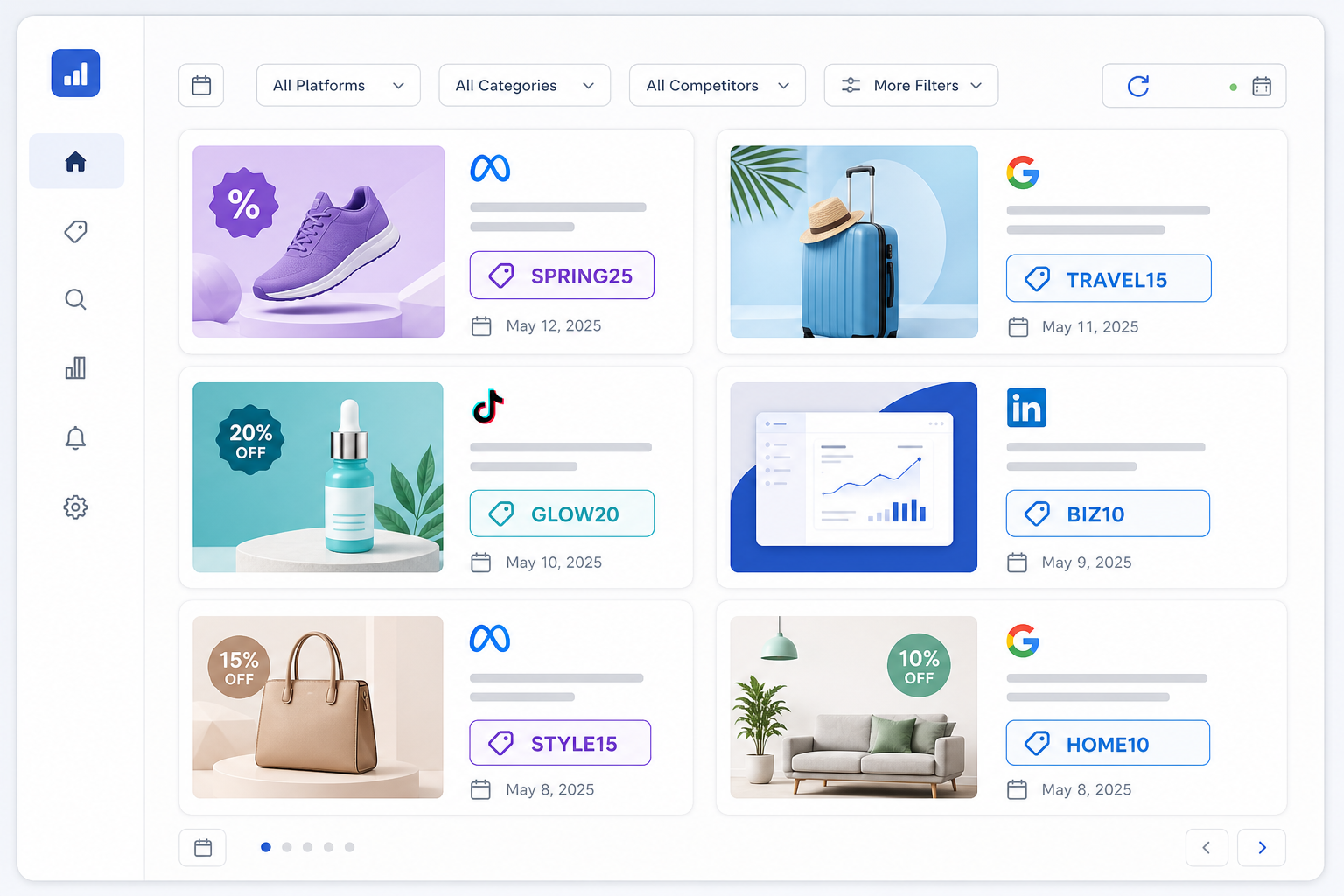
This is where automated discount tracking earns its keep—with some caveats worth being clear about. Rather than depending on what shows up in your own personal feed, a monitoring tool like Rival Ads works from a competitor’s website URL and checks their advertising presence across Meta, Google Ads, TikTok, and LinkedIn on a weekly refresh cycle.
Here’s what that actually gives you:
- Ads the platform can detect across Meta, Google, TikTok, and LinkedIn, pulled from public ad libraries and detected placements rather than a curated slice that happens to land in your own feed. This is a meaningfully wider net than manual scrolling, but it’s not a guarantee of total coverage—private, geo-restricted, or highly niche-audience ads can still slip past any monitoring tool.
- Actual ad copy and creative, so you’re seeing the discount code as it was presented—not a paraphrased version someone half-remembers from a screenshot.
- Landing page links attached to each ad, which sometimes reveal a code that isn’t visible in the ad copy itself. Worth flagging: this depends on the tool actually crawling the destination page, and codes hidden behind a login, a cart threshold, or a checkout step won’t show up this way.
- Weekly fetches, so codes that run for just a few days between your old manual check-ins still get caught—usually within days rather than the moment they go live. If a competitor launches and kills a code inside a 24-hour window between fetches, there’s a real chance it’s missed entirely.
- No ad account connections required—you add a competitor’s website, and the system works out their advertising presence from there. You’re not asking a rival for account access, and you’re not running a manual export process.
That last point matters more than it might seem, but it’s also worth saying plainly what this doesn’t cover: whether a code still works at checkout, whether it’s profitable for the competitor, or whether it’s being distributed through email, affiliates, or on-site banners rather than paid ads. Ad monitoring tells you what a competitor is advertising—not everything they’re doing to move product. Treat it as one input into your competitive picture, not the whole picture.
How to Spot Competitor Discount Depth Trends Over Time
Here’s something I think gets overlooked constantly: a single discount code, on its own, tells you almost nothing. It’s the pattern across weeks and months where the actual insight lives.
Let’s make this concrete. Say you’re tracking a mid-size UK homeware brand, and you notice they moved from 10% off to 15% off two weeks before the last two payday weekends—not just once, but in the same window both times. That’s not noise anymore; it’s a pricing pattern. It tells you they’re willing to sacrifice roughly five extra points of margin specifically to catch cash-strapped shoppers before payday, and it tells you when to expect it again.
Here’s where it gets useful: knowing that pattern, you don’t have to just match their discount. You could instead launch a free-delivery-plus-bundle offer in that same window, which protects your margin while still giving shoppers a reason to buy from you instead of waiting for the competitor’s payday sale. That’s a decision you can only make with the pattern in hand—not from a single screenshot.
This kind of trend is nearly impossible to catch manually but becomes obvious once you have a running archive of every ad a competitor has served. Week-over-week differences make it visible without you having to manually cross-reference old screenshots against new ones—which, let’s be honest, nobody actually does consistently.
Once you start watching this over time, a few questions tend to answer themselves:
- Do they always discount before payday weekends, or is it tied to stock clearance instead?
- Do they test smaller codes—5% off, perhaps—before scaling up to a sitewide sale?
- Is their Black Friday discount depth increasing year over year, suggesting margin pressure or rising competitive intensity in their category?
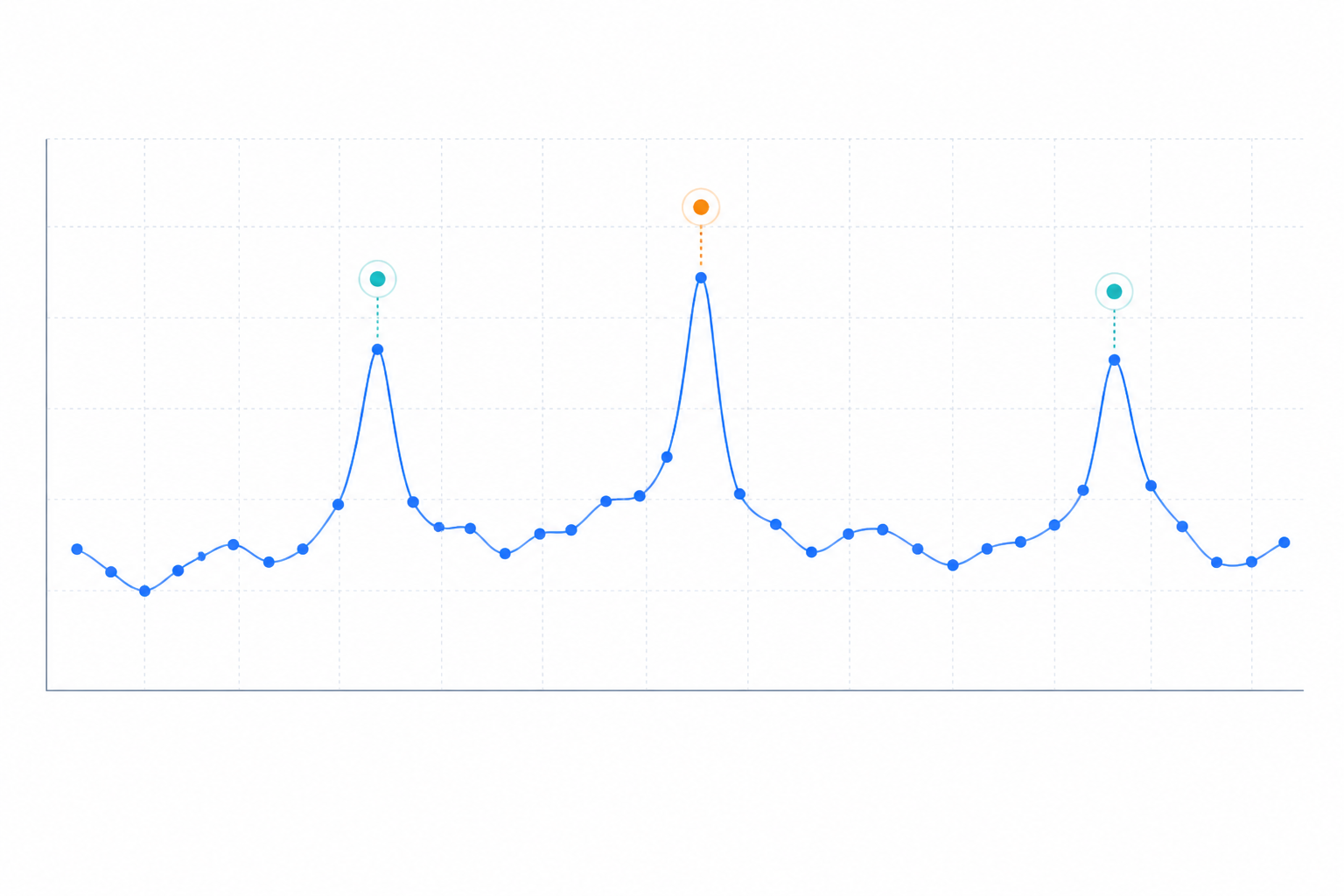
UK eCommerce brands often have fairly predictable seasonal rhythms around Boxing Day, back-to-school, and end-of-season clearance, though this varies a fair amount by category—fashion and beauty tend to run more frequent promotional cycles than, say, furniture. The more interesting insight often comes from the smaller, quieter promotional cycles that happen in between the obvious calendar moments. You only spot those with a continuous record, not a folder of screenshots.
How to Respond to a Competitor’s New Discount Code
Knowing about a competitor’s move is only useful if you can act on it. Here’s what a realistic response workflow looks like once you’ve got a monitoring system doing the watching, rather than a person doing the scrolling:
- Get notified after the next scheduled fetch detects a new ad, rather than waiting for your own weekly manual scroll through their social channels. With a weekly refresh, this typically means you’ll know within a few days of a code going live—faster than manual tracking, but not instant.
- Read a strategic breakdown of what changed—whether it’s a new code, a new creative angle, or a long-running campaign that’s suddenly been stopped. Rival Ads uses Claude to generate this analysis, framed the way a senior media buyer might think it through, so you’re not starting from a blank page. Treat it as a first draft of the thinking, not a verdict.
- Decide quickly whether to match the discount, hold your price point, or lean into a different value proposition entirely. Sometimes the right move isn’t to compete on discount at all—but you can only make that call if you actually know what you’re up against.
- Loop in your team through shared dashboard access, so whoever owns pricing decisions sees the change directly instead of waiting for you to forward a screenshot over Slack.
- Document the reaction in your own campaign notes, so next quarter you’re not starting the analysis from scratch again. This step gets skipped constantly, and it’s usually why teams keep relearning the same lessons about a competitor’s behaviour every few months.
The point isn’t real-time speed—it’s consistency. A code that’s live for 72 hours before being pulled is functionally invisible to a team checking in once a week manually. Catching it within a few days of it going live, reliably, every single week, is the difference between reacting strategically and finding out three weeks later from a customer support ticket.
Build Competitor Ad Monitoring Into Your Weekly Marketing Review
Having the data is one thing. Actually using it consistently is where most teams fall down, even after they’ve set up a monitoring tool. So it’s worth being deliberate about how this fits into your existing rhythm rather than treating it as a side project someone checks when they remember.
A simple 15-minute slot works better than you’d expect. Try this agenda:
- New offers (5 minutes): What’s appeared since last week, and does it need a response?
- Stopped offers (3 minutes): What’s been pulled? A stopped campaign might signal a failed test worth noting.
- Repeated winners (3 minutes): What’s been running unchanged for months? That’s probably working for them.
- Implications (2 minutes): Does anything change our pricing, messaging, or timing this week?
- Owner and follow-up date (2 minutes): Who’s acting on this, and when do we check back?
A few other things that make this stick:
- Assign specific competitors to specific team members using role-based access, so nobody’s duplicating a check someone else already did.
- Use the weekly email digest as a standing agenda item, rather than relying on someone remembering to open a dashboard. If it’s already sitting in an inbox, it’s much harder to skip.
- Agencies managing multiple client accounts can whitelabel this kind of reporting, presenting the competitive intelligence as part of their own service rather than a third-party tool bolted onto client reports—worth checking with your provider on how this is licensed before promising it to clients.
- Treat AI-generated analysis as a starting point, not the final word. It’s genuinely good at spotting patterns and framing what changed, but your team still brings context—seasonality in your specific category and past experience with this particular competitor—that the AI doesn’t have.
eCommerce Ad Monitoring Quick-Start Checklist
If you want to move off the manual screenshot habit this week rather than “eventually”, here’s roughly how to do it:
- List every direct competitor you currently track manually, even the informal ones you just keep an eye on out of habit
- Add each competitor’s website to an ad monitoring tool—no ad account access required, just the URL
- Set up weekly digest emails so tracking happens passively instead of depending on you remembering to log in
- Review your first week-over-week difference and flag any discount codes you’d have completely missed manually
- Verify any newly detected code on the competitor’s actual site before you act on it—confirm it still works and check for conditions like minimum spend or specific product exclusions
- Tag each promotion by type—sitewide, category-specific, or first-order-only—and audience where you can tell, so your archive is actually useful for comparison later
- Assign ownership so someone on the team is responsible for acting on alerts, not just receiving them and letting them sit unread
That last step is the one people underestimate. Alerts without an owner just become more noise in an inbox.
Frequently Asked Questions About eCommerce Ad Monitoring
How do I catch a competitor’s new discount code quickly?
The most reliable way is to stop relying on manually checking their site or ads and instead use an eCommerce ad monitoring tool that checks their advertising activity on a set schedule. Rival Ads checks Meta, Google, TikTok, and LinkedIn weekly and flags new creative and offers once detected. This won’t catch a code the second it goes live, but it will catch it far more consistently than a weekly manual scroll—and it won’t depend on the code showing up in your own feed.
Is there a way to automate promo code tracking?
Yes, though it’s worth understanding the boundaries. Competitive intelligence platforms can monitor a competitor’s public ad activity automatically from their website URL, pulling ad copy, creative, and linked landing pages without needing access to their ad accounts. What they generally can’t do is confirm a code still works at checkout, catch codes distributed only through email or affiliates, or see private and highly geo-targeted ads that fall outside public ad libraries. Use it to build a running history, not as proof a code is currently valid.
How do discount patterns change seasonally?
Many eCommerce brands deepen discounts around predictable periods—Black Friday, Boxing Day, back-to-school, and end-of-season clearance being the obvious ones in the UK market—though the exact rhythm varies by category. Some brands also run smaller, less obvious promotional cycles tied to payday weekends or slower sales months. You’ll only spot these quieter patterns with a continuous archive of their ads rather than occasional manual checks.
What about private, regional, or landing-page-only codes?
These are the genuine blind spots. A code only shown to a specific geo-targeted audience, hidden behind a login, or applied automatically at checkout without appearing in ad copy may not surface through ad monitoring at all. If a competitor relies heavily on this kind of targeting, expect monitoring to give you a partial picture rather than a complete one—worth pairing with the occasional manual spot-check for competitors where this matters most.