How eCommerce Brands Can Spy on Competitor Black Friday Ads (Without Losing Their Minds)
Track Black Friday competitor ads across Meta, Google, and TikTok, spot changing offers early, and prepare faster BFCM responses.
Chris Edington
13 min read
How to monitor Black Friday competitor ads without losing your mind
If you're planning to keep tabs on Black Friday competitor ads by manually refreshing Meta Ad Library every hour during Black Friday week, I've got some bad news: you're going to burn out by Saturday lunchtime, and you'll still miss things.
The realistic way to keep up with competitor Black Friday ads is to set up eCommerce ad monitoring before BFCM starts, not scramble to check Meta Ad Library, TikTok's Creative Center, and Google's Ads Transparency Center manually once the sales are live. I want to be upfront about what automation can and can't do here: weekly tracking gives you a solid baseline of what's "normal" for each competitor, but if you need to catch a Thursday-night flash sale before Friday morning, you need daily (or near-real-time) checks during the BFCM window itself. Weekly monitoring the rest of the year, stepped up to daily during the sale period, is what actually lets you spot a rival's surprise 40% off promotion within a day or two and adjust your own campaigns before the weekend's over, rather than after.
This is the difference between reacting to competitors and constantly being a step behind them. Let's get into exactly how to monitor Black Friday competitor ads, including where the limits are.
Why Black Friday and BFCM are the highest-stakes ad season for eCommerce brands
Black Friday isn't a single day anymore, and in the UK it's not tied to a bank holiday at all. It's a multi-week event that runs from early-access teasers through Cyber Monday and often into the following week. That means the window in which you need to be watching competitor offers and creative has stretched considerably, and it's not getting shorter.
The numbers back up how much is riding on this period, though it's worth being clear about whose numbers they are. Shopify reported $11.5 billion in global BFCM sales across its merchant base in 2024, up 24% year over year, with more than 67 million shoppers buying from Shopify-powered businesses worldwide. That's a global figure, not a UK-specific one. Adobe Analytics tracked $41.1 billion in US online sales during Cyber Week 2024, with Cyber Monday ($13.3 billion) and Black Friday ($10.8 billion) doing the heavy lifting. That's a US market figure too. For UK-specific context, Barclaycard and other UK payment data has consistently shown Black Friday spend rising year on year, though exact figures vary by source and methodology. The headline takeaway is the same regardless of market: demand concentrates hard into five or six days, and every competitor is fighting for the same attention while testing new creative and offers simultaneously.
Here's the practical problem: a competitor dropping a surprise discount can shift shopper attention for the rest of the weekend. If you're not watching, you won't know until your own conversion rate dips and you're left guessing why. Manual checking — screenshotting ads, scrolling through Meta Ad Library, trying to remember what a competitor's page looked like last week — doesn't scale well once you've got five to ten rivals all changing offers daily. In my experience trying to do this by hand for a handful of accounts, it's exhausting and you still miss things, particularly changes that happen overnight or on platforms you check less often.
And the cost of missing a shift isn't just a few lost sales. It's letting a competitor own the narrative on price during one of the highest-intent shopping periods of the year, when UK shoppers are actively comparing retailers side by side, often across multiple tabs, before they click buy.
How to set up eCommerce ad monitoring before Black Friday
The sensible move is doing this groundwork in early-to-mid November, well before Black Friday week itself. Waiting until the week itself means you've already missed the early-access and pre-sale creative that often signals exactly what's coming.
Before the setup steps, here's a quick summary of what you're actually trying to track, since "monitor competitors" can mean a lot of different things depending on who you ask:
| What | Where | How often | Why it matters |
|---|---|---|---|
| Ad creative (images, video, copy) | Meta Ad Library, TikTok Creative Center, Google Ads Transparency Center | Weekly baseline, daily during BFCM | Spot format and messaging shifts early |
| Discount depth and offer mechanics | Ad copy plus live landing pages | Daily during BFCM | Compare like-for-like against your own pricing |
| Landing pages and links | Click-through from ads | Weekly, spot-check daily during BFCM | Gauge how much volume they're expecting |
| Ad longevity and placement count | Platform ad libraries where available | Weekly | A loose signal of what might be performing (see caveats below) |
Here's how to set the monitoring itself up:
-
List your 5-10 core BFCM competitors. Include direct rivals plus any brand consistently bidding on similar keywords or audiences — sometimes the competitor eating your ad spend isn't the one you'd expect.
-
Add each competitor by website, if using a tool. We use Rival Ads for this, which lets you add a competitor by website rather than needing ad account access or logins, and it looks for their presence across Meta, Google Ads, TikTok, and LinkedIn. Worth knowing: coverage depends on what each platform's own transparency tools expose publicly, so LinkedIn ad visibility in particular tends to be thinner than Meta's, and there can be a short delay between an ad going live and it appearing in any third-party or platform library. If you don't use a dedicated tool, you can do the same job manually by bookmarking each competitor's presence on Meta Ad Library, TikTok Creative Center, and Google's Ads Transparency Center — it just takes more of your time.
-
Assign competitors to team members. If you're running this across a marketing team, decide who owns which competitor before the chaos starts, not during it.
-
Set your monitoring cadence and be honest about what it buys you. Weekly works for most of the year as a baseline. During the BFCM window itself, daily checks (whether automated or manual) are what actually let you catch a same-day or next-day shift — weekly checks alone won't get you there.
-
Get it live in early-to-mid November. This gives you a baseline of "normal" competitor activity to compare against once the actual sales kick off.
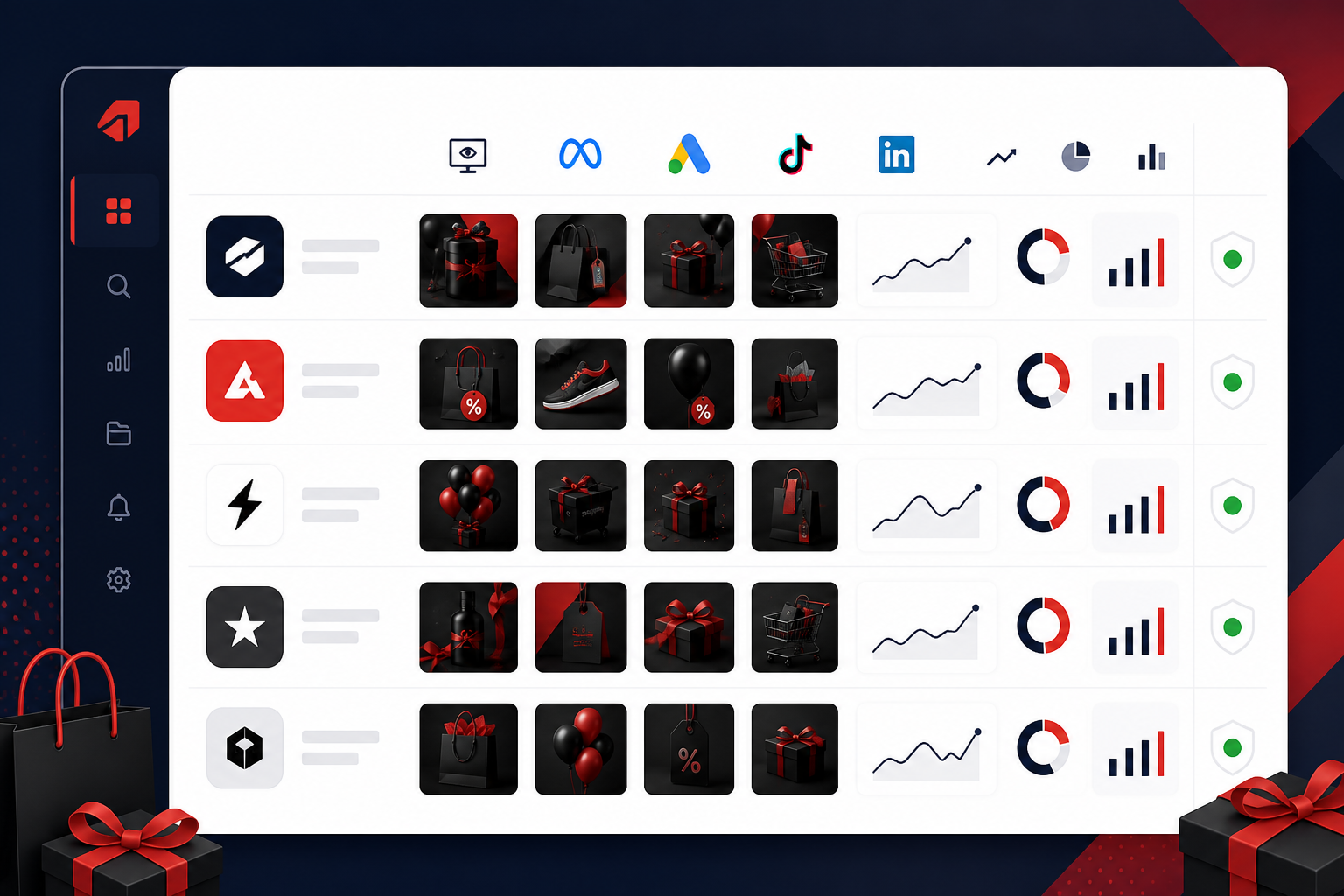
Once this is running, whether through a tool or a shared tracking sheet, you're not the one doing all the scrolling anymore. Something (a system, a rota, a digest) fetches active ads on a schedule and flags what's changed. That's exactly what you want heading into a period where every day counts.
What to watch for in Black Friday competitor ad creative
Once monitoring is live, you need to know what you're actually looking for. Not every ad change matters, and it's worth treating most of these as signals worth investigating rather than firm conclusions:
- Sudden format changes: a competitor who's only ever run static images suddenly switches to video or UGC-style (user-generated content) creative. This often suggests they're testing something for BFCM performance, though it could equally be a scheduled creative refresh unrelated to the sale.
- Messaging pivots: watch for a shift from brand storytelling to urgency-driven copy like "ends tonight" or "last chance." This usually signals a move from awareness mode into conversion mode, though the timing (and whether it's tied to a real deadline) is worth checking before you assume urgency.
- Which products get featured creative: this can hint at what a competitor is trying to clear versus push hardest, but treat it as a hypothesis, not a fact. Without visibility into their stock levels, you're inferring, not confirming.
- Landing page and link changes: are they sending traffic to a dedicated sale page, or just adding a banner to their existing homepage? A dedicated page usually suggests they're expecting meaningful volume, though smaller brands sometimes skip this step for cost reasons rather than low expectations.
- Week-over-week diffs: what's new, what's been paused, and what's still running. An ad that keeps running and keeps appearing across more placements is a reasonable indicator it's working for them, but ad libraries don't show spend or results, so this is directional, not definitive.
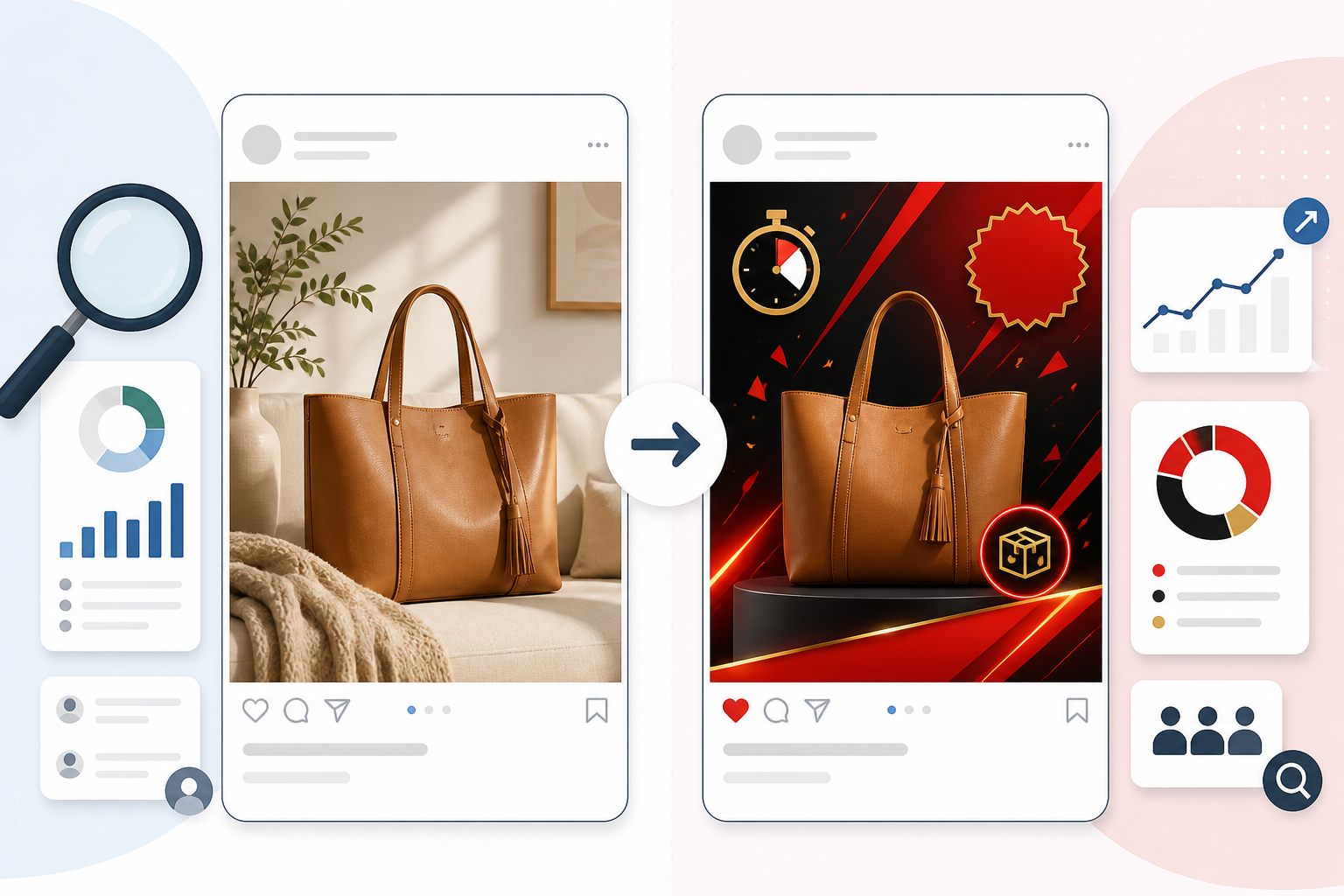
A worked example: say a competitor moves from "20% off everything" with lifestyle imagery to "30% off, ends midnight" with a countdown timer and a new dedicated landing page, and starts offering free delivery on top. That combination (deeper discount, added urgency, dedicated page, extra incentive) is a much stronger signal than any one of those changes on its own. One or two of these things happening together is usually more meaningful than any single change in isolation.
This is where a structured summary genuinely earns its keep, whether it's AI-generated or just a well-organised spreadsheet your team fills in together. Rather than eyeballing dozens of ads across four platforms and trying to piece together a pattern from memory, having something pull the changes together means you get the "so what" without spending your Saturday morning on it. Just keep in mind any automated read is still an interpretation, not a verified fact about the competitor's strategy.
How to track competitor discount depth during BFCM
Discount depth is rarely a straight line, and comparing "discounts" across competitors is trickier than it looks, because the headline number rarely tells the whole story. Adobe Analytics reported average online discount rates of around 28-30% in the US during the 2023 and 2024 November periods. That's a US figure from one dataset, and UK discount depth varies by category and retailer, so treat it as a rough reference point rather than a rule.
Rather than just eyeballing headline percentages, it helps to break each competitor's offer down consistently. Here's a simple template worth using:
| Field | What to record |
|---|---|
| Advertised discount | The headline number in the ad (e.g. "up to 50% off") |
| Eligible products | Which SKUs or categories the discount actually applies to |
| Exclusions | Brands, lines, or products explicitly excluded |
| Minimum spend or code requirement | Any threshold or promo code needed to unlock the discount |
| Delivery terms | Free delivery threshold, if any, and whether it's VAT-inclusive |
| Effective basket discount | What a like-for-like basket actually costs at checkout, compared to full price |
A few patterns worth watching for, all filtered through that template rather than taken at face value:
- Tiered discount language. "Up to 50% off" almost always means category-specific deals rather than a genuine storewide cut. Don't match a headline number without checking what it actually applies to.
- Bundles and gift-with-purchase offers. These tend to appear once straight discounting plateaus: brands add perceived value instead of cutting price further, which protects margin while still feeling generous to the shopper.
- The gap between advertised and effective discount. A 40% off claim can shrink fast once you factor in exclusions, minimum spend, or a code that only applies to select lines. Track the actual checkout price on comparable products (including UK delivery costs and VAT treatment), not just the ad copy.
Instead of manually comparing screenshots from Thursday and Sunday, filling in a structured comparison like the one above — even a shared spreadsheet — saves real hours over a single weekend. That's not a small thing when everyone on the team is already stretched thin.
How to react to competitor ads in real time without panicking
Having the data is only half the job. What you do with it matters just as much, and this is where teams either freeze or overreact, often because nobody agreed the rules in advance.
A simple three-tier framework helps here:
| Tier | Trigger | Who acts | What they can do |
|---|---|---|---|
| Monitor | Minor creative tweak, small player testing something unusual | Whoever owns that competitor | Log it, no action needed |
| Test | A mid-size rival matches your offer, or a format shift spreads across several competitors | Marketing lead | Launch a pre-approved creative variant or small budget test |
| Respond | A top rival beats your core offer, or a trend is confirmed across multiple competitors | Whoever has pricing/discount authority (agree this in November) | Approve a pricing or promotion change, within pre-agreed limits |
A few things worth building into that framework:
- Agree the framework and who holds pricing authority before BFCM starts. Sort this out in November, not while you're mid-panic on Black Friday morning. And be realistic: legal, finance, or stock checks may mean a same-day price change simply isn't possible for every business.
- Distinguish signal from noise. A top rival matching or beating your core offer is worth acting on. A smaller player testing something unusual for 48 hours probably isn't.
- Use scheduled digests as your check-in point, rather than manually refreshing ad libraries all weekend. This keeps people focused on decisions, not monitoring.
- Weight scaling ads more heavily than one-offs, while remembering that ad libraries don't show spend or conversion data. Placement count and run time are useful proxies, not proof of performance.
- Keep creative variants ready to go. Reacting well only works if you've got assets pre-built and pre-approved. Designing from scratch mid-weekend is how good ideas turn into rushed, mediocre ones.
Post-BFCM competitor ad debrief: what to learn for next year
Once the dust settles, don't just move on to Christmas campaigns and forget the whole thing happened. A proper debrief pays off next year:
- Summarise what each core competitor actually did — discount depth, timing, creative formats, and which channels they leaned on most.
- Note correlations with your own performance, carefully. Did a competitor's move line up with a dip in your traffic or conversion rate? It's worth flagging, but annotate it alongside other factors — your own stock levels, site issues, wider seasonality, channel mix changes — so you're not mistaking correlation for proof.
- Flag shared trends across competitors. If three or four rivals all tried the same creative approach, that's a reasonable signal it's worth testing yourself next cycle, though it's still worth testing rather than assuming it'll work for your audience too.
- Archive this year's ad intelligence. BFCM patterns tend to repeat with small variations year over year, so this year's data becomes a useful (if imperfect) benchmark for next year.
- Refine your competitor list. Some rivals go quiet during BFCM while others suddenly emerge as the ones actually worth watching — update your list accordingly.
FAQ: monitoring Black Friday competitor ads
How do I watch competitor Black Friday ads without checking manually all weekend?
Set up ad monitoring before BFCM starts, using either a dedicated tool or a shared team rota checking Meta Ad Library, TikTok Creative Center, and Google's Ads Transparency Center. A tool like Rival Ads can fetch active competitor ads on a schedule and send a digest showing what's new, paused, or scaling — but coverage depends on what each platform exposes publicly, and there's usually some delay rather than instant detection. Weekly checks work as a baseline for most of the year; during BFCM week itself, you'll want daily checks to catch fast-moving offers.
What discount patterns should I expect from competitors during BFCM?
Many UK eCommerce brands escalate gradually — starting with early-access or pre-sale offers, then increasing discount depth from Black Friday into the weekend and Cyber Monday — though this isn't universal and varies by category. Watch for category-specific "up to X%" language, which usually signals selective deals rather than storewide cuts, and bundle offers that tend to appear once straight discounting plateaus. Always check the effective discount at checkout (after exclusions, minimum spend, and delivery costs) rather than relying on the headline percentage alone.
How quickly can I react to a competitor's surprise offer?
With daily monitoring in place during BFCM week, you can often spot a competitor's new offer or creative shift within a day or two of it going live. Weekly monitoring alone won't get you there — it's better suited to spotting trends than same-day changes. And detection is only the first step: whether you can actually respond within that window depends on your own internal approval process, stock position, and how much pre-built creative you already have ready to go.