LinkedIn Ads Benchmarking: How to Compare Against B2B Competitors by Messaging and Offer
Benchmark LinkedIn ads without spend data: compare competitor messaging, offers and formats to sharpen your B2B positioning and refresh your insights weekly.
Chris Edington
17 min read

LinkedIn Ads Benchmarking: Compare Competitor Ads by Messaging and Offer
You can benchmark LinkedIn ads without a single spend figure by comparing what competitors actually say and offer: the hook, the promise, the proof, the call to action and the format. Find their ads in the LinkedIn Ad Library (or an ad monitoring tool), sort them by offer, theme and format, then map the patterns against your own positioning. Refresh it weekly so it doesn't go stale.
That's the whole idea. The rest of this guide walks through it step by step, and you won't need a data analyst or a rival's Campaign Manager login.
What LinkedIn ads benchmarking means without spend data 🤔
Let's start with the honest truth: you will never see a rival's click-through rate, cost per lead or budget. Not from the Ad Library, not from any tool. And that's fine.
It helps to treat benchmarking as a positioning exercise rather than a metrics exercise. The questions become: who are they talking to, what are they promising, and how hard are they pushing it? You can answer those from public information, and they're the questions that shape your messaging anyway.
You can't see performance, but a few proxy signals hint at where a competitor is putting its weight:
- How long an ad has been live. It shows they're still using it.
- How many variants of one idea exist. Five versions of the same promise suggest a message they're committed to.
- Whether a message repeats across formats. The same claim as a single image, a document ad and a video points to real emphasis.
Here's the caveat, and I'll only make it once so I don't nag you for the rest of the guide. These signals show continued exposure or strategic emphasis, not proven success. An ad can keep running because nobody got round to pausing it, and an ad can stop because a campaign ended, a budget moved or an offer expired. Use these clues to form hypotheses about what a rival is prioritising, not to rank who is winning.
Why do I think messaging benchmarks are often more useful to founders and CMOs than metric benchmarks? Because metrics vary wildly with audience, average contract value and sales cycle. A 0.4% CTR might be superb for an enterprise security product and dismal for a low-cost tool. Positioning gaps don't care about your ACV. If every rival says the same thing and you say it too, that's a problem whatever your CTR is.
We see teams get stuck here all the time. They spend a week hunting for an 'industry average' CTR, find a number that doesn't match their market, and learn nothing. The better question is: what is the market being told right now?
One more bit of context. The 95-5 rule, popularised by the LinkedIn B2B Institute and based on research associated with the Ehrenberg-Bass Institute, suggests that at any given time roughly 95% of potential B2B buyers are out of market and only about 5% are in market. It's a rule of thumb about buyer behaviour, not a LinkedIn Ads benchmark, so read the B2B Institute's own material to see exactly how it's framed. Still, it's a handy reminder that a rival running educational content isn't necessarily being 'soft'. They may be speaking to future buyers.
How to find and review competitor LinkedIn ads
Here's the process I'd follow, from free and manual to automated.
- Use LinkedIn's Ad Library. Search by company name and review the active ads. The library has filters, but the interface changes from time to time, so check what's available now rather than trusting a screenshot from a guide (including this one). It has limits: no spend data, limited history, and everything is manual. Also search by category and problem keywords, not just competitor names, because that can surface vendors you hadn't thought of. Treat results as discovery clues, not a complete census.
- Check the competitor's company page. The Posts and Ads tab can show sponsored content they're currently running. It's a quick sanity check against what the Ad Library shows.
- Build a short list of 5-8 competitors. Include direct rivals, adjacent players and the aspirational brand your buyers also consider. If you're just starting, three is fine (more on that in the FAQ).
- Capture the essentials. For each ad, save the creative, the exact copy, the landing page link, the market and the date you first spotted it. I'd also note the format, the offer and the CTA. A single creative tells you little. Repeated patterns across dates tell you plenty.
- Automate it if you outgrow manual checks. Manual checking tends to fall apart after a fortnight, when real work gets in the way. Ad monitoring tools exist for exactly this. With Rival Ads, for example, you give us a competitor's website and we detect their ad presence automatically, with no ad account connection needed. We then fetch active ads weekly, with the creatives, copy and links, and show you what's new, what's stopped and what's continuing. Plenty of teams do fine with a spreadsheet and a calendar reminder, so pick whichever you'll actually keep up.
It's also worth checking the Meta Ad Library, Google's ad transparency tools and TikTok's ad library alongside LinkedIn. That tells you whether a message is LinkedIn-only or running across channels, which matters more than people expect. A claim that appears everywhere is probably central to a competitor's marketing. A claim that only appears on LinkedIn may be aimed squarely at a professional buying committee.
How UK teams should account for regional ad variations
Ads can differ by geography, language, audience and time, so record the market and the date you saw each ad. If you're selling in the UK, check the ads as UK audiences see them and watch for regional differences. A US-headquartered rival might run different offers, spellings or proof points for UK and EMEA buyers, and you don't want to mistake one market's creative for their universal message.
Common B2B LinkedIn ad offers and what they signal
The offer is what a competitor asks the prospect to do, and it tells you a lot about where they think their buyers are. Here's a quick map of the most common offers in B2B LinkedIn ads.
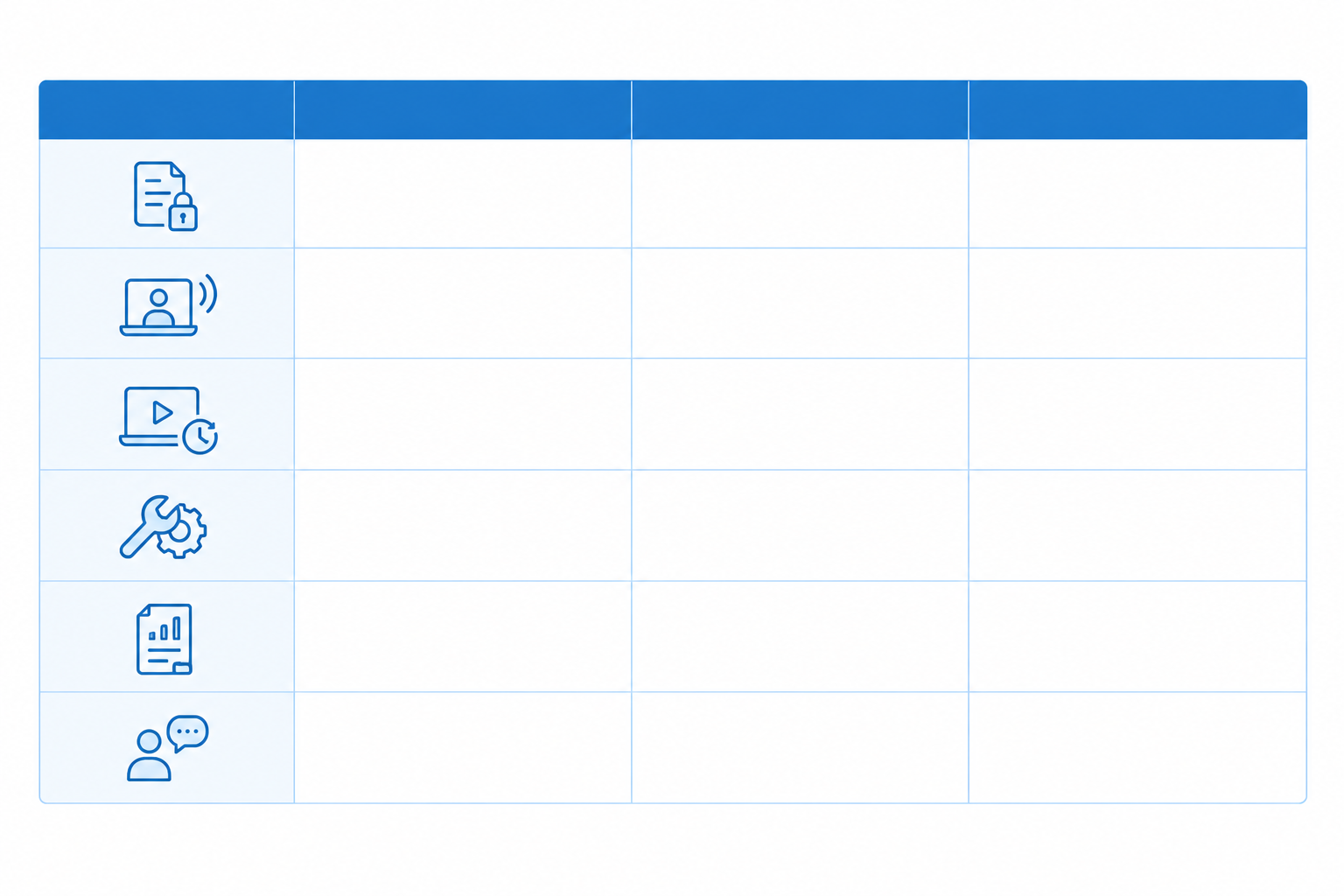
| Offer type | Typical audience stage | What it tells you about the competitor | How you might respond |
|---|---|---|---|
| Gated content (whitepapers, benchmark reports, original research) | Early to mid consideration | They're willing to trade value for contact details and are building a nurture pipeline. Original data suggests an authority play. | Offer a sharper, more specific angle, or make yours ungated to remove friction. |
| Webinars and events (live sessions, roundtables, conference invites) | Mid consideration | They invest in expert access and relationship-building, often for higher-ticket sales. | Pitch a niche topic they're ignoring, or a smaller roundtable format. |
| Demos and free trials | Late consideration, in-market | Direct-response push. A demo implies sales qualification; a trial implies a product-led route. | Check the friction (form length, required details) and make yours easier or more personalised. |
| Free tools, audits and calculators (ROI calculators, assessments, templates) | Early to mid | They're giving value upfront and collecting intent data in return. | Build something more specific to a role or industry. |
| Case studies and customer proof | Mid to late | Social-proof-led selling; they believe credibility is the main barrier. | Lead with named customers and concrete outcomes, ideally in your buyers' sector. |
| Thought leadership and founder-led posts boosted as ads | Early, awareness | They're building brand and mental availability among the buyers not yet in market. | Consider a distinct point of view rather than echoing the category consensus. |
Two things to keep in mind when reading this table. First, the offer alone doesn't prove where a competitor places it in their funnel. A webinar might be top-of-funnel for one company and a mid-funnel nurture step for another, so check the landing page to see whether it delivers what the ad promised.
Second, compare like with like. Put educational content next to educational content and demos next to demos. Record whether the ad asks for a low-commitment action or a sales conversation, and whether it uses a native form or sends people to an external page. LinkedIn has published its own comparisons of Lead Gen Forms and landing pages, but those are platform-reported and results depend heavily on your audience, offer and form design. Test it in your own account rather than assuming a rival's choice is right.
So, what offers work in B2B on LinkedIn? Honestly, it depends on your deal size and sales cycle. What you can do is read the signals. If a rival keeps running the same benchmark report ad for weeks, note it as a theme they're leaning on. If they've cycled through four demo offers in a month, they might be experimenting, or running a seasonal push. Either way, you get something to test against rather than a verdict.
Messaging themes to track in competitor LinkedIn ads
Offers tell you what competitors ask for. Messaging tells you why anyone should care. These are the themes I'd track on every ad:
- Core pain point. Which problem do they lead with: cost, speed, risk, compliance or complexity?
- Value proposition framing. Is it outcome-led ('cut reporting time by 40%'), feature-led or category-led ('the all-in-one platform for...')? Outcome-led usually feels more concrete, but it's also where rivals tend to start sounding the same.
- Proof style. Numbers, logos, named customers, awards or analyst mentions. Each says something different about what they think buyers doubt.
- Audience callouts. Job titles, industries and company sizes named directly in the copy. 'For finance directors at mid-market firms' is a very different bet from a broad pitch.
- Tone and voice. Formal, witty, challenger or technical.
- Competitive angles. Do they name alternatives, run comparison ads, or position against 'the old way' of doing things?
- CTA language. 'Book a demo', 'Get the report' and 'See how it works' signal very different levels of commitment.
A simple tagging system for LinkedIn ad benchmarks
Don't overcomplicate this. Give every ad one primary theme and one secondary theme, plus an offer tag and a format tag. After 20 or 30 ads, patterns will jump out. Maybe three of your five rivals lead with speed, or nobody is naming a job title.
Here's what a tagging decision looks like in practice. Say an ad's headline reads 'Cut month-end close by two days', the body mentions 'audit-ready reports' once, and the CTA is 'Download the checklist'. I'd tag the primary theme as speed, the secondary as compliance, the offer as gated checklist and the CTA as low commitment. The tie-breaker is simple: the primary theme is whatever sits in the headline or first line, because that's what a scroller actually reads.
A reusable competitor ad benchmark row
Copy this into a spreadsheet and fill in one row per ad. It's all you need to make the process repeatable.
| Competitor | Market | Date first seen | Format | Offer | Primary theme | Secondary theme | Proof style | CTA | Landing page link | Weeks seen | Notes |
|---|---|---|---|---|---|---|---|---|---|---|---|
| Example Co | UK | 3 March | Document ad | Gated checklist | Speed | Compliance | Named customer | Download the checklist | (paste link) | 4 | Same promise also seen as a single image |
How to spot messaging shifts over time
This is where reading across weeks pays off. Imagine a competitor that spent six weeks leading with 'save time on reporting', then slowly began adding phrases like 'audit-ready' and 'GDPR-compliant' to secondary lines, before finally flipping to compliance as the headline. Skimming the feed, each ad looks like a minor tweak. Logged week by week, it looks like a repositioning. Whether you track it by hand in a spreadsheet or with a tool that summarises week-over-week changes, the habit is the same: compare this week's headline and secondary lines with last month's.
LinkedIn ad formats: document ads, video and single image 🎬
Format choice isn't just aesthetics. It tells you how much explaining a competitor thinks their message needs. Again, compare like with like: separate document ads, video ads and single-image ads before comparing message, offer and funnel stage.

| Format | Best-suited offer | What to look for | What it might signal |
|---|---|---|---|
| Single image | Offers and proof points (a webinar, a stat, a case study) | Does the image concept, headline, primary text and CTA work together? How direct is the CTA? | A fast, concise baseline. Often used for testing messages cheaply. |
| Document ads | Guides, frameworks, checklists and gated reports | The first-slide hook, whether the asset is ungated or behind a Lead Gen Form, and whether the value is clear before anyone opens it | Content-led strategy. They want you to see their expertise, sometimes before you hand over details. |
| Video | Founder-led messages, product walkthroughs, testimonial clips | Opening seconds, captions, reliance on sound, length and CTA | A bigger production bet, or a push to explain something complex or build trust. |
| Other (text ads, conversation ads, event ads) | Quick prompts, direct conversations, event invitations | Presence at all; these are rarer in competitive sets | Often niche tests or event-driven pushes. |
LinkedIn has said document ads can drive strong engagement compared with other Sponsored Content formats, but that's a platform claim measured on its own terms, and format alone never establishes performance. The practical takeaway is simpler: a competitor running document ads is probably using them to show expertise, so check the opening pages as closely as the headline.
What to record when comparing LinkedIn ad formats
For each competitor, note:
- Their format mix (what proportion is image, document or video)
- Which format carries which offer (maybe reports always come as documents, while demos are always single images)
- Whether they're testing the same message in several formats
How to interpret competitor format testing
Three versions of one idea, say the same compliance promise as an image, a document and a video, suggest a message they're really pushing. A one-off format with a unique message is more likely an experiment. Both tell you about intent, which is exactly what you're after.
How to map competitor ads to your positioning
Now for the useful part. You've collected ads, tagged them and spotted patterns. Time to compare them with your own story.
- Write your own positioning in one line. Who you serve, the problem, the promise and the proof. If it takes a paragraph, it's not ready.
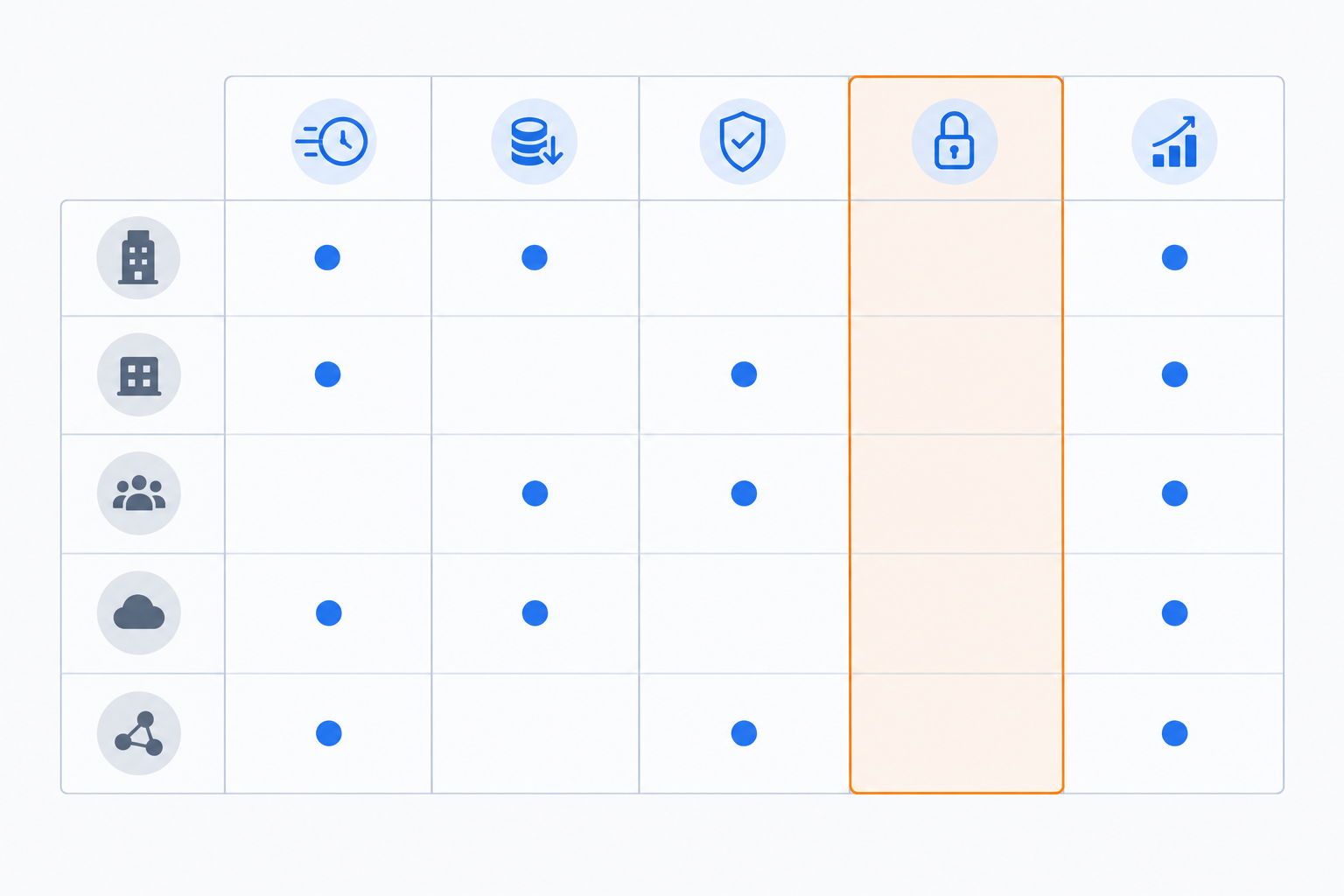
- Build a simple grid. Put competitors down one side and messaging themes, offers and formats across the top. A spreadsheet works perfectly.
- Mark where rivals cluster and where nobody is speaking. Crowded cells mean crowded messaging. Empty columns are your white space.
- Find where your claims overlap too closely with others. If you could swap your logo onto a competitor's ad and nobody would notice, you sound interchangeable.
- Choose 2-3 test hypotheses. Lead with a different pain point, say, or try a different offer, or use a format nobody else is using.
A quick hypothetical: finding a competitor messaging gap
Imagine a UK B2B SaaS startup selling workflow software to finance teams. After tagging 30 competitor ads, the grid shows that almost every rival leads with 'save time' and 'automate manual work'. Offers are mostly demos and a few ROI calculators. Nobody mentions compliance, audit trails or data security, even though the startup's buyers are in regulated sectors and its product is strong there.
That's a gap. Before the exercise, the startup's positioning was 'faster finance workflows', the same line every rival used. Afterwards, the sharper version is 'audit-ready finance workflows for regulated UK firms'. The hypotheses might be: (1) test a compliance-led hook against its current time-saving message, (2) offer a short UK-specific checklist as a document ad, and (3) use a customer testimonial video from a regulated firm. Three clear tests, each rooted in something the market isn't saying.
Remember that benchmarking informs tests. It isn't a licence to copy. If you mirror what rivals do, you end up in the crowded cell of the grid. Then validate your hypotheses with your own Campaign Manager data, because that's the only place real results live.
How often should you refresh a B2B LinkedIn ads benchmark?
There's no universal refresh rate. Some brands rotate creatives weekly, while others run the same ad for months. That variance is exactly why a one-off snapshot misleads.
Here's how I'd keep things current:
- Compare week over week. It's the sweet spot. You see what's new, what's stopped and what's still running, which is much more informative than a static list. Keep the earlier caveat in mind: longevity is a prompt for a hypothesis, not a scorecard.
- Set a light cadence. A weekly 15-minute review, a monthly theme refresh and a quarterly positioning check are enough for most teams.
- Automate where you can. Calendar reminders, a shared spreadsheet or a weekly email digest from a monitoring tool all work. The best system is the one nobody has to remember.
- Watch for trigger events. Product launches, funding rounds, rebrands, big conferences and sector events all shake up messaging. Budget timing can matter too, but be careful: the UK tax year ending on 5 April doesn't set every company's financial year or media-planning cycle. Where you can, check each competitor's known fiscal calendar (listed companies publish theirs) and the events that matter in their sector instead of assuming a shared rhythm.
If you're on a team, split the work. One person can own direct rivals while another tracks adjacent players, and everyone reviews the grid together monthly.
Turning LinkedIn ads benchmarking into action
The process boils down to six verbs: collect, tag, compare, hypothesise, test and refresh. None of it needs spend data. It needs attention and a bit of structure.
I'd also pair this qualitative view with your own numbers. Competitor LinkedIn ads show you what the market is hearing, and your Campaign Manager data shows you what your buyers respond to. You need both for the full picture.
You don't have to buy anything to start. This week, pick three competitors, pull their live ads and tag one primary theme for each. By Friday, you'll know something about your market you didn't on Monday. 🚀
Optional next step: if you'd rather not check manually, you can try tracking a few competitors with Rival Ads, with plans from $29/month. It covers Meta, Google, TikTok and LinkedIn ads from just a website URL.
FAQ: LinkedIn ads benchmarking and competitor ads
How do I see competitors' LinkedIn ads?
The simplest route is LinkedIn's Ad Library, where you can search by advertiser name and see their active ads. It works well for spot checks but gets tedious across several rivals. Pair it with each competitor's company page, record what you find in a spreadsheet, and consider an ad monitoring tool if you want the weekly checking automated.
Can I benchmark LinkedIn ads without performance data?
Yes, and for positioning decisions it's often more useful. Compare offers, messaging themes, proof points, formats and CTAs, then use signals like how long an ad has run and how many variations exist to see what competitors are emphasising. You won't know their results, and ads can run or stop for reasons unrelated to performance, so treat these signals as hypotheses to test with your own data.
What offers work in B2B on LinkedIn?
It depends on your deal size, audience and sales cycle. Gated research, webinars, demos, free tools and case studies are all common. Rather than guessing, look at which offers your competitors keep returning to, then test your own version with a distinct angle.
How often do B2B LinkedIn ads change?
It varies by company. Some brands refresh creative every week or two, while others leave an ad running for months. Checking weekly lets you see what's new, what's stopped and what's persisting, which tells you far more than a one-off snapshot.
How many competitors should I benchmark?
Start with three to five: a mix of direct rivals, an adjacent competitor and one brand your buyers also consider. That's enough to spot patterns without drowning in data.