Meta Ad Library Limitations: What It Doesn't Show You (and How to Fill the Gaps)
Explore Meta Ad Library limitations, from missing performance and ad history to Meta-only coverage, and find an alternative for tracking competitors across platforms.
Chris Edington
14 min read
The Meta Ad Library is a genuinely useful, free way to see what your competitors are running right now. But it's a snapshot, not a research system. The Meta Ad Library limitations matter if you need to track performance, spot week-over-week changes or monitor competitors beyond Meta. The library doesn't show performance, doesn't track changes over time and only covers Meta. It also gets slow and fiddly once you're watching more than a handful of brands.
If your job is to spot which angles are being scaled and which are being quietly killed, those gaps hurt. You can fill them with a disciplined manual process or with a dedicated ad monitoring tool. This post covers what the library can't do, why that matters for trend spotting, and how to work around it. 🔍
What the Meta Ad Library Does Well
Before we get into the limitations, let's be fair. The library is a great resource, and we use it ourselves at Rival Ads as the starting point for almost every piece of competitor research. Here's what it does well:
- It's free and public. You can search by advertiser name or keyword, and you don't need an ad account.
- It shows real ads. You get the actual creatives, copy and destination links for active ads across Facebook and Instagram.
- It's quick for spot checks. In a couple of minutes you can see how many ads a competitor has live and which formats they favour (video, static, carousel).
- It comes straight from the platform, so you're not relying on a third party's scraping.
It helps to remember why it exists. Meta built the library after 2018 as a transparency and accountability tool, not as a competitive research product. So this isn't about bashing it. It's about being clear on which research jobs it was never designed to do. Let's go through them.
Does the Meta Ad Library Show Ad Performance?
This is the question I hear most: does the Meta Ad Library show ad performance? For ordinary commercial ads, no. You'll see the advertiser, platforms, creative, copy, link and when the ad started running. You won't see spend, impressions, clicks, conversions, cost per acquisition or ROAS.
That's a big deal if you're hunting for winning ad angles, because the library can't tell you whether an ad is profitable. It's a window onto what's live, not a scoreboard.
Performance proxies you can use
Since you can't see results, most marketers lean on proxies:
- Run time: an ad that's been live for months may be earning its keep.
- Variation count: if a competitor has ten versions of the same concept with different hooks, they're clearly iterating on it.
- Concept repetition: the same angle appearing across formats (a UGC video, a static, a carousel) suggests commitment.
Why ad performance proxies can mislead
Every one of those signals has a catch. Longevity can mean an ad is working. It can also mean nobody remembered to turn it off, the budget is tiny, it serves a narrow audience, or the brand has deep pockets and doesn't care about efficiency.
Here's a composite example of how this goes wrong. A team spots a competitor's testimonial video that's been live for five months and decides testimonials are the winning angle. They rebuild their whole creative sprint around it. Weeks later they learn the ad was a low-budget retargeting asset that barely moved the needle. The competitor's real growth came from an offer-led angle that appeared and disappeared inside three weeks. The long-runner was visible. The short-lived one wasn't.
The UK and EU context
If you're UK-based, you may wonder whether regional transparency rules change things. For everyday commercial ads, mostly they don't. Spend and reach ranges are generally limited to ads about social issues, elections or politics, which Meta stores in the library for seven years. The EU's Digital Services Act also requires platforms to keep ads publicly accessible for a period (at least one year after an ad was last shown), but that isn't a performance record for typical commercial advertisers. Rules and retention details change, so check Meta's current documentation before building a process around them.
Reframe: look for commitment, not proof
The mindset shift that helps most is this: you're looking for signals of commitment, not proof of results. Treat what you see as hypotheses. Log the ad, form a view on the angle, then test your own version against your own objective and measurement window. Your account data is the only thing that tells you what a winner looks like for your economics.
No Week-Over-Week History: The Biggest Meta Ad Library Limitation
If I had to pick the single biggest limitation for anyone doing serious creative research, it's this one. The library shows you what's active now. It's a snapshot, not a timeline.
So, can you see ads that were stopped in the Meta Ad Library? For standard commercial ads, generally not. Inactive ads aren't surfaced in a way that lets you review them later, so killed tests effectively vanish from view. Meta's retention and visibility rules do shift, so verify the current behaviour, but don't plan your research around being able to dig up last quarter's paused ads.
Why stopped ads matter for ad library history
What a competitor stops is often as revealing as what they launch. A paused ad usually tells you an angle failed to earn budget. A test that appears on Monday and is gone by the following Friday is a different story from a concept that's been quietly getting more variations each week.
Without a baseline, you can't tell what's new this week, what's been paused or killed, or what's continuing and quietly scaling.
This is the core ad library history problem. The only way to have a history is to build one yourself, by remembering what you saw last time or by screenshotting everything.
A simple example of why ad history matters
Imagine a competitor has been running a discount-led angle ("20% off your first order") for two months. You check the library in week one, see it, and make a note. Then, sometime in week five, they swap it for a social-proof angle built around customer reviews. You check again in week seven and see the reviews creative. Did they replace the discount? Did they run both at once? When did the shift happen, and did it coincide with a price change or a new campaign? You'd never know. All you have is two disconnected snapshots.
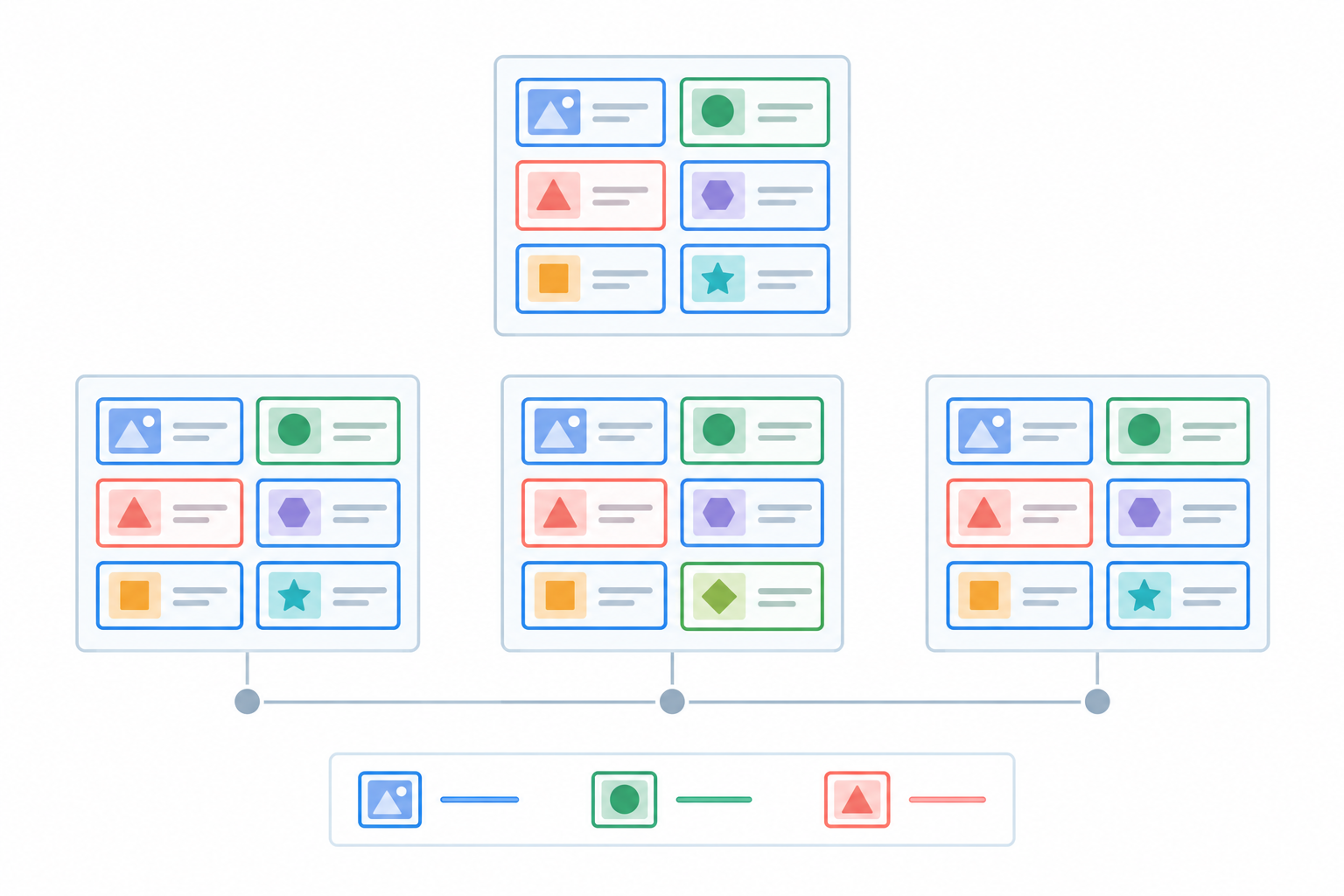
Week-over-week diffs exist to fill exactly this gap, and it's the one I'd fix first.
The Meta Ad Library Only Covers One Platform
The Meta Ad Library covers Meta. That sounds obvious, but it has real consequences. A competitor's Facebook and Instagram ads are only one slice of their paid media, and treating them as the whole picture can send you down the wrong path.
For context, US internet advertising revenue hit $258.6 billion in 2024, with search alone at $102.9 billion and social at $88.7 billion (according to IAB figures). Social is huge, but it isn't everything, and the search and video budgets are completely invisible in a Meta-only review.
How do I compare Meta ads with other platforms?
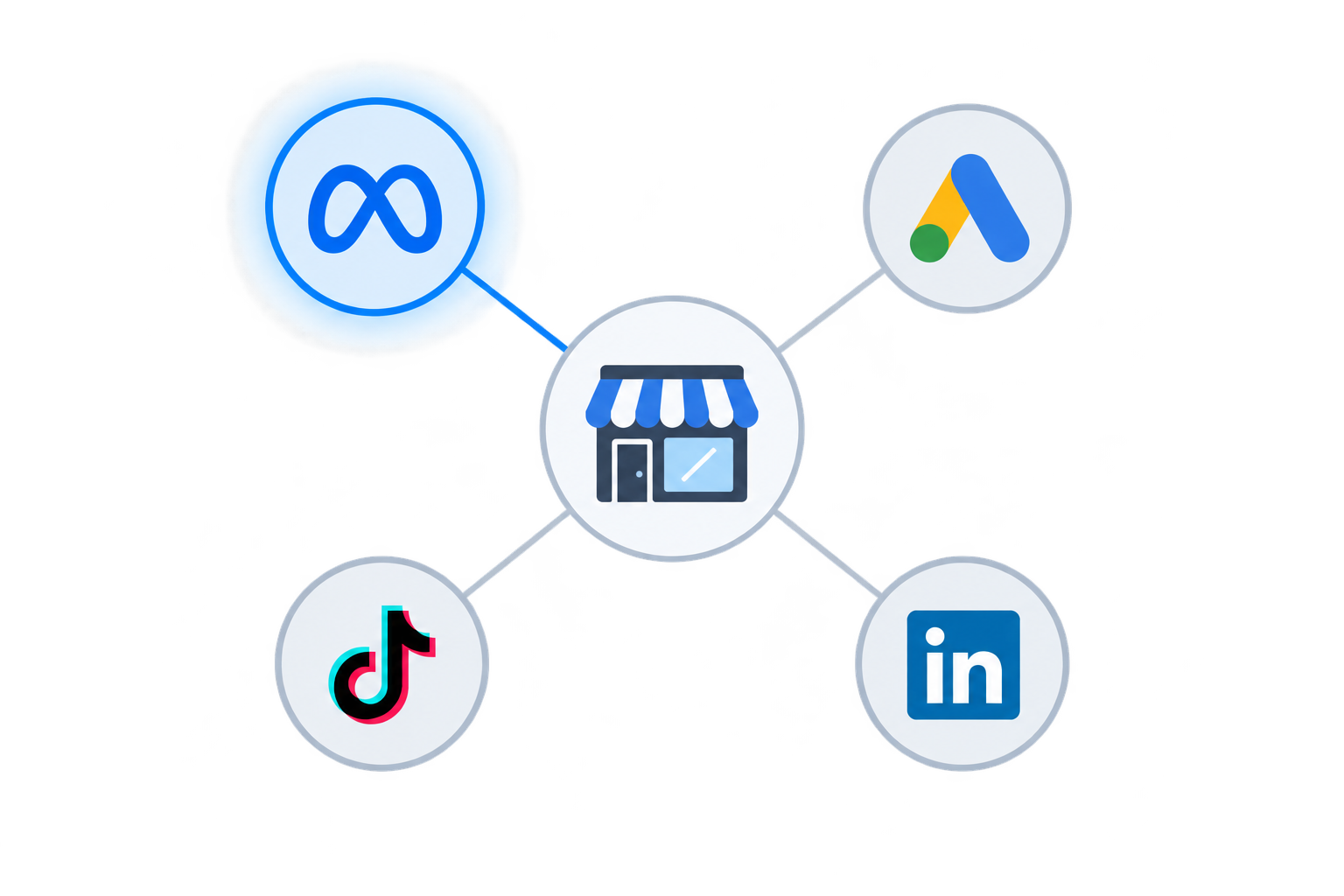
Another question that comes up a lot: how do I compare Meta with other platforms? The honest answer is that you check each platform's own library, separately:
- Google: the Ads Transparency Center lets you search verified advertisers and see ads across Search, YouTube and Display. It's helpful for recent commercial ads, with a longer archive for election ads.
- TikTok: the Creative Center's Top Ads is great for creative inspiration and trends, but it's curated, so it's not a complete record of a competitor's ads.
- LinkedIn: the public Ad Library lets you search ads appearing on LinkedIn, which is especially useful for B2B.
Each has different filters, formats, retention windows and export options. Side-by-side comparison is clunky, and you end up with four tabs, four sets of screenshots and four different ways of describing an ad.
Why cross-platform ad research matters
The same message is often adapted by channel. A LinkedIn ad might speak to B2B decision-makers with a case study, a TikTok ad might use a creator-style hook, and a Google ad might capture intent with a sharp, benefit-led headline. If the same core angle shows up across several of those, you're looking at a company-wide push. If it appears on just one platform, it's more likely a channel-specific test.
You can't tell those two situations apart from Meta data alone. Cross-platform comparison is where Google Ads tracking, TikTok ads and LinkedIn ads research starts paying off. One tip for UK teams: set country filters before comparing. Advertisers regularly run different creative, offers and landing pages in the UK versus the US, so record the market each time.
Manual Ad Monitoring at Scale: When Checking Gets Expensive
Manual checking is perfectly fine for one or two competitors. Ten or more across several platforms is a different story. Here's where the time goes:
- Finding the right advertiser page, especially when brands run multiple pages or regional variants
- Scrolling through duplicates, since the same ad often appears many times with minor changes
- Screenshotting and saving into a doc, folder or Notion database
- Writing up notes so the screenshot still means something next month
- Limited export and tagging, so insights stay in someone's head or a messy folder
- Collaboration friction, particularly for agencies sharing findings with clients
- Inconsistency, because different team members check at different times and miss changes
Here's a rough, illustrative estimate. Checking one competitor on one platform and logging it properly might take 20 to 30 minutes. Multiply that by eight competitors across four platforms and you're looking at a good chunk of a working week, every week. Many growth teams simply don't have that time, which is why manual research tends to quietly fade away. An automated tool does the same job in the background and leaves you to do the thinking. Your mileage will vary, but the scaling problem is real.
How to Fill the Meta Ad Library Gaps: A Practical Framework
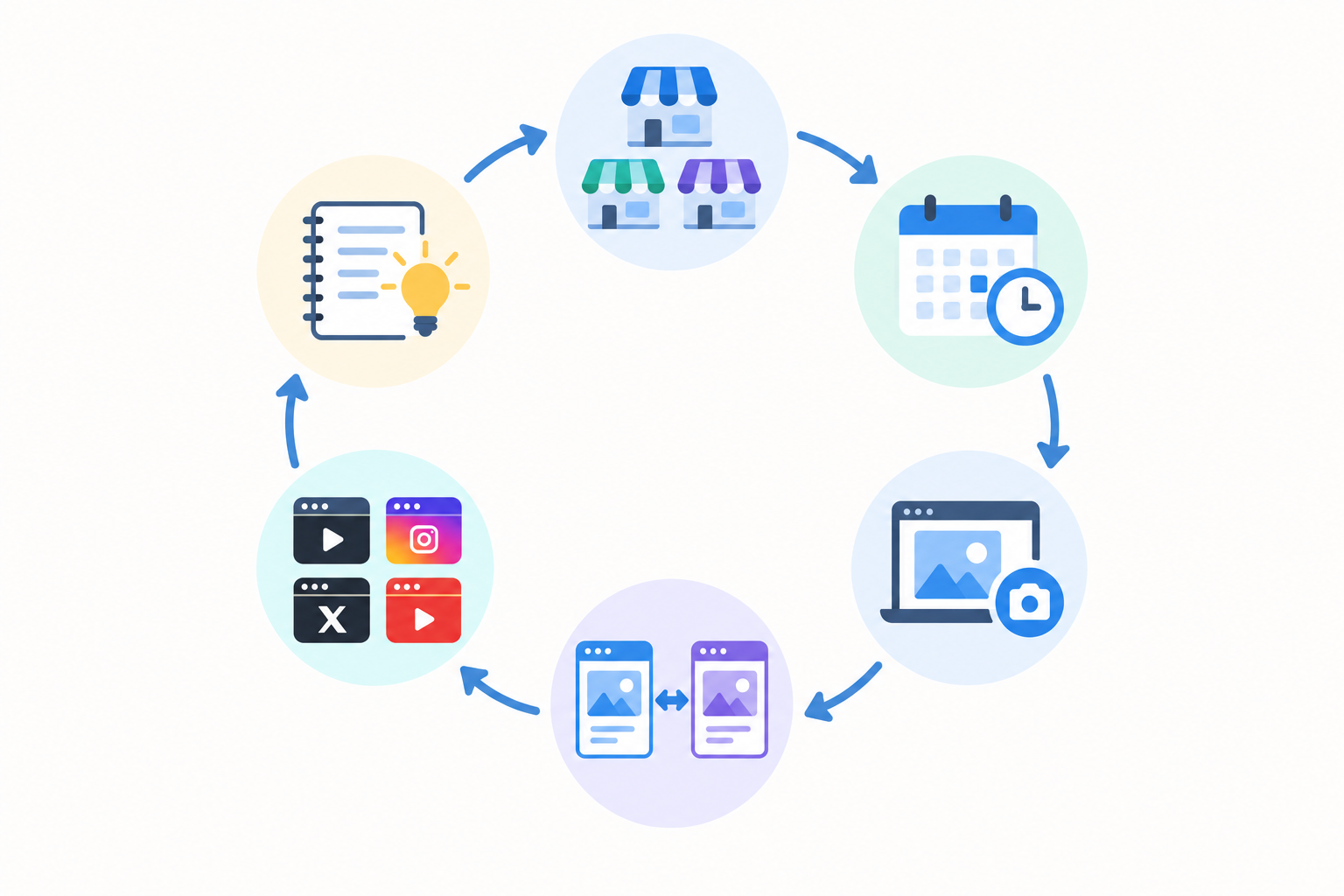
If you want to stick with free tools, you can build a decent research habit. Here's the process I'd follow:
- Pick a small, clear set of competitors and define what you're trying to learn. Three to five is plenty to start. Decide whether you care most about angles, offers, formats or landing pages.
- Set a fixed weekly review slot. Same day, same time, ideally 45 to 60 minutes. This is how you build your own ad library history.
- Capture each ad consistently. Use a simple spreadsheet or Notion template with columns for date checked, platform, market, format, hook, offer, landing page and the ad link.
- Compare week to week. Log what's new, what's gone and what's continuing. This is the step the library can't do for you.
- Check the other platform libraries on the same day. Run through Google, TikTok and LinkedIn so you get a genuine cross-channel view rather than a Meta-shaped one.
- Write a one-paragraph takeaway. What strategy does this imply, and what will you test yourself?
I'll be honest: this works, but it takes real discipline. It's also the process most teams abandon after a few weeks, usually the first time a busy sprint pushes the review slot off the calendar. If you go this route, keep the template as simple as you can. The easier it is to fill in, the longer it survives.
Meta Ad Library Alternatives: Comparing Your Options
If you're searching for a Meta Ad Library alternative, it helps to be clear about what you need. There are really four routes: native libraries only, manual tracking, general ad spy tools, and a dedicated competitive intelligence platform. Each has trade-offs.
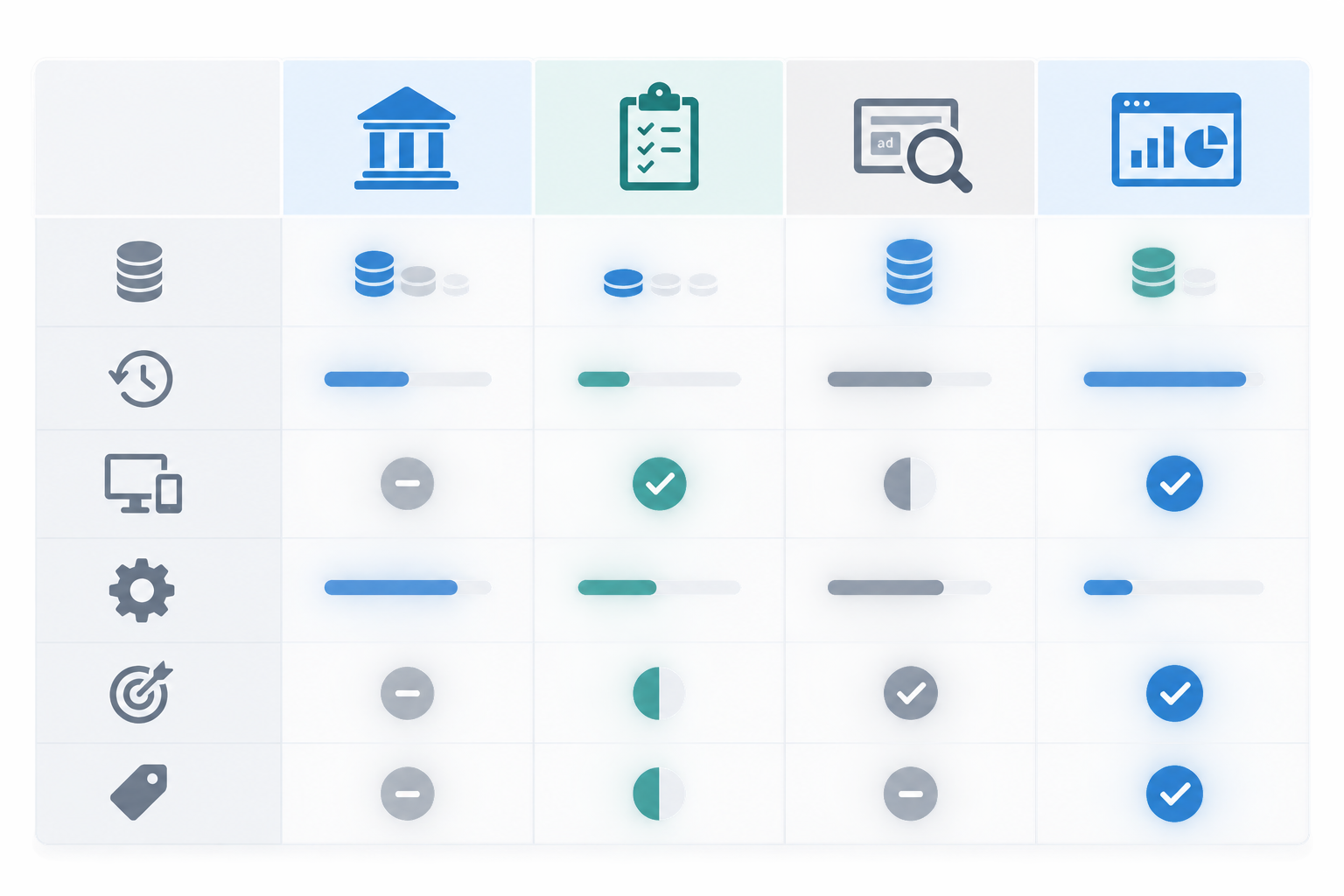
| Native libraries | Manual tracking | General ad spy tools | Dedicated platform (e.g. Rival Ads) | |
|---|---|---|---|---|
| Cost | Free | Free (your time) | Varies by tool | From $29/month |
| Change history | None for commercial ads | Only what you record | Varies, often partial | Weekly diffs built in |
| Cross-platform | One platform per library | Manual, platform by platform | Varies | Meta, Google, TikTok, LinkedIn |
| Setup effort | Low | Medium, ongoing | Low to medium | Low |
| Strategic analysis | None | You write it | Usually limited | AI-generated analysis |
| Team collaboration | Minimal | Shared docs | Varies | Roles, competitor assignment |
| Whitelabel for agencies | No | No | Rare | Yes |
Being fair about the trade-offs
Native libraries are free and authoritative, and you should keep using them to confirm anything important. General ad spy tools vary a lot in data quality and sourcing. Some offer broad coverage or estimated delivery data, but estimates aren't advertiser-reported results, so check each provider's methodology before leaning on any spend or performance figures. Whichever route you choose, treat third-party data as directional and verify key findings against the platform's own library.
Where Rival Ads fits
Rival Ads is built for the gaps we've covered. You give it a competitor's website, and it detects their presence across Meta, Google, TikTok and LinkedIn, then fetches every active ad weekly, with real creatives, exact copy and links. You don't need to connect an ad account.
The part I think matters most for trend spotting is the week-over-week diff: what's new, what's been stopped, and what's continuing to scale. On top of that, an AI-generated strategic analysis (powered by Claude) reads those changes the way a senior media buyer would, so you get a view on the implied strategy instead of a pile of screenshots. Results land in your dashboard and in a weekly email digest.
One honest caveat: like the libraries, Rival Ads shows you observed creative activity, not private spend or conversions. It's built for ad intelligence and creative tracking, not for telling you what your competitor's ROAS is.
Pricing starts at $29/month, with tiers based on the number of competitors you monitor. It's priced in USD, so UK readers should factor in the exchange rate and VAT when budgeting.
When Does a Dedicated Meta Ad Library Alternative Make Sense?
Not everyone needs one. Here's how I'd think about it.
A dedicated tool probably makes sense if:
- You track five or more competitors
- You work across multiple platforms, not just Meta
- You report to clients or stakeholders and need something shareable
- You're an agency that wants a whitelabel competitive intelligence offering to resell as your own product
- Your team needs roles and competitor assignment so research isn't siloed in one person's browser tabs
It's probably overkill if you're a solo founder tracking one or two rivals on Meta only. The free library plus a weekly routine may be all you need.
A low-risk way to decide
Run the manual framework above for two to four weeks. Track how long each review takes, and how many changes you suspect you missed between checks. If it's eating hours or you keep losing the thread, that's your answer. If it's fast and manageable, stay free and keep going.
And if you'd like to see what automation looks like, here's a gentle suggestion: pop a competitor's website into Rival Ads and see what it picks up. It's a quick way to compare the output against your own notes. 🙂
FAQ: Meta Ad Library Limitations and Alternatives
Does the Meta Ad Library show ad performance?
Not for standard commercial ads. You can see creatives, copy, links, start dates and platforms, but not spend, clicks, conversions or ROAS. Run time and the number of variations are useful proxies for how committed a competitor is to an angle, but they aren't proof it's working.
Can I see ads that were stopped in the Meta Ad Library?
Generally, the library focuses on active ads, so paused or ended commercial ads are hard to review after the fact. That's why a weekly record of what's live is so useful: by comparing against previous weeks, you can see what was stopped.
Is there a Meta Ad Library alternative?
Yes. Options include manual tracking with a spreadsheet, general ad spy tools, and dedicated competitive intelligence platforms like Rival Ads that archive ads weekly, show what's new or stopped, and cover Google, TikTok and LinkedIn as well as Meta. The right choice depends on how many competitors and platforms you monitor.
How do I compare Meta ads with other platforms?
You can check each platform's own library (Google Ads Transparency Center, TikTok's ad library and LinkedIn's ad library) and compare manually, or use a tool that pulls them into one view. Compare the same dimensions each time: hook, offer, format and landing page.
How often should I check competitor ads?
Weekly is a sensible rhythm for most teams. It's frequent enough to catch new tests and stopped ads, and not so frequent that it becomes noise.