How to Monitor Competitor LinkedIn Ads and Catch B2B Messaging Shifts Early
Learn how to monitor competitor LinkedIn ads with the LinkedIn Ad Library, read B2B messaging shifts and use weekly diffs to spot repositioning early.
Chris Edington
14 min read

Yes, you can see your competitors' LinkedIn ads, and you don't need access to their account to do it. The LinkedIn Ad Library shows ads for any advertiser that runs them. To monitor competitor LinkedIn ads effectively, though, you need more than a snapshot. The library won't tell you what changed since last week, and that change is where the useful intelligence sits.
To catch messaging shifts early, you need a consistent record of each competitor's ads and a regular comparison of what's new, what's stopped and what's still running. Below is how I'd set up that process, starting with the manual basics and ending with a routine that doesn't eat your week. Full disclosure: we build Rival Ads, an ad intelligence tool that automates parts of this, so I'll flag where it fits and keep the rest tool-agnostic.
How to Monitor Competitor LinkedIn Ads in the LinkedIn Ad Library
The LinkedIn Ad Library is public. You can search by advertiser name or keyword, then narrow results with filters like country and date range. For each ad you can typically see the creative, the copy, the advertiser and the destination. You don't need your rival's login or an ad account of your own to start looking.
What you won't get matters just as much:
- Spend. The library doesn't show a competitor's budget.
- Performance. There are no conversions, no lead quality and no return on ad spend. A visible ad tells you a message is being run, not that it works.
- Full targeting. Targeting detail varies by ad and jurisdiction. Ads shown to EU audiences can include extra transparency information, such as targeting criteria and impression ranges. Treat that as directional context, not exact spend or results.
If you're a UK-focused team, use the country filter. A competitor might run one message to UK buyers and a completely different one in the US or DACH, and you want to compare like with like.
Time is the bigger limitation. A manual lookup is a photograph of one moment. Nothing tells you what you saw last month or which ads quietly disappeared. The real value in competitive ad research is change over time, not a single look.
How to Check Competitor LinkedIn Ads Manually
If you want to try it by hand first (and I'd encourage it, because you'll learn what to look for), the basic process goes like this:
- Open the LinkedIn Ad Library and search the competitor's company name.
- Set the country filter to the United Kingdom, then repeat for any other markets you care about.
- Search category phrases too, such as 'sales automation' or 'cloud security', to catch adjacent players.
- Check the competitor's LinkedIn company page for its Ads tab as a cross-reference.
- Save the creative, copy, format, call to action, destination URL and the date you saw it.
A few things trip people up. Parent brands and subsidiaries often advertise under different page names, so searching only the obvious one misses ads. Regional pages can run their own campaigns. Oddly formatted advertiser names can return nothing, which looks like silence but isn't. And ads rotate out before you check, so an irregular review will miss short campaigns completely.
Manual vs Spreadsheet vs Automated LinkedIn Ad Monitoring
Here's how the three approaches compare in practice:
| Manual Ad Library checks | Spreadsheet tracking | Automated ad monitoring | |
|---|---|---|---|
| Time cost | Low per check, but repeats forever | High: copy, paste, screenshot | Low after setup |
| Completeness | Whatever you remember to search | Only what you manually log | Depends on the tool and what the platform libraries expose |
| Historical archive | None | Patchy, depends on discipline | Built up automatically from the first capture |
| Change detection | Your memory | Eyeballing rows | Week-over-week comparison of new, stopped and still-running ads |
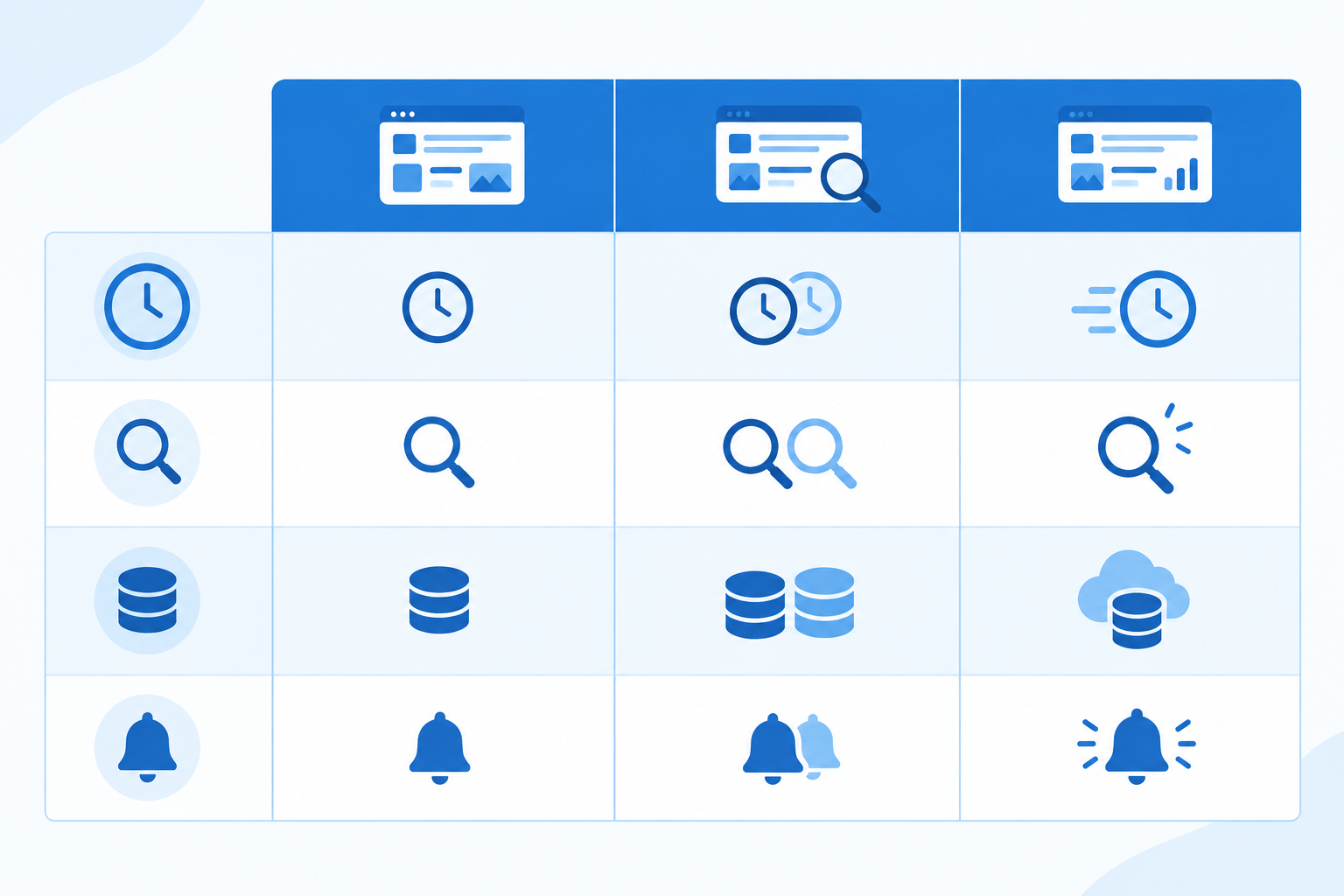
Manual checking works well for a short competitor list and qualitative review. Once you're tracking more than a handful of rivals, or you want to be told when something changes, automation starts to earn its keep. As described on the Rival Ads site, you add a competitor's website and the tool looks for their presence across LinkedIn, Meta, Google and TikTok, then captures the ads it can find each week. No tool can promise a perfect record, so spot-check it against the Ad Library for your most important rivals.
Seeing channels side by side has a bonus, too. B2B messaging rarely stays in one place. When a LinkedIn theme also shows up in Meta or Google ads, it's more likely to be a company-wide push than a one-off test. That cross-channel view is a big part of what people mean by B2B ad intelligence: turning scattered ads into a picture of strategy.
How to Read LinkedIn Ads for ICP and Audience Signals
I'll be upfront. LinkedIn's Ad Library doesn't hand you exact targeting for most ads, so you infer the ideal customer profile (ICP) from the creative. That's doable, but every clue below is a hint rather than proof. This is what I look at.
In the copy:
- Job titles named directly. 'For heads of finance' is about as clear as it gets.
- Company-size cues. 'Teams of 10 to 50' reads very differently from 'global enterprises'.
- Industry vocabulary. Terms like 'clinical', 'fintech' or 'public sector' narrow the field fast.
- Pain points. Admin burden may suggest an operator, whereas risk and board reporting may suggest a senior buyer.
- Compliance or procurement language. Phrases about security reviews, audits or vendor consolidation can point to larger, more cautious buyers.
In the visuals, stock-style team imagery often suggests a broad audience, and product UI screenshots often speak to practitioners. Data-heavy charts may be aimed at managers who need a number to take to someone else. But a screenshot can just as easily be the only asset a small team had to hand, so don't lean on visuals alone.
On the landing page, check where the ad sends people, whether the content is gated and what the form asks for. A form requesting company size and role may be qualifying leads, while a single email field may be after volume. Either could also simply reflect what the sales team asked for.
My rule of thumb: don't assign a persona from one ad. Look across several ads and their landing pages, and only then write down a hypothesis.
A Quick Example of LinkedIn Ad Audience Signals
Imagine a competitor whose ads have said 'Save your team time' for months. Then new variants appear saying 'Meet SOC 2 requirements faster', and the landing page now mentions security questionnaires. The product's speed hasn't changed in that copy. What's changed is the buyer, so this may be a company moving upmarket toward IT, security and procurement stakeholders. If more ads and pages follow the same pattern, you've spotted a positioning move well before any press release.
Tip: tag each ad with a hypothesised persona, then revisit it as more weeks of data arrive. Some guesses will be wrong, and that's fine. Updating them is the point.
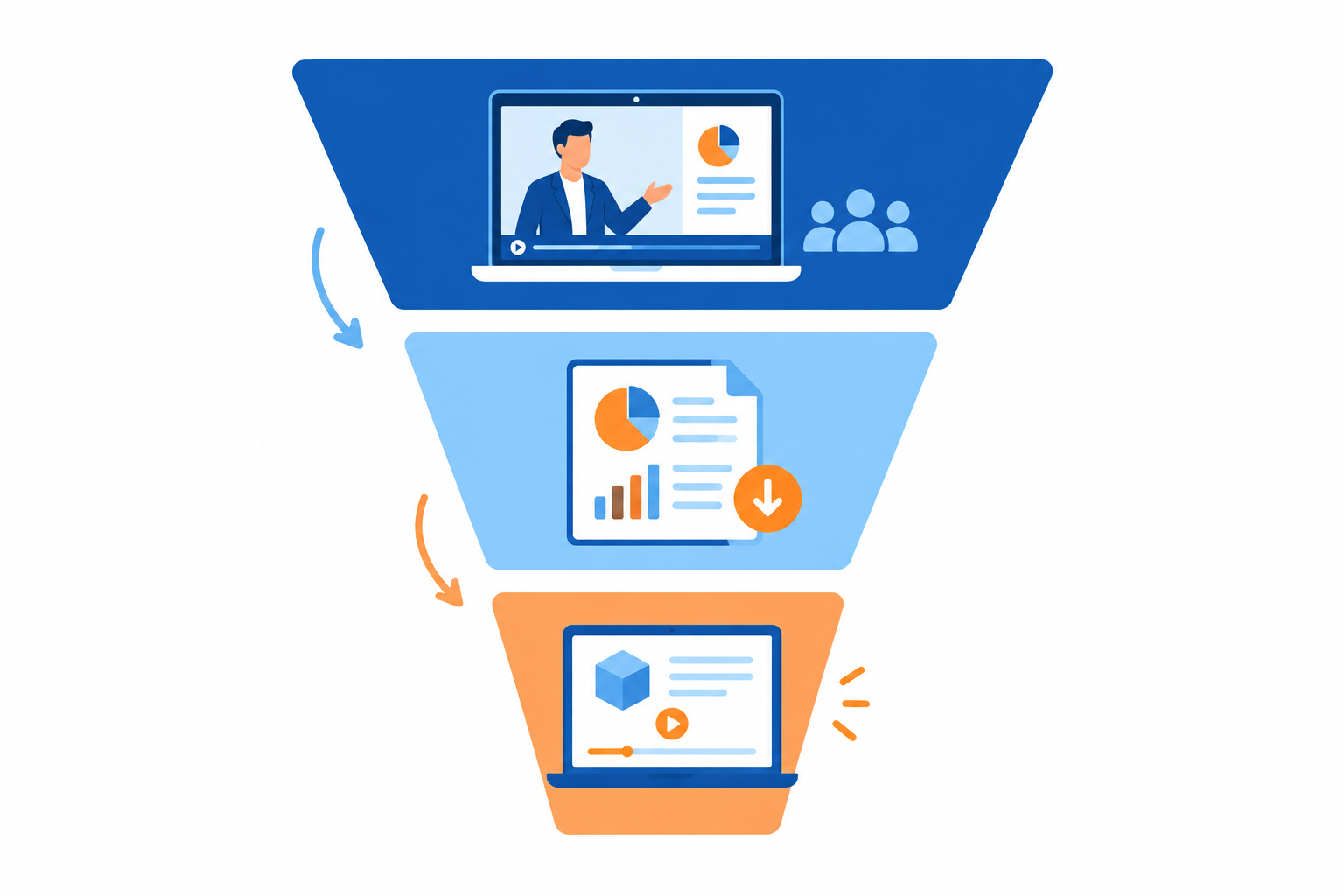
What LinkedIn Ad Offers Can Signal: Demos, Reports and Webinars
The offer is one of the clearest windows into a competitor's go-to-market thinking. LinkedIn's B2B Institute popularised the '95-5 rule': at any moment, roughly 95% of business buyers are out of market and 5% are in market. It's a strategic model from LinkedIn's research arm, not something you can measure in the Ad Library, so read the B2B Institute's own material for the detail. Still, it's a handy reminder that a competitor's mix of offers hints at whether they're chasing today's buyers or tomorrow's.
| Offer type | What it may signal | What to watch for next |
|---|---|---|
| Demo or consultation | A sales-led, product-evaluation focus | Is the CTA getting more specific (product, industry, use case)? |
| Report or benchmark | Demand capture or research-led category framing | Does a follow-up demo or webinar ad appear for the same topic? |
| Webinar | Education and event-driven pipeline | Does the theme recur beyond a single date? |
| Free trial | A product-led motion with lower friction | Are demo ads reduced or removed? |
The same offer can serve different goals depending on audience, campaign objective and what sales does with the lead. Treat the table as a set of starting hypotheses.
Where LinkedIn Lead Gen Ads Fit
LinkedIn Lead Gen Forms collect leads inside LinkedIn and can prefill fields from a member's profile. LinkedIn has promoted them as converting better than sending people off-platform. That's a vendor claim rather than an independent benchmark, so check LinkedIn's own page for the current wording and don't assume it applies to every campaign.
When a competitor uses native forms, it might mean they want low friction and volume. It might equally mean they're testing a new offer quickly, or that their landing pages are slow to update. An external landing page might signal deeper qualification, or simply a better-resourced web team. Whichever you see, note the offer, the CTA and the fields requested, and look for the pattern across several campaigns.
What Offer Changes Might Signal
The interesting moments are the swaps:
- A gated report replaced by a free trial may point toward a more product-led approach.
- Webinars giving way to demos may mean a shorter path to a sales conversation.
- Demos giving way to reports could suggest a push on awareness.
These are hypotheses to test against repeated ads and destination pages, not conclusions. Also watch for seasonality. UK event calendars, conference seasons, summer slowdowns and year-end budget cycles can explain a change with no strategic shift behind it.
How Weekly Ad Diffs Reveal B2B Repositioning Early
A single ad rarely signals repositioning. A pattern of changes across several weeks usually does, which is why a week-over-week comparison (a 'diff') is so useful. Each week you sort ads into three buckets: new, stopped and still running.
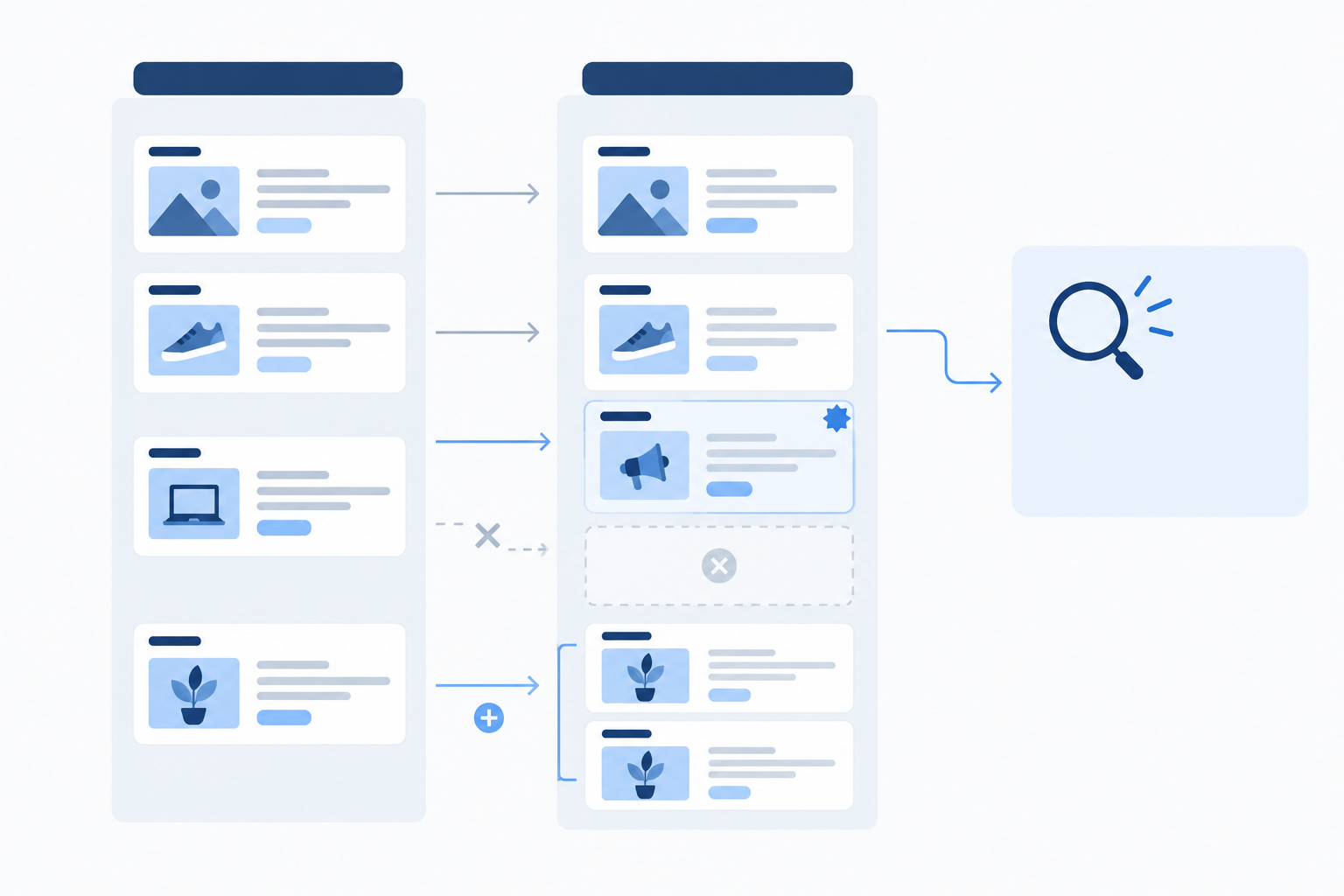
A quick note on that last bucket: 'still running' only means an ad remained visible. Without spend or delivery data, you can't say it's scaling or winning.
The routine I use has five steps:
- Look at new ads and find the recurring theme. Read the headlines and hooks together. If three of five new ads open with the same idea, that's a theme.
- Look at stopped ads and ask what message the competitor moved away from. Retired messaging is often as revealing as new messaging, though an ad can also stop because a campaign simply ended.
- Look at ads that keep running. Duration is a weak clue. A long-running ad may be an evergreen asset, a low-maintenance campaign or a well-performing one, and you can't tell which from the library alone. Use it as a prompt to look closer, not as proof.
- Check for vocabulary shifts. 'Platform' becoming 'AI-powered', or 'tool' becoming 'solution', can mark a change in how they want to be categorised.
- Cross-check elsewhere. Compare against their website, pricing page and Meta or Google ads. If the shift appears in several places, it's much more likely to be real.
This comparison is the part tools can take off your plate. Rival Ads, for example, compares each week's captured ads and offers AI-generated analysis of the changes. I treat that as a starting point for my own judgement, not a replacement for it.
What a Competitor Positioning Shift Might Look Like Over Time
Let me walk through an illustrative scenario. It's a composite, not a real case study. A competitor's LinkedIn ads spend weeks talking about 'simple reporting for marketing teams'. In week one, a few new ads mention 'board-ready insights'. In week three, the old ads stop and a case study featuring a larger company appears. By week five, the landing page copy has shifted to 'enterprise analytics'. A month or so later, they announce an enterprise tier. A team reviewing weekly would have had several weeks to adjust its own messaging and brief sales. A team checking quarterly would probably have heard about it from a prospect. Not a fun way to find out. 😬
What Do B2B Ad Changes Signal?
This is the question I get most, so here's a practical decoder. Every item is a hypothesis, not a verdict.
- New vertical-specific ads: they may be testing or entering a new segment. Watch whether dedicated landing pages follow.
- Price or ROI language appearing: they may be facing pressure on value, or simply sharpening their pitch.
- Customer logos and case studies: they're pushing credibility, possibly after a funding round or because trust is a weak spot.
- Feature-led copy turning outcome-led: their positioning may be maturing, or they may be aiming at executives who care about results over functionality.
- A sudden pause of all ads: this could mean a budget freeze, a rebrand or a campaign refresh. Check again the following week before drawing conclusions.
The discipline here is patience. One signal is a curiosity. Two or three pointing the same way over several weeks is a story worth acting on.
How to Document Competitor LinkedIn Ad Changes
LinkedIn ads vanish when campaigns end, and memory is not a competitive intelligence strategy. If you didn't capture it, you can't prove it was ever there or compare it to what comes next.
For each ad, record the creative and exact copy, the CTA and destination link, the first-seen and last-seen dates, and your hypothesised persona and the offer type.
A lightweight change log keeps the analysis honest. Copy this structure into whatever tool your team already uses:
| Date | Competitor | Change observed | Likely meaning | Recommended response |
|---|---|---|---|---|
| 12 May | Rival A | New ads name 'IT security leads', SOC 2 in headline | Possibly moving upmarket | Update enterprise battlecard if pattern continues |
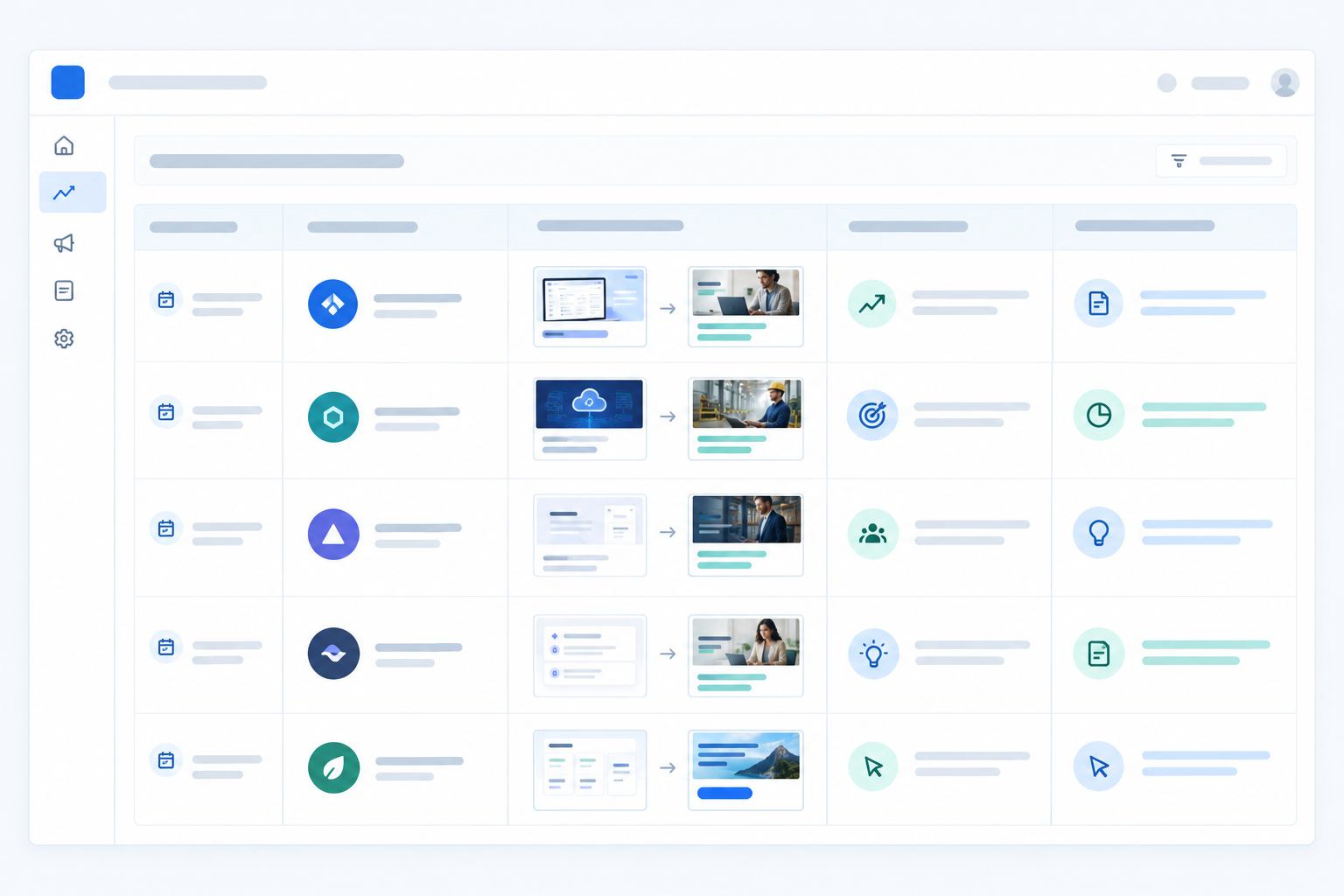
If you use an automated archive, you can skip most of the screenshot habit. I'd still log your interpretation by hand, because that's the bit that's valuable. Then share it. A short monthly positioning summary for sales and product marketing works well, alongside timely battlecard updates when something significant moves.
How to Set Up Weekly Competitor Ad Alerts and Monitoring
How often should you check? Weekly is the sweet spot for most B2B teams. Daily is noisy, because you'll see tests and rotations that mean nothing. Monthly can miss the early signal, which is the whole point.
Here's a routine you can actually keep up, and a good way to start this week:
- Pick three to five direct rivals. Add adjacent players later.
- Write down your own current messaging so you have a baseline to compare against.
- Find their LinkedIn ads, filtered to the UK, and log the offers, personas and key phrases you see.
- Set a fixed 20-minute weekly review slot, same time every week. If you use a tool, a weekly email digest can prompt you.
- Assign an owner per competitor and agree who flags what to sales and product, so nobody assumes someone else is watching.
- Decide your response triggers, such as a new vertical, a new offer or a new claim, and review monthly for patterns.
Do that for four weeks and you'll start seeing patterns you would never have spotted in a one-off look.
If you'd rather skip the copy-and-paste, Rival Ads is built for this: add a competitor's website and it tracks their ads across platforms. At the time of writing, plans are listed from $29/month, scaling with the number of competitors, and agencies can ask about whitelabel options. Check the site for current coverage, limits and pricing before you commit.
Frequently Asked Questions About Monitoring Competitor LinkedIn Ads
Can I See Competitors' LinkedIn Ads Without a LinkedIn Ads Account?
Yes. The LinkedIn Ad Library is publicly searchable, so you can look up an advertiser and see their ads. A monitoring tool can archive them regularly, so you keep a history after the ads stop running.
Can I See How Much a Competitor Spends on LinkedIn Ads?
Not from the Ad Library, which doesn't show spend or performance. Things like how long an ad stays live or how many variations exist are weak clues about activity, not reliable measures of budget or success, so treat them cautiously.
How Often Should I Check Competitor LinkedIn Ads?
Weekly works best for most B2B teams. It's frequent enough to catch early messaging shifts and infrequent enough to filter out the day-to-day noise from testing.
Is Monitoring Competitor Ads Legal in the UK?
This is general information, not legal advice. Looking at ads that a platform publishes in its public ad library is a common research practice, but what's acceptable depends on the platform's terms, how you collect the data and what you do with it afterwards. Don't access private accounts, and don't copy a competitor's creative or copy for your own use, as that can raise copyright and passing-off issues. If you're planning bulk collection or something unusual, check the current platform terms and speak to a qualified legal adviser.
Can I Monitor Meta, Google and TikTok Ads Alongside LinkedIn?
Yes. You can check each platform's public ad library manually, or use a tool such as Rival Ads that looks for a competitor's presence across Meta, Google Ads, TikTok and LinkedIn from one website. Seeing them together helps you tell whether a messaging shift is LinkedIn-only or part of a wider strategy.