How to Run a Competitor Ad Audit in 60 Minutes (Free Template)
Run a competitor ad audit in 60 minutes with a free worksheet template. Review rival ads, creative, copy and offers, then turn findings into action.
Chris Edington
16 min read
How to Run a Competitor Ad Audit in 60 Minutes (Free Worksheet Template)
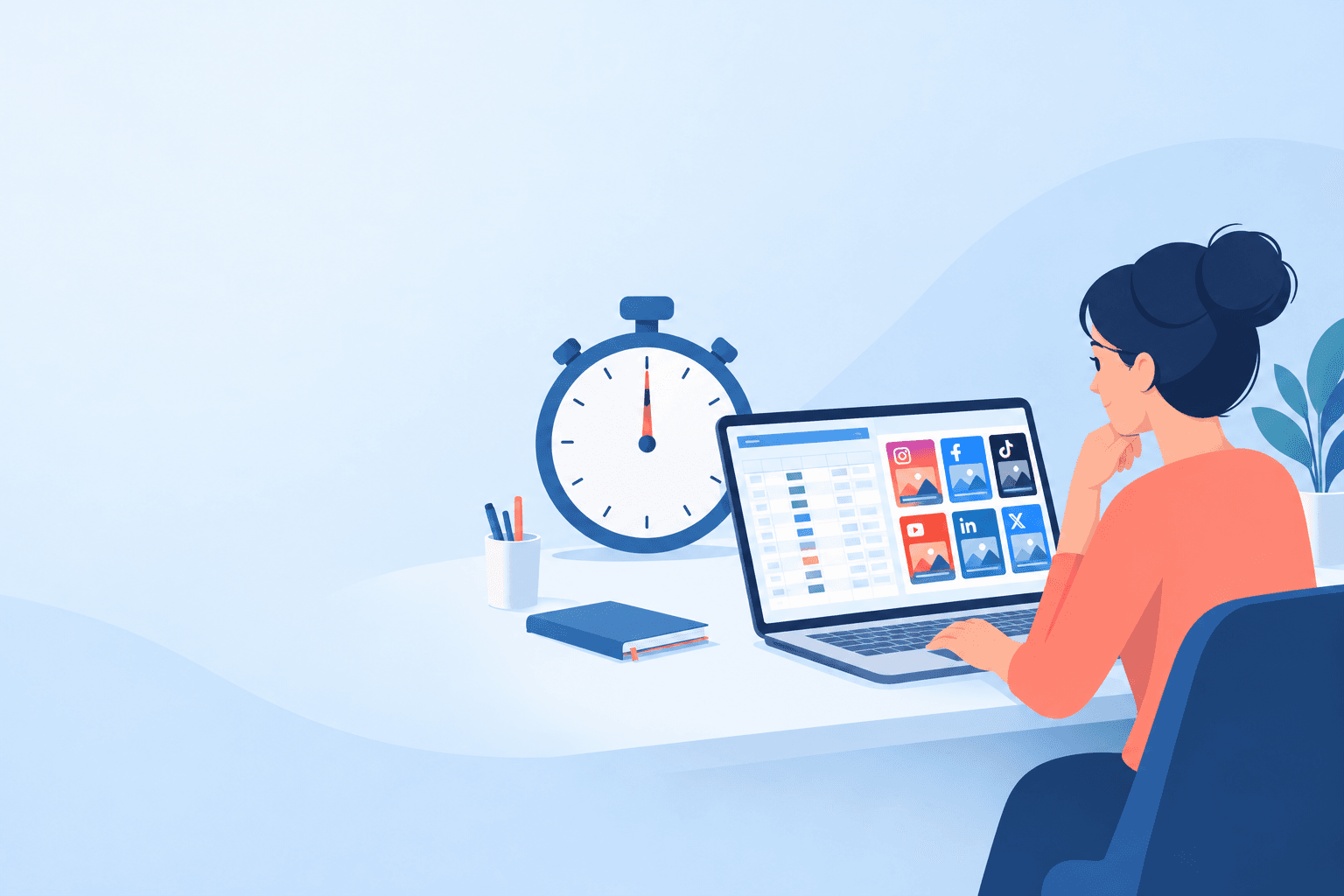
A competitor ad audit is a structured review of the ads your rivals are running: platforms, creative, messaging, offers and landing pages. You can do a useful first pass in 60 minutes if you treat it as a sample-based scan. Pick two competitors, one priority platform (a second only if time allows), and a small fixed number of representative ads. Then split the hour into three blocks: find the ads (15 minutes), log them in a worksheet (25 minutes), and summarise the patterns (20 minutes).
Below, I'll walk through each block and give you a copy-ready worksheet header row to paste straight into Google Sheets or Notion. I'll also show how to turn what you saw into a recommendation without overclaiming. I've written this with UK teams in mind, so you'll spot a few market-specific tips along the way. And I'll be upfront about the catch: once you've done an audit by hand, you'll see why ongoing monitoring beats repeating the work every quarter. ⏱️
One limitation to keep in mind throughout: public ad libraries show what is visible, not what it costs or how it performs. Coverage is incomplete, so an empty result is inconclusive, and anything you infer from a snapshot is a hypothesis, not a fact. I'll refer back to this rather than repeat it.
What a Competitor Ad Audit Should Answer (Before You Open a Single Tab)
Most audits fail because people collect screenshots without a question to answer. You end up with a folder of 80 images, a vague feeling that the competitor 'does a lot of video', and nothing to act on.
A good audit answers four questions:
- Where are they advertising? Which platforms, and roughly how heavily?
- What are they saying? The hooks, headlines and themes that repeat.
- What are they offering? Discounts, trials, demos, lead magnets, bundles.
- What appears to be continuing? Which ads have been visible for a while, and which look like new tests?
It also helps to be clear about what an audit is. It's a snapshot, a single photograph of what's visible today. Ongoing ad monitoring is more like a moving picture, showing what appeared, what disappeared and what kept showing up. Both are useful, but they answer different questions, and I'll come back to that at the end.
Set a realistic scope for your competitor ad audit
Here's the maths that keeps this honest. In 60 minutes, my default scope is two competitors, one primary platform, and about six representative ads per competitor. If you have time left in the discovery block, add a second platform. That gives you a solid directional view, not a perfect dataset, and directional is what most marketing decisions need.
Want the fuller version? Two or three competitors across several platforms, with 10-15 ads each, realistically takes two to three hours. Do the 60-minute pass first, then widen it if the findings justify the time.
Quick competitor ad audit prep checklist
- Pick two competitors. Start with your closest direct rival and one market leader or fast-growing challenger you look up to. A third is a stretch goal for a second session.
- Pick one primary platform. Choose where your audience and your competitors seem most active. Your own analytics and the links on the competitor's website are better guides than generic usage statistics. For many UK consumer brands that will be Meta, and for B2B it may be LinkedIn.
- Open the worksheet. Paste the header row from the template section below into a fresh sheet.
- Set a timer. The timebox is what stops this turning into a four-hour rabbit hole.
- Decide what the audit informs. A new campaign brief? A positioning refresh? Next quarter's testing plan? Write it at the top of the sheet.
Minutes 1-15: Identify Competitor Ad Platforms and Find Ads
The first block is about discovery, not analysis. Resist the urge to start judging creative. You're working out where the ads live and recording how you found them.
Here's how I'd run it:
- Start with the competitor's website and social links (2-3 minutes). Check which channels they link to, whether they have a LinkedIn presence aimed at businesses, and whether they're posting TikTok content. That gives you a shortlist, so you don't have to search every network equally.
- Search your primary platform's library first. For most teams that's the Meta Ad Library, which is free and searchable by advertiser name. It shows ads that are currently visible, so think of it as a view of 'visible right now'.
- Filter by country. UK teams, set the market to the United Kingdom wherever the library lets you. Otherwise you'll mix in US campaigns and end up reacting to offers your customers will never see.
- Record a baseline count. Note the number of visible ads per platform, even if it's rough. 'About 40 on Meta, 6 on Google, none found on LinkedIn' is already more than most teams have.
- Only if time remains, add a second platform. Use Google's Ads Transparency Center for search, display and YouTube ads, the TikTok Commercial Content Library, or the LinkedIn Ad Library if the competitor sells to businesses.
Contingency rule: if you hit minute 12 and haven't finished your primary platform for both competitors, stop searching and move on. Note the other libraries in your sheet as 'not checked' for a follow-up session. A clean partial audit beats a rushed, messy complete one.
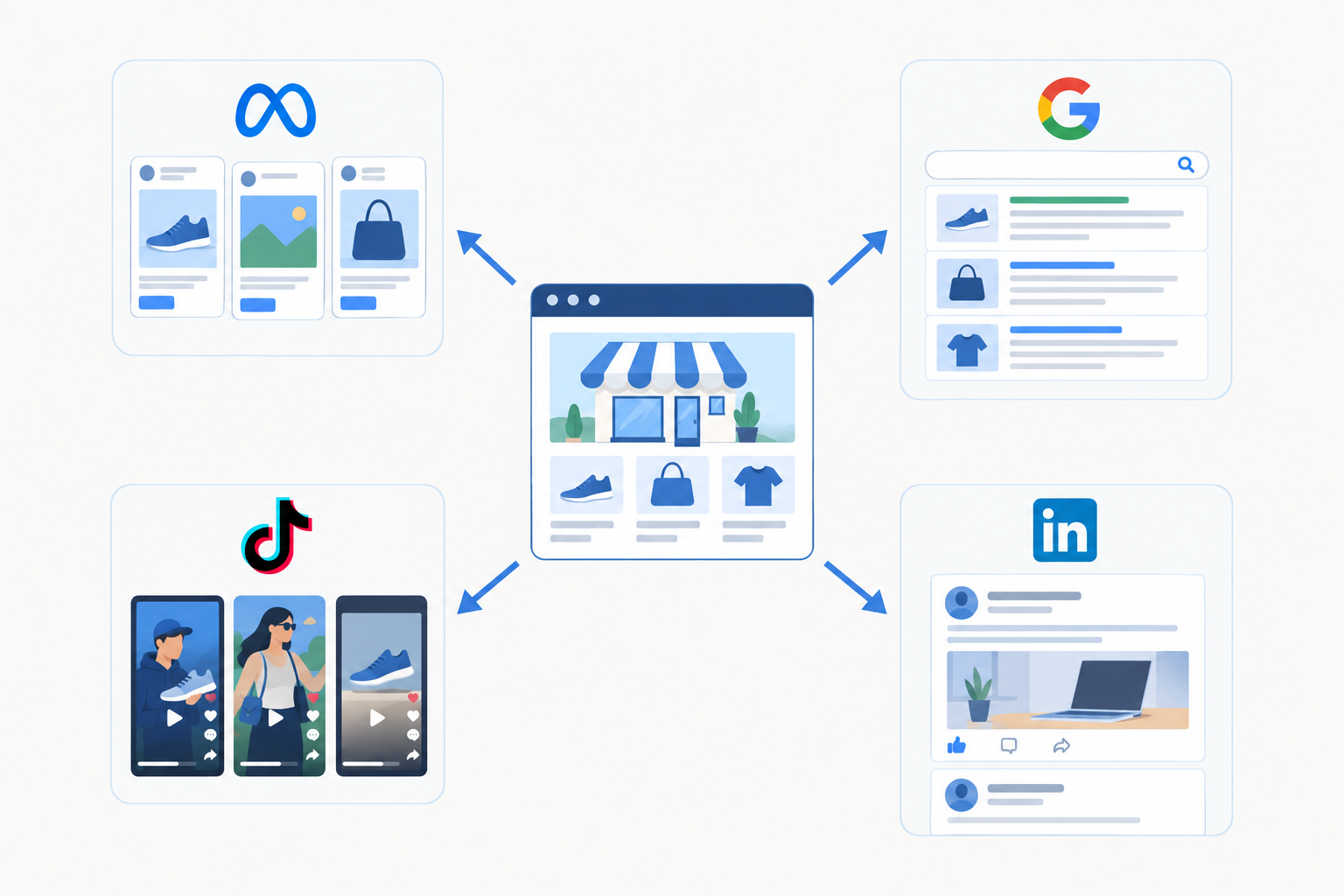
What each ad library can tell you
Every library covers different markets, formats and date ranges, and those details change. Check each tool's help page before relying on it. As a rule of thumb:
| Source | Useful for | Be careful about |
|---|---|---|
| Meta Ad Library | Seeing currently visible Facebook and Instagram ads, copy and creative | Date information and filters are limited |
| Google Ads Transparency Center | Search, display and YouTube ads by advertiser, region and format | Coverage varies by format and region; naming differences can hide ads |
| TikTok Commercial Content Library | Searching commercial ads where available | Check which markets and date ranges it covers |
| LinkedIn Ad Library | B2B and professional-audience ads | Search is advertiser or keyword based, so sparse results are common |
| TikTok Creative Center (Top Ads) | Spotting creative patterns | Not a complete archive; log as inspiration, not proof an ad is running |
Build a repeatable competitor ad search log
Spend a minute or two noting the competitor, platform, search term used, market, date checked and a link or screenshot. It sounds fussy, but it keeps discovery separate from creative analysis, and it means a colleague can reproduce your check.
Search more than the brand name
Ad libraries index advertisers differently, so one query can miss ads another finds. Try the website domain, brand-name variations, product names and the parent company name. If you're auditing a multi-market brand, test local spellings too.
If a library comes up empty, write that down as a finding ('none found in the UK library on this date') and move on to their other likely channels. Don't assume they have no paid activity.
Minutes 15-40: Log Competitor Ad Creative, Copy and Offers
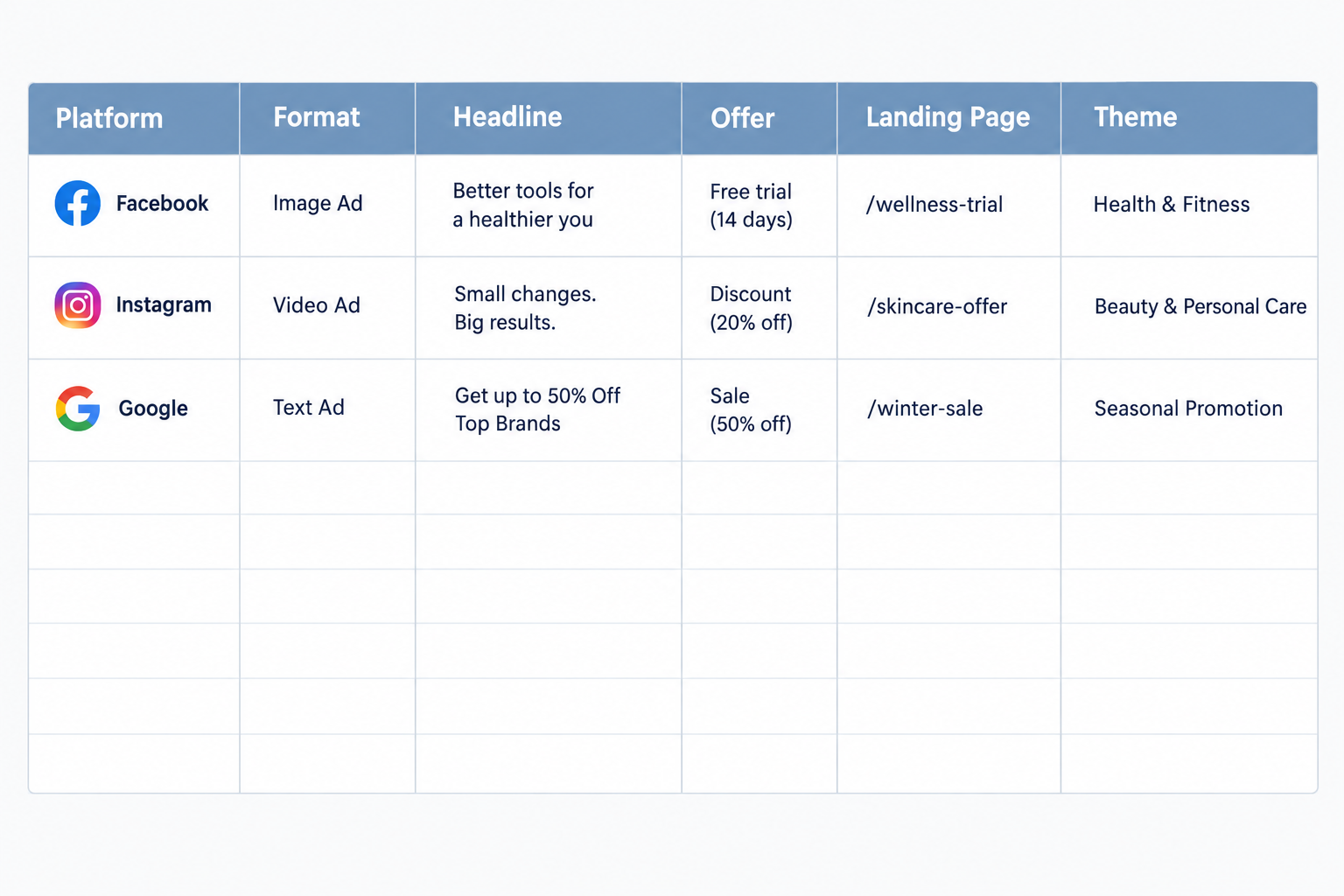
This is the longest block, and it's where the real work happens. Your job is to capture each ad in a consistent format so you can compare them later. With two competitors and about six ads each, you get roughly two minutes per ad. That's enough to capture the essentials, but not to analyse every detail.
Choose your sample deliberately. Include the ads with the earliest visible start dates, plus a few that look most representative of what the competitor is running. Longer visibility is a weak signal that an ad is still considered worth running, and nothing more. Likewise, a flood of brand-new ads might mean testing, a seasonal push or a refreshed campaign. Log it as an observation and decide what it might mean later.
For each ad, log:
- Creative format. Static image, video, carousel, UGC-style, founder-led or product demo. For video, note the hook, meaning the first three seconds.
- Exact copy. Copy down the headline, primary text and call to action word for word. Paraphrasing strips out the tone and the specific claims, which are exactly what you want to study.
- The offer. Discount, free trial, lead magnet, demo, free delivery, bundle, or a price anchor ('from £X a month').
- Landing page. Save the URL and note whether the page delivers on the ad's promise. A mismatch is a useful weakness to spot.
- Audience clues. Who does the ad seem to be talking to? Note the language, the imagery and the problem it addresses.
- Theme tag. Label each ad: pain point, social proof, feature, comparison, seasonal, or whatever fits your market.
The time-saving rule
Stick to the cap: about six ads per competitor, and no more than six or seven minutes per competitor. If you finish early, add ads. Don't start by trying to be exhaustive, because that's how audits balloon.
Why competitor ad research can feel slow
This is where manual research drags. You're toggling between libraries, scrolling, screenshotting, copying text and pasting links. It isn't hard, just tedious, and that tedium is the real cost of doing this regularly. Hold that thought for the last section. 😅
Minutes 40-60: Summarise Competitor Ad Patterns and Decide What Matters
Now you stop collecting and start thinking. Twenty minutes is plenty if your worksheet is tidy. The discipline that matters most is separating what you saw (visible ads, dates, formats, copy) from what you think it means (likely audience, possible testing, probable investment). Work through this list:
- Count and compare. Which formats, themes and offers show up most often? A quick tally per competitor is enough.
- Find the dominant message. Most brands have one core argument they keep returning to, plus some supporting messages. Name both.
- Look at the platform mix. Where are they visible, and where are they absent? That hints at where they put effort, though not how much they spend.
- Identify gaps. Which angles, audiences or formats aren't you seeing? That might be where you could own the conversation, or it might be something the library simply didn't surface.
- Flag signals as hypotheses. Long-visible ads may suggest continued use. Several variants of one concept may suggest the competitor is exploring it. Both are things to test, not conclusions.
Write a three-line competitor ad audit summary
Force yourself to write three lines, and mark the confidence level:
- What we saw. 'Of six Meta ads logged, five were short UGC-style video and four led with a free-trial offer.'
- What it might mean (medium confidence). 'They may be prioritising low-friction acquisition. This is a hypothesis.'
- What we should do. 'Test a comparison angle and a stronger guarantee; neither appeared in the sample.'
A mini worked example
Say you audit two energy-switching brands. Competitor A has four visible Meta ads, all starting in March, all using a customer-with-a-bill video and the offer '20% off first three months'. The landing page doesn't show a price. Competitor B has six visible ads, mostly static, with a comparison angle.
The facts here are the formats, dates, offers and the missing price. The hypotheses are that A is leaning on a pain-point message and may be aiming at price-sensitive homeowners, and that nobody in your sample leads with price transparency. My recommendation would be to test a price-transparency angle against your current control, then re-check both competitors in four weeks to see whether A's ads are still visible. That's a defensible next step, because it's a test, not a bet on something you can't prove.
Then rank your findings by effort and likely impact. A quick win might be rewriting a landing page headline. A bigger bet might be a new video format. Ranking is what turns the audit into action, rather than a slide deck that's forgotten by Friday.
Free Competitor Ad Audit Template: Fields to Copy
Here's the worksheet layout I'd use. Copy the header row below, paste it into cell A1 of a new Google Sheet (or a Notion table), and it will split into columns automatically. The first fields are things you observe. The last ones are your judgement, so nobody mistakes a guess for a fact.
Header row (tab-separated):
Competitor Audit date Platform Market filter Ad format First seen Visible run time Headline Primary copy CTA Core offer Pricing signals Creative description and hook Landing page URL Landing page notes Messaging theme Audience clues Audience hypothesis Hypothesis confidence (low/medium/high) Threat level Our opinion and recommended response
Sample row (paste directly under the headers):
Acme Ltd 14 May Meta UK UGC-style video 3 Mar About 10 weeks Stop overpaying for energy Switch in minutes and see what you could save Get a quote 20% off first three months None shown Customer holding a bill says 'I was paying double' /switch-and-save Matches offer; no price shown Pain point Homeowner language, bill imagery Likely homeowners aged 35-55 Low Medium Test a price-transparency angle against our control
If you'd rather work from a table, here's what each field is for:
| Field | What to record |
|---|---|
| Competitor and audit date | Brand name and the date you checked |
| Platform, market filter and ad format | Where it's running, which market filter you used and the creative type |
| First seen and visible run time | Start date shown, or approximate weeks visible |
| Headline, primary copy and CTA | Exact wording, copied not paraphrased |
| Core offer and pricing signals | Discount, trial, demo, bundle, price anchor |
| Creative description and hook | What's shown; for video, the first three seconds |
| Landing page URL and notes | Link, plus whether it matches the ad |
| Messaging theme | Pain point, social proof, feature, comparison, seasonal |
| Audience clues and hypothesis | What the ad suggests about its target audience, with a separate confidence label |
| Threat level, opinion and response | How seriously to take it and what you'll do |
I'm not offering a separate download here. The header row above is the whole template and it takes ten seconds to paste. If you'd like it in another format, the columns map straight across to Notion or Airtable.
The last few columns are the ones people skip, and they're the most useful. Without your own opinion on threat and response, you've built an archive, not an audit. Without the confidence label, you risk treating guesses as findings.
What to Do With Your Competitor Ad Audit Findings
A competitor ad audit only earns its hour if something changes afterwards. Here's where I'd send the output:
- Creative team: Hand insights to designers and video editors as test briefs, not things to copy. 'They seem to use founder-led video a lot, so let's test our own take' is a brief. 'Make ours look like theirs' is not.
- Your ad testing plan: Use messaging gaps to shape new angles. If nobody in your sample is leading with a guarantee, that's an obvious experiment.
- Sales and product: Share a one-page summary. Competitor offers and claims come up in sales conversations, and product teams like knowing which features rivals are shouting about.
- Positioning and landing pages: Update them where competitors are making claims you need to respond to.
- The calendar: Schedule a follow-up date so the audit doesn't become a one-off.
One caution: use the audit for inspiration and positioning, not for copying. Reusing a competitor's protected creative, branding or distinctive wording can create copyright, trade mark or advertising-standards problems, and any claim you make needs its own evidence. It also rarely works, because you'd be copying what they did last quarter. If you're unsure about a specific case, check the relevant advertising rules or take legal advice.
From One-Off Competitor Ad Audits to Continuous Tracking
Manual audits have limits. They go stale within weeks. They miss ads that launched and stopped between your checks. And they eat hours every time you repeat them, which is why many teams do one in January and never again.
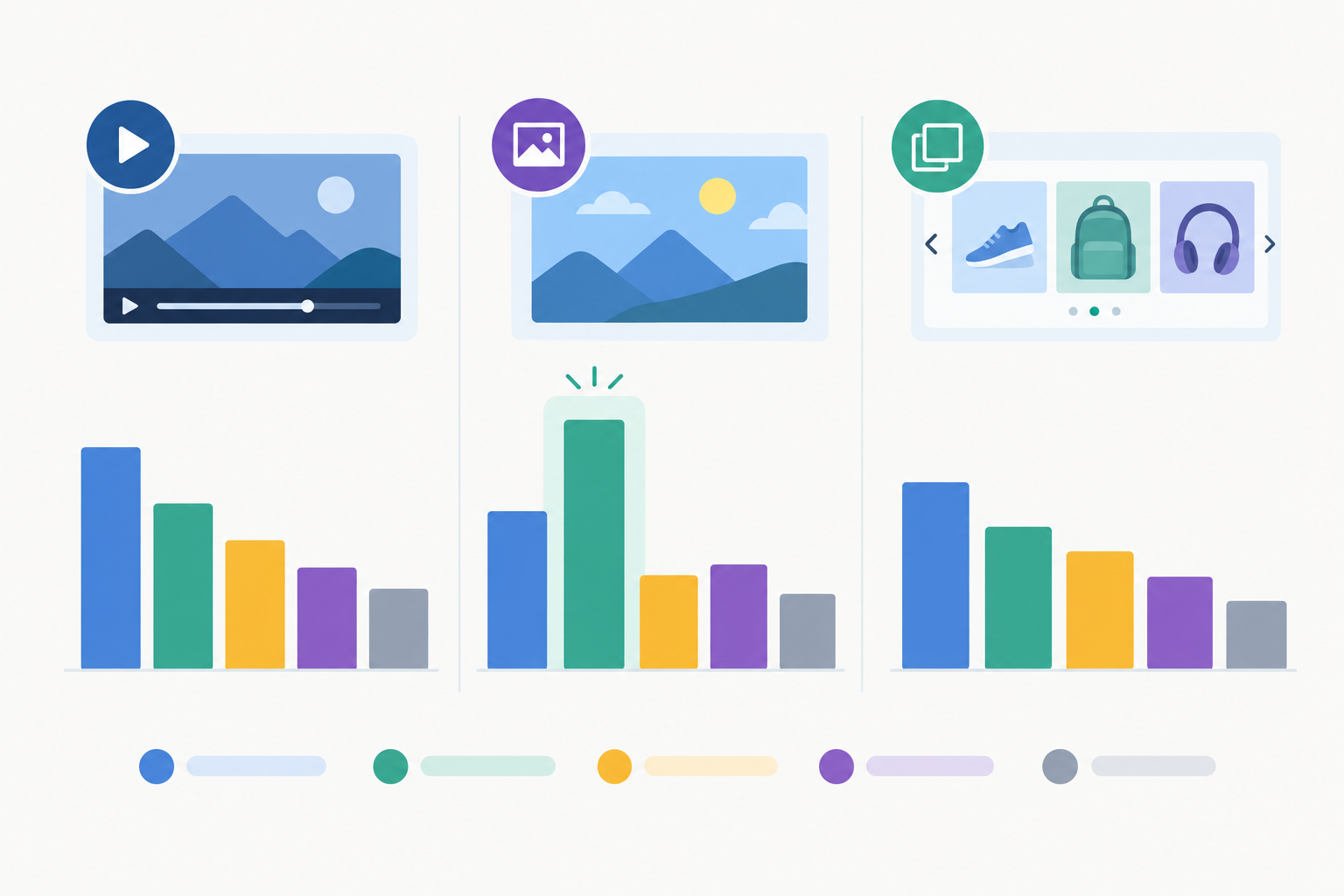
The bigger issue is that a snapshot can't show you change. Comparing audits over time lets you see which ads are new, which are no longer visible, and which keep appearing week after week. That's a far better basis for forming hypotheses than a single photograph, though it still tells you nothing about spend or results.
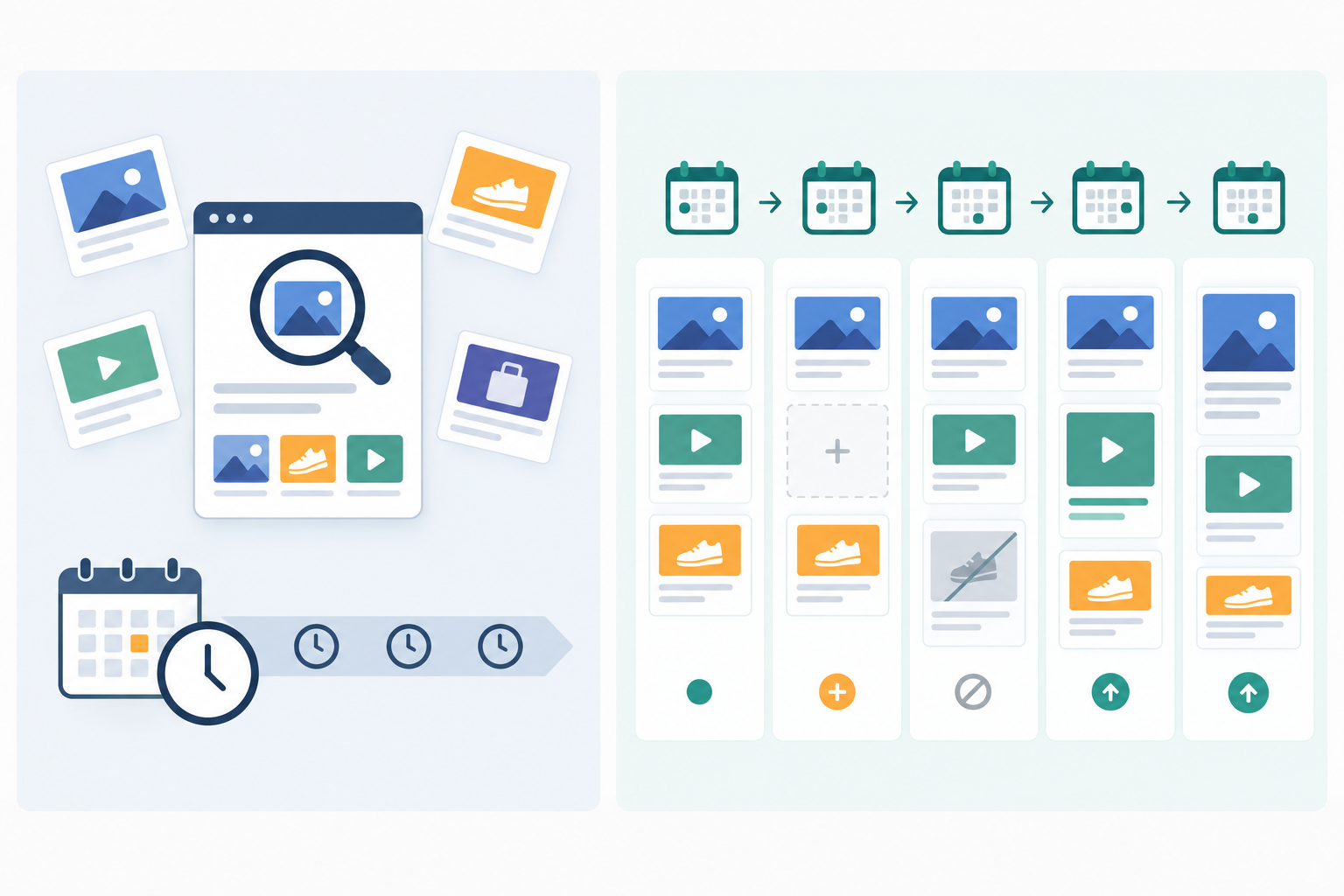
A quick note on that graphic: 'scaling' there simply means more ads or variants becoming visible over time. It's a visibility pattern, not a claim about budget or delivery.
Where Rival Ads fits (a product note)
This is the tool we build, so weigh it accordingly. Rival Ads is designed to take over the repeat work. You add a competitor's website, and it looks for their presence across Meta, Google, TikTok and LinkedIn, then archives the ads it finds with creatives, copy and links. Each week it sends a comparison of ads that are new, no longer visible and still appearing, along with an AI-generated summary (powered by Claude). Treat that summary as interpretation to sanity-check, not verified performance data. You don't need to connect any ad accounts.
Coverage depends on what each platform's public ad library exposes, so it varies by platform and market. Please check the current coverage for your UK competitors, and the current pricing page (plans started from $29/month at the time of writing), before committing. Team features such as dashboards, digests and agency whitelabel options are listed there too.
My honest recommendation: do the manual audit once. It teaches you what matters in your market, which fields are worth tracking and what good looks like. Then decide whether the repeat work is worth automating, with our tool or another. Either way, keep this worksheet as a framework for reviewing what you collect. The questions stay the same; you just stop spending your hours collecting the answers. 🙌
Frequently Asked Questions About Competitor Ad Audits
What should a competitor ad audit include?
At minimum: which platforms the competitor advertises on, the number of visible ads, creative formats, exact copy and calls to action, offers, landing pages, audience clues and the messaging themes that repeat. Record the market and date you checked, and add a short summary of what it means for your strategy, labelling inferences as hypotheses. Otherwise it's just a collection of screenshots.
How often should I run a competitor ad audit?
A full manual audit works well quarterly, with a lighter check monthly if your market moves quickly or you're launching a campaign. If that sounds like too much time, continuous monitoring can give you a recurring comparison of the ads visible to the monitoring service each week. It's subject to each library's coverage, so it won't be a complete view, but it saves you repeating the manual work.
How many competitors should I audit?
For a 60-minute audit, two: your closest direct competitor plus one market leader or fast-growing challenger. Two to three competitors across several platforms pushes the work towards two to three hours, so add a third once you have a repeatable process or automated tracking.
What do I do with the findings?
Turn them into decisions. Brief creative tests on the gaps you've spotted, adjust your messaging and landing pages where rivals are making strong claims, and share a one-page summary with sales and product. Set a date to review again so the insights keep building on each other.
Can I run a competitor ad audit for free?
Yes. The Meta Ad Library, Google Ads Transparency Center, TikTok Commercial Content Library and LinkedIn Ad Library are all free. The trade-off is time, since you'll be searching each one separately and tracking changes yourself.