Replace Manual Competitor Research With Automated Competitor Ad Monitoring: A Practical Guide
Automated competitor ad monitoring cuts hours of manual research, captures ads across Meta, Google, TikTok and LinkedIn, and frees your team to focus on strategy.
Chris Edington
13 min read
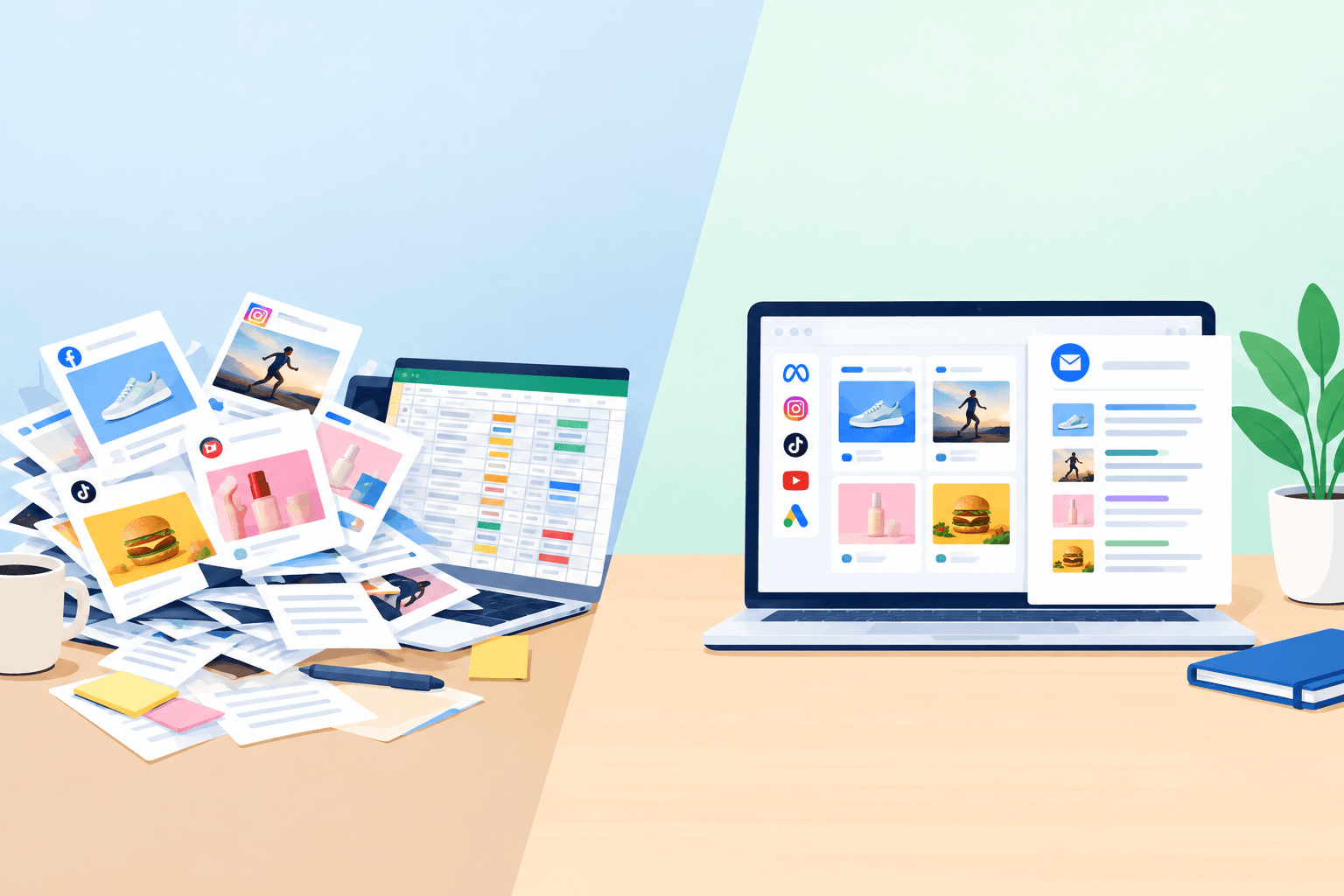
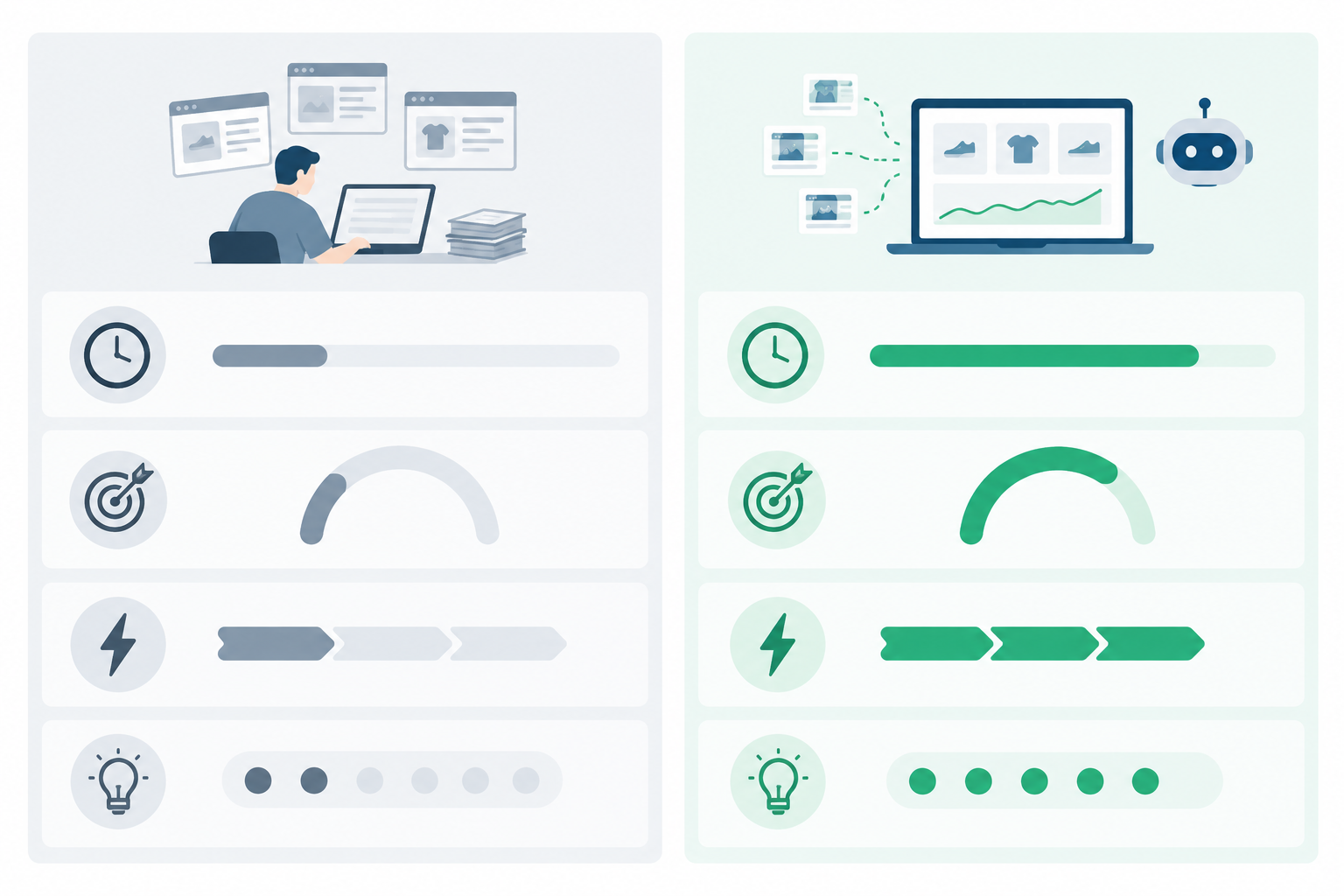
Manual competitor research typically eats 4 to 8 hours a week per competitor set, and it still misses ads that were launched and stopped between your checks. Automated competitor ad monitoring replaces the collecting, archiving and comparing with a weekly process that captures active ads across Meta, Google, TikTok and LinkedIn. Your team spends its time on strategy instead of screenshots. You keep the human judgement and lose the busywork.
That's the short version. Below, I'll show the maths behind those hours, where manual research quietly falls apart, what a good automated setup should handle, and how to make the switch in a working week. I'll also be upfront about where automation stops and your own thinking has to take over.
The real cost of manual competitor research
Picture a Friday afternoon. You open the Meta Ad Library, then Google's Ads Transparency Center, then TikTok, then LinkedIn. You search for competitor one, screenshot a handful of ads, and paste them into a Google Sheet. Then you do it all again for competitor two. By competitor four, the tab names have stopped making sense and your coffee has gone cold.
Let's put numbers on it. These are illustrative planning assumptions, not an industry benchmark. I haven't found a widely accepted published figure for how long manual competitor ad research takes, so swap in your own timings.
- 5 competitors × 4 platforms = 20 checks a week
- About 20 minutes per check to find the page, capture the creative, and copy out the text and links
- That's 400 minutes, or about 6.7 hours
- Add roughly an hour to compare against last week and write it up
Call it 7.5 hours a week. At an assumed fully loaded cost of £30 an hour (salary plus employer costs, so adjust for your own team), that's about £225 a week. Over 50 working weeks it comes to roughly £11,250 a year, spent on collecting and formatting rather than thinking.
The hidden costs of manual ad research
The hours are only the visible part. Three other costs sit underneath them.
First, coverage is inconsistent. Some weeks you check everything. Other weeks you check the two competitors you happen to be worried about. Second, the insight arrives late. If the research happens on Friday, a competitor's Monday offer is old news by the time anyone sees it. Third, there's the opportunity cost: every hour spent screenshotting is an hour not spent asking what the competitor is up to and how you should respond.
I'll say this as someone on the Rival Ads team: the most common thing we hear from marketers is that they "only check when someone remembers". It's not laziness. Manual competitor research is a chore with no natural deadline, so it slides down the list the moment a campaign needs launching.
How long does manual competitor research take?
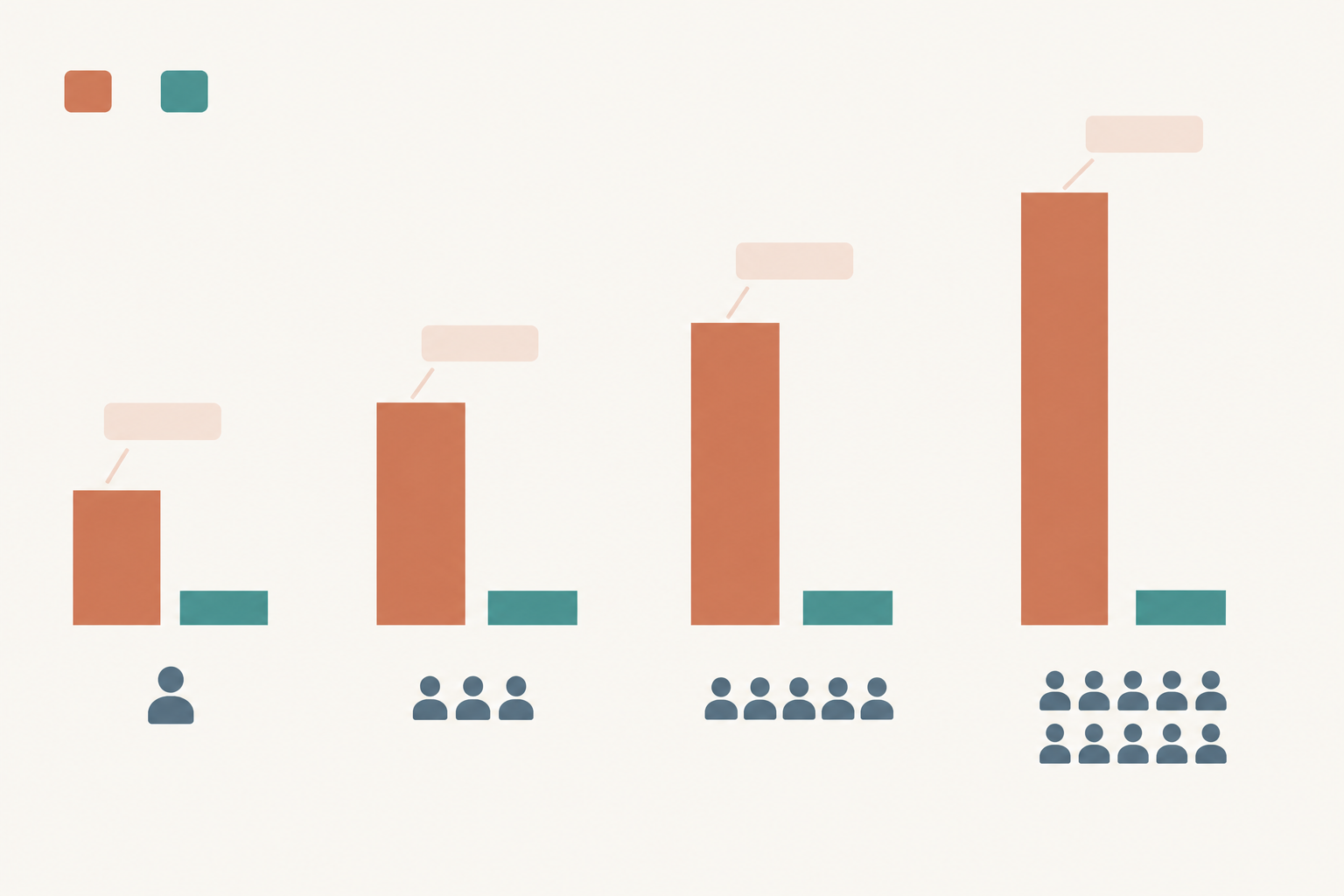
It scales in a very predictable way: linearly. Every extra competitor means another set of platform checks, and every extra platform means another set of quirks to wrangle.
Here's how the 20-minute check breaks down in my example, for five competitors across four platforms:
- Finding the pages and advertisers: about 1.7 hours
- Capturing creatives: about 2.7 hours
- Copying copy and destination links: about 2.3 hours
- Comparing to last week: about 30 minutes
- Writing up: about 30 minutes
And here's how that scales, with four platforms and the same assumptions throughout:
| Competitors | Manual (hrs/week) | Automated review (hrs/week) | Time saved (hrs/week) |
|---|---|---|---|
| 1 | ~1.5 | ~0.25 | ~1.25 |
| 3 | ~4.5 | ~0.5 | ~4 |
| 5 | ~7.5 | ~0.5 | ~7 |
| 10 | ~15 | ~1 | ~14 |
The manual column climbs steadily. The automated column barely moves, because the collection and comparison happen without anyone sitting there. What's left is reading the digest and deciding what to do about it.
Treat every figure here as an estimate. Your checks might take 10 minutes or 40, depending on how many ads a competitor runs and how tidy your process is. My suggestion is to log your time for two or three weeks, then plug your own numbers into the table. It's a surprisingly sobering exercise.
Where manual competitor ad tracking breaks down
Speed is only half the problem. Even a diligent person with a well-organised spreadsheet runs into the same walls.
- Snapshots, not stories. A screenshot shows one moment. It doesn't tell you what launched this week, what quietly stopped, or what's been running for months and is probably working.
- Missed ads. Short-lived tests that start and end between your check-ins never get recorded. You'd never know they existed.
- Platform quirks. The Meta Ad Library, Google's Ads Transparency Center and TikTok's ad resources each surface information differently, and coverage varies by market and ad type. LinkedIn ads are the easiest to forget altogether.
- Spreadsheet decay. Naming conventions drift, links break, and nobody can find last quarter's creative when the boss asks for it.
- One person holding it all up. The one person who maintains the tracker goes on holiday or leaves, and the whole system goes with them.
- Lag. By the time the report is written, the competitor has already changed course.
None of this is a criticism of the people doing the work. It's what happens when you ask a human to do a job that suits a machine better.
What automated competitor ad monitoring should handle
Not every tool that claims to help with ad monitoring does the full job. Here's what I'd expect from a solid setup, and how Rival Ads approaches each piece.
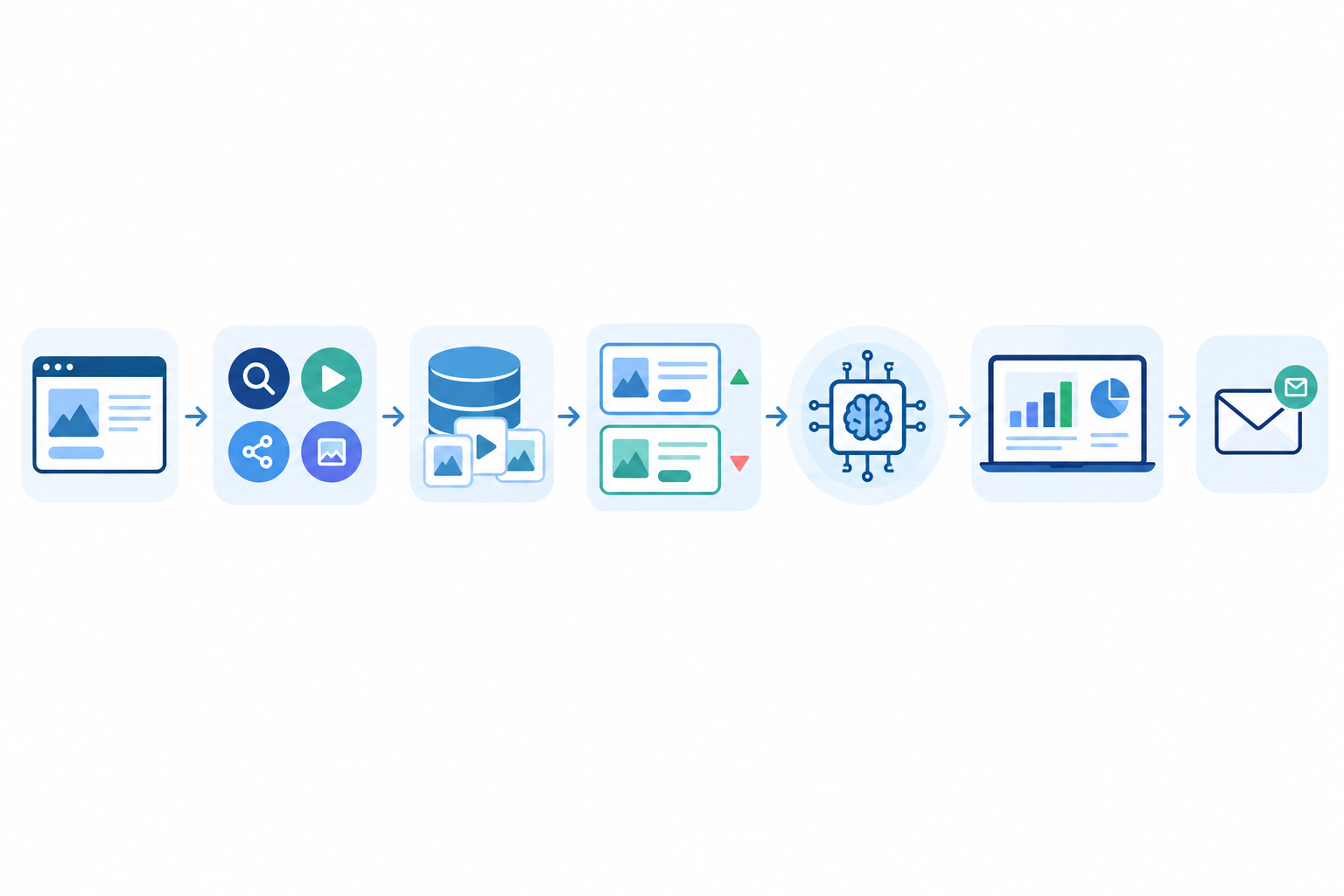
- Detect a competitor's presence from just their website. You shouldn't have to hunt down advertiser names and page IDs on each platform. Give Rival Ads a competitor's URL and it works out where they advertise across Meta, Google, TikTok and LinkedIn.
- Fetch active ads on a weekly schedule. That means the real creatives, the exact copy and the destination links, not a summary or a thumbnail.
- Archive everything. A searchable history turns a pile of snapshots into proper creative tracking over time, so last quarter's ads are one search away.
- Show week-over-week changes. What's new, what's stopped, and what's still scaling. This is the story that screenshots can't tell.
- Interpret the changes. Rival Ads includes an AI-generated strategic analysis, powered by Claude, that reads the changes the way a senior media buyer would.
- Deliver insights where you already work. There's a dashboard for digging in and a weekly email digest for the busy Monday-morning skim.
- Support the whole team. Roles and competitor assignment mean research isn't stuck with one person.
- Work without touching your ad accounts. Nothing gets connected. You supply a website and the platform does the rest.
If you want a point of comparison, this is the same ad spy tool territory you'd otherwise cover by hand, just with the collecting, archiving and comparing already done.
Do you need ad account access to monitor competitor ads?
No. Monitoring competitor ads relies on publicly available ad information. Meta and Google publish searchable libraries of ads that anyone can look at without logging in to the advertiser's account, and TikTok offers a public Commercial Content Library for covered markets. Rival Ads works from that same public layer, so there are no logins and no account connections. You just provide a competitor's website.
For UK teams, that tends to make procurement conversations easier. There's no credential sharing, and no access to your own ad data or customer data. Every organisation's governance process is different, though, so run it past whoever handles your GDPR vendor checks. It's a short conversation when nothing needs connecting.
What competitor ad data can and can't tell you
Let's set honest expectations. Competitor ad intelligence tells you what rivals are running: the creatives, the messaging, the offers, the landing pages and the timing. It doesn't tell you their spend, targeting, conversions or results. Those stay private to the advertiser.
It's also different from your own performance analytics. Your platform dashboards remain the source of truth for how your ads perform. Competitor monitoring gives you the outside-in view, and coverage can vary by platform, region and ad category. A missing result is a clue, not proof that nothing is running.
What automated ad monitoring shouldn't replace
I'd be doing you a disservice if I implied a tool could do your thinking for you. Some things should stay firmly with your team.
Strategic judgement is the big one. Deciding what a competitor's move means for your positioning is your job. The same goes for creative thinking: use ad intelligence as inspiration, never as a template to copy, because imitating a rival's ad is a fast route to forgettable marketing. Customer research and your own performance data remain the source of truth for what works with your audience.
Then there's context. No tool can see a competitor's pricing change, product launch or stock situation unless you bring that knowledge to the table. And please keep some scepticism handy. An ad that keeps running suggests success, but it doesn't prove it. Some ads simply never get switched off.
I'd treat the AI analysis as a strong first draft of interpretation. It spots patterns, flags what's scaling and suggests what it might mean. Your team then challenges it, adds the context only you have, and decides what to do. That's a far better use of an afternoon than building the first draft yourself from screenshots.
Is automated competitor ad monitoring worth it for a small team?
Usually, yes, and small teams often feel the benefit most. There's no spare analyst capacity, so a few hours of manual research every week is a real dent in the schedule.
Here's a realistic scenario. A three-person marketing team tracks three competitors across four platforms. Using the same assumptions as before, that's about 4.5 hours a week of manual work. Move to automated monitoring with a weekly review of around 30 minutes, and you've freed up roughly four hours a week. Over 50 weeks that's about 200 hours a year, which is a lot of campaign planning.
Now the cost. Rival Ads plans start at $29 a month, with tiers based on the number of competitors you monitor. That's less than an hour of fully loaded staff time at the rate I assumed earlier. If you save even a couple of hours a week, the sums work easily. Do subtract the time you spend reading and validating the output, because automation cuts analysis time but doesn't remove it.
The agency angle: competitor ad monitoring for clients
If you run an agency, there's a second benefit. Rival Ads has full whitelabel capability, so you can resell competitor monitoring to clients as your own service. The digest, the dashboard and the analysis carry your branding, and your team stops burning near-billable hours on screenshots.
When manual competitor research is still enough
I'm not going to pretend everyone needs a platform. If you watch a single competitor, check occasionally, and have no time pressure, the free ad libraries plus a tidy spreadsheet are probably enough. Automation earns its keep when the competitor list grows, the platforms multiply, or the checks need to happen reliably every week.
How to switch to automated competitor ad monitoring in a week
You don't need a big implementation project. Here's a simple five-day plan.
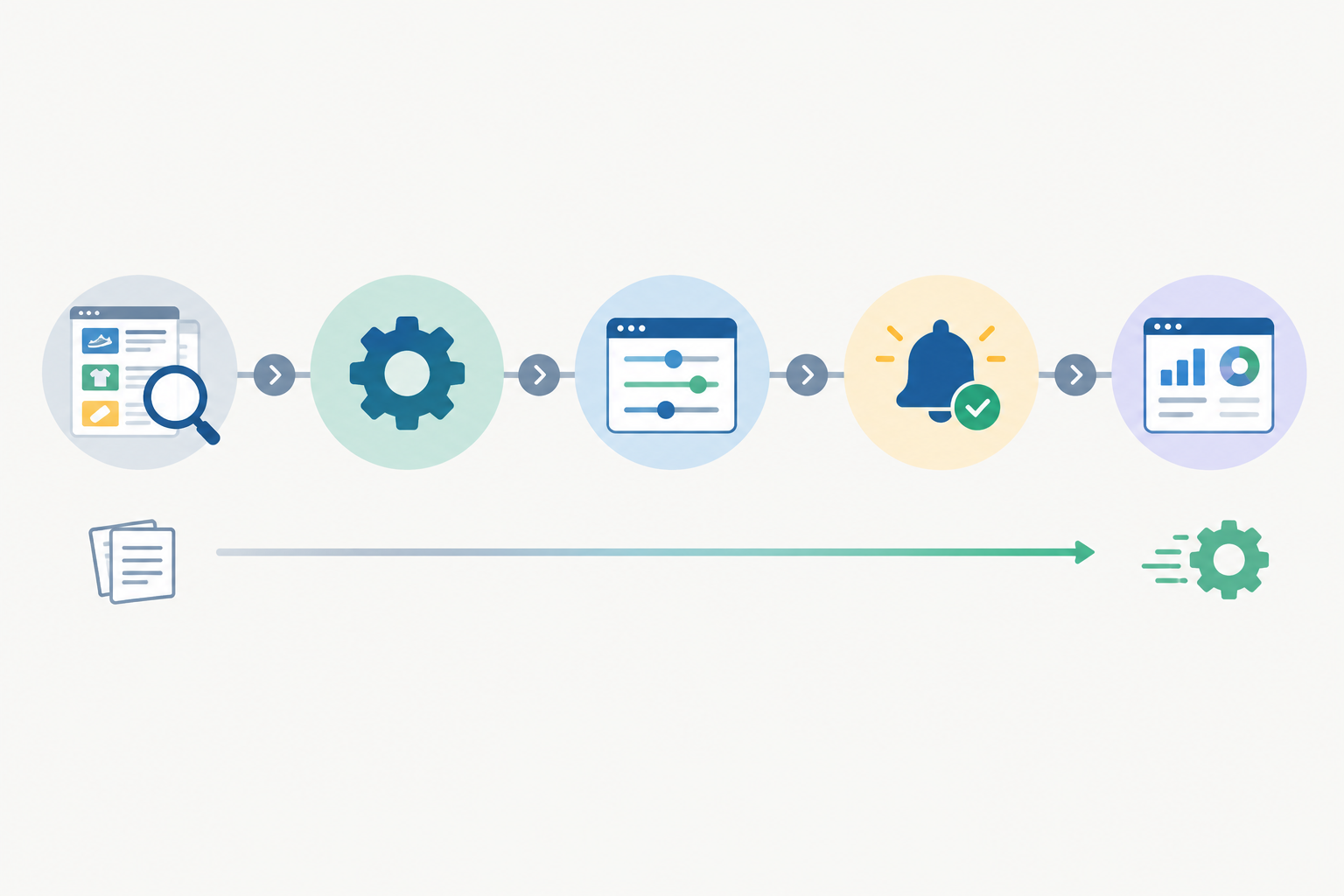
- Day 1: Take stock. List your 3 to 5 most important competitors and note what you currently track manually: which platforms, how often, and where it's stored.
- Day 2: Add the competitors. Enter their websites and let the platform detect their ad presence across channels.
- Day 3: Assign and organise. Give competitors to team members and set roles, so ownership is clear from the start.
- Day 4: Check the data against your own. Compare the first automated pull with your latest spreadsheet. This is how you build trust. You'll likely find ads you missed, and you can confirm the ones you already had.
- Day 5: Retire the manual routine. Set a 20-minute weekly review slot built around the email digest, and stop the Friday screenshot ritual for good.
Tip: keep the old spreadsheet as an archive for one month, then let it go. You'll be surprised how rarely you open it.
How to measure time saved from competitor ad monitoring
If you're going to change a process, prove it worked. Pick a handful of simple metrics and track them before and after.
- Baseline: hours per week spent on collection and write-up before the switch.
- Follow-up: hours per week spent reviewing after the switch.
- Coverage: the number of competitors and platforms you track consistently.
- Speed: how quickly the team spots a new competitor campaign or offer.
- Action: the number of campaign, creative or messaging decisions informed by competitor insights each month.
Then run a simple 30-day review. Take the weekly hours saved, multiply by 50 working weeks, then multiply by your hourly cost to get the annualised saving in hours and pounds. Subtract the subscription cost and you have an honest net figure. The action metric matters most, because saved time only counts if it turns into better decisions.
FAQ: Automated competitor ad monitoring
How long does manual competitor research take?
For most teams it's between 20 and 40 minutes per competitor per platform each week, once you include capturing creatives, copying text and links, and comparing against last week. Tracking five competitors across four platforms can easily run to several hours a week, and that's before writing anything up.
What competitor ad data can be automated?
A lot of it. Detecting which platforms a competitor advertises on, collecting active ads with creatives, copy and links, archiving them, and flagging what's new, stopped or continuing week over week can all be automated. Rival Ads also adds an AI-written strategic analysis of those changes.
Do I need ad account access to monitor competitor ads?
No. You only provide a competitor's website, and Rival Ads works out where they advertise and pulls their publicly visible ads. Nothing needs connecting to your own ad accounts.
Is automated ad monitoring worth it for a small team?
Usually, yes. Small teams have the least spare time, so even a couple of hours saved each week outweighs a plan starting at $29 a month. If you only watch one competitor occasionally, a manual check may still be enough.
Can automated competitor ad monitoring tell me how well a competitor's ads are performing?
Not directly. It shows what's running, what's stopped and what's staying live, which are useful signals. It doesn't reveal spend, conversions or results, so treat longevity as a clue rather than proof.
The bottom line: manual research vs automated competitor ad monitoring
Manual competitor research isn't broken because people do it badly. It's broken because it's repetitive work that grows with every competitor and platform you add, and it still leaves gaps. Automating the collecting, archiving and comparing gives you a consistent weekly picture, while your team does the part that actually needs a brain: working out what it all means and what to do next. If you'd like to see how that looks with your own competitors, add their websites to Rival Ads and compare the first pull against your spreadsheet. 🚀