
Holiday Competitor Ad Monitoring: How to Prep Your eCommerce Brand Weeks Before Peak Season
Plan holiday competitor ad monitoring for UK eCommerce with a week-by-week calendar to spot seasonal signals early and outpace peak-season rivals now!
Chris Edington
14 min read
Holiday Competitor Ad Monitoring: A UK eCommerce Team's Guide to Watching the Right Signals at the Right Time
- A calendar-driven guide to setting up holiday competitor ad monitoring weeks before peak season, so you're building a strategy instead of reacting to one.*
The best time to start holiday competitor ad monitoring is 6-8 weeks before your peak season kicks off, not once Black Friday emails start landing. That gives you enough runway to build a proper watchlist, spot early creative and offer testing, and adjust your own campaigns before competitors lock in what's working. Waiting until peak week means you're reacting to decisions your rivals made weeks earlier.
Six to eight weeks is a starting point, not a rule that fits every category. Fashion and gifting brands often see competitor testing begin in early October. Grocery and beauty tend to move a little later, while high-consideration purchases (furniture, electronics, anything with a longer research phase) can see meaningful activity even earlier. The principle holds regardless of category: know your own peak dates and fulfilment cut-offs, then count backwards.
I know that's not what a lot of teams do in practice. It's easy to tell yourself you'll "keep an eye on things" once the season heats up, then suddenly it's the second week of November and three competitors have already launched offers you had no idea were coming. By then you're not strategising, you're firefighting.
This post walks through when to start, how to build a watchlist that won't overwhelm you, what eCommerce ad monitoring can and can't actually tell you, how to shift gears as peak season approaches, and what to do with everything once the dust settles.
Why Start Holiday Competitor Ad Monitoring Before Peak Season?
Here's something that surprises a lot of marketers: many competitors start testing their holiday creative and offers in early-to-mid October in the UK, well before Black Friday, Cyber Monday, or the Christmas delivery countdown actually arrives. That's a full six weeks or more of quiet experimentation happening before the "official" peak season anyone talks about.
If your competitor monitoring only kicks in once Black Friday emails start flooding your inbox, you're not seeing strategy - you're seeing conclusions. The testing has already happened by then. The offer structure that stuck around, the creative angle that kept running, and the discount depth a competitor settled on - all of that was shaped weeks earlier while you were focused elsewhere.
This matters more than it might seem. Google's own holiday advertising guidance recommends preparing campaigns, budgets, and measurement setups before the shopping season rather than making major structural changes once you're in it. That's not just caution for its own sake - it reflects a real constraint. Once the auction gets expensive and traffic gets noisy across Black Friday, Cyber Monday, and into the Christmas delivery window, you don't have time to run clean tests. You're just trying to keep pace.
There's a financial cost to reactive monitoring too, beyond "missing insights." If you spend the first two weeks of peak season testing an offer structure a competitor already tried and moved away from in early October, you've spent real budget re-proving something that had already played out elsewhere. UK Black Friday and Cyber Monday online spending is routinely estimated in the billions of pounds each year, according to analysts like Adobe and Barclaycard - which is exactly why that kind of wasted week isn't a small mistake.
And budget reallocation windows close fast. Once peak season starts, most teams lock spend into whatever's already performing. If you spot a competitor's move in week one of Black Friday instead of four weeks before it, you likely don't have the flexibility left to act on it. The insight arrives, but the runway to use it doesn't - and that gap tends to matter more the closer you get to Christmas delivery cut-offs, when budgets are already locked for the final push.
What eCommerce Ad Monitoring Can and Can't Tell You
Before going further, it's worth being honest about the limits here. Competitor ad monitoring tools - whether that's an ad library, a browser extension, or a dedicated platform - show you what's publicly visible: the ad itself, roughly how long it's been running, and sometimes which platforms it's appearing on. They generally don't show you actual spend, true impression frequency, targeting details, or conversion rates. Nobody outside that competitor's own ad accounts sees those numbers.
That means a lot of what you're doing is reading directional signals, not verified performance data. An ad that's been live for three weeks is probably doing something right, but it could also be running on autopilot while the team focuses elsewhere. A campaign that disappears after a few days might have flopped, or it might have been paused because of stock issues, a pricing error, or simply because the internal team moved on to test something else. Treat these as clues worth investigating, not proof of anything.
This distinction matters because the value of monitoring isn't certainty - it's earlier awareness. You're trying to spot patterns worth reacting to, not build a definitive account of a competitor's internal results.
How to Build a Pre-Season Competitor Watchlist
Before you can monitor anything meaningfully, you need a watchlist that's focused enough to actually review every week - not a spreadsheet with forty logos that nobody opens after the first few days.
Here's how I'd build it:
- Start with your 3-5 direct competitors. These are the brands customers are comparing you against at checkout, the ones showing up in your own retargeting audiences or search terms.
- Add 2-3 category leaders, even if they're bigger than you. Their offers set the baseline expectation for your entire category - if they're running 30% off, customers will expect something close to that from everyone else too.
- Include 1-2 aspirational or adjacent brands. These aren't necessarily direct competitors, but their positioning, creative style, or offer structure might be worth learning from as you plan your own campaigns.
- Score and prioritise within your list. Not every brand deserves equal attention. A simple scoring approach - rating each competitor on customer overlap, price similarity, category relevance, and how much of a strategic threat they pose - helps you decide who gets checked daily during peak week versus who gets a glance every couple of weeks.
- Confirm where each competitor is actually running ads, not just where you assume they are. A lot of teams assume a competitor is Meta-only and never check anywhere else. This is exactly the kind of coverage gap an eCommerce ad monitoring tool should close - the capability you're looking for is automatic detection across Meta, Google Ads, TikTok, and LinkedIn from just a website, so you're not relying on guesswork. Rival Ads is one tool built around this, and it's common to discover through this kind of check that a competitor has been quietly testing TikTok alongside their usual Meta campaigns for weeks.
- Keep the total list to 5-15 competitors. Beyond that, weekly review becomes a chore instead of a useful habit, and useful signals get buried in noise.
- Assign ownership if you're working as a team. One person per competitor tier keeps accountability clear, especially once things get busier in the weeks ahead.
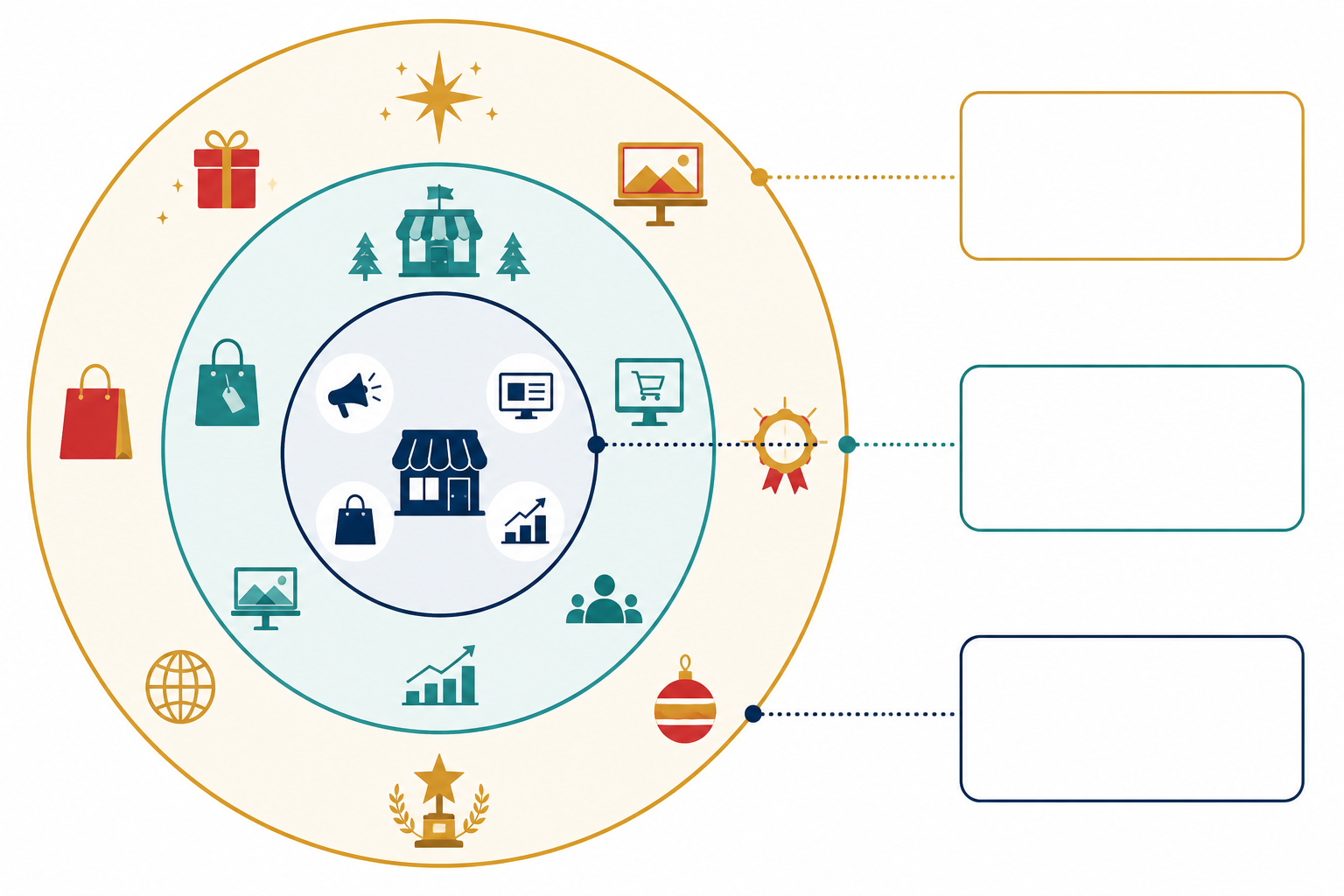
What to Track in the Weeks Before a Holiday Campaign Launch
Once your watchlist is set, the real value comes from knowing what to look for - and being clear-eyed about what each signal actually tells you versus what it merely suggests. In the pre-launch weeks, you're watching for early movement, not finished campaigns.
| Signal to capture | What it may - but may not - mean |
|---|---|
| New creative formats or messaging angles appearing before the "real" campaign clearly launches | Early testing of a new angle; could also be a one-off experiment that goes nowhere |
| Discount codes or offer structures being trialled (percentage off, bundles, free shipping thresholds) | Signals margin thinking and what the competitor considers viable; doesn't confirm it's converting well |
| Landing page or link changes tied to specific ads | Often a preview of what's about to launch; sometimes just routine page maintenance |
| Increases in ad frequency or the number of active ads | Frequently precedes a bigger push, but volume isn't the same as spend or results |
| A competitor appearing on a new platform after months of being Meta-only | Channel expansion worth watching; doesn't tell you the budget behind it |
| This year's early activity versus last year's archived creative | Can reveal whether they're repeating a proven playbook or testing something new - but archives are only as good as what you saved |
Here's what that looks like in practice. Say you spot a competitor quietly testing a £40 free-shipping threshold in mid-October, then a week later their landing page updates to promote it more prominently, and by early November the same offer is running across both Meta and Google. On its own, none of that proves the offer is working brilliantly. But taken together - offer test, landing page commitment, platform expansion - it's a reasonably strong signal they're scaling something that's holding up internally. The useful response isn't to copy the £40 threshold outright; it's to check your own shipping threshold against theirs, model what it would cost you at your margins, and decide whether a smaller test of your own delivery messaging is worth running before peak week, rather than during it.
Baymard Institute's checkout research backs up why this full-journey view matters - holiday shoppers tend to compare total delivered value (shipping, returns, checkout friction) rather than just the headline discount percentage. So don't just screenshot the ad. Follow it through to the landing page and note what's actually being promised.
How to Adjust eCommerce Ad Monitoring During Peak Season
Weekly monitoring works fine two months out. It doesn't hold up once you're inside the final stretch. Here's a practical cadence rather than a vague "check more often":
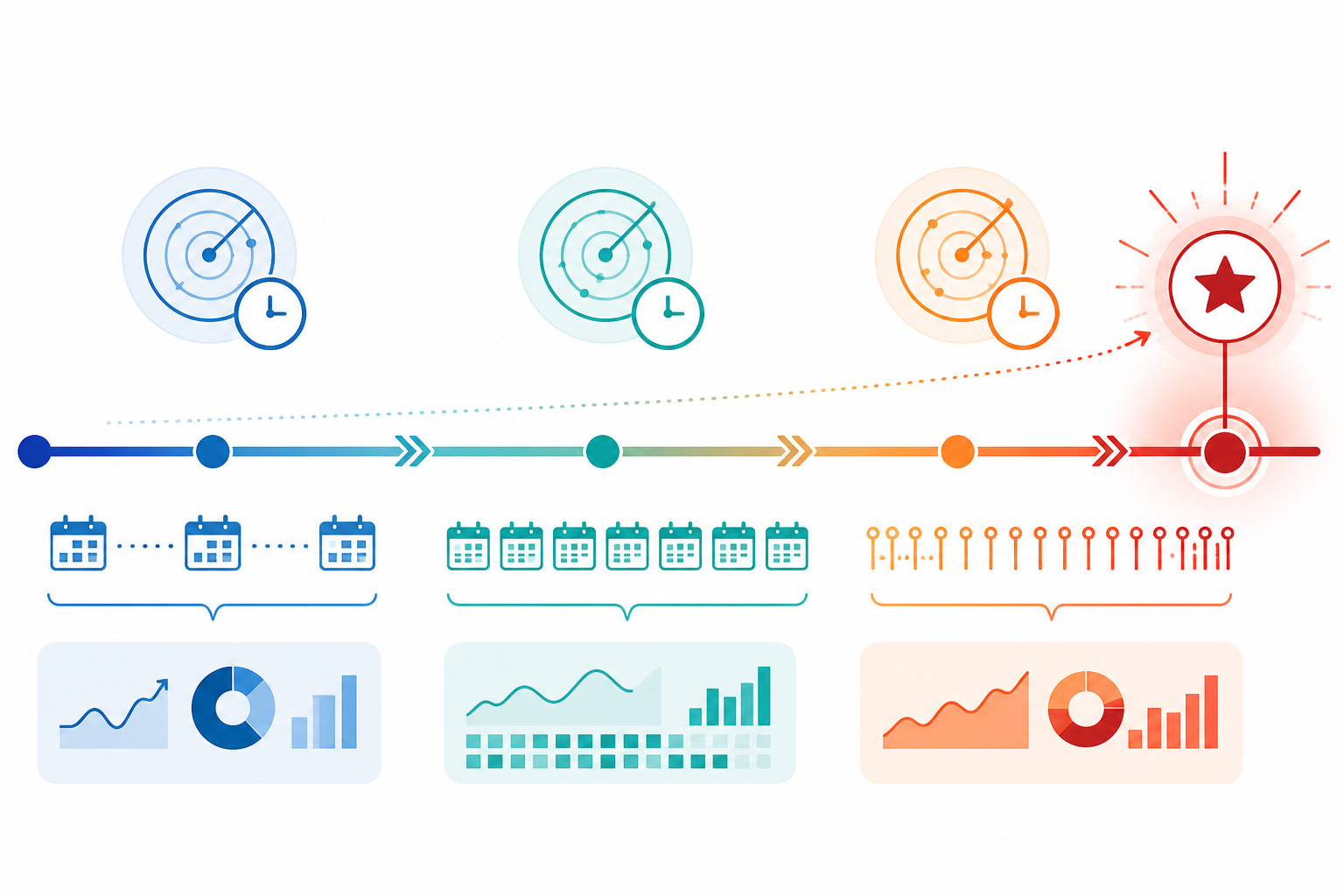
- 8 weeks to 4 weeks before peak: weekly reviews. You're building infrastructure and setting a baseline, not chasing daily changes.
- 4 weeks to 2 weeks before peak: twice-weekly reviews. This is usually when early testing starts turning into committed campaigns.
- Final 10 days before Black Friday and again before Christmas delivery cut-offs: daily reviews for your top-tier competitors, with lighter checks for the rest of the list.
- During the shopping windows themselves (Black Friday, Cyber Monday, the run-up to Christmas, and January sales): event-triggered checks. Rather than promising "real-time" coverage - most tools have some collection delay and incomplete platform coverage, so treat updates as near-real-time at best - set alerts for specific triggers: a top competitor launching a new offer, entering a new platform, or a sharp jump in active ad count.
- Lean on week-over-week diffs to quickly spot what's new, paused, or scaling. This is where manual spy-tool workflows tend to fall apart - scrolling through screenshots trying to remember what an ad looked like last week isn't sustainable under time pressure.
- Set priority alerts for your top 2-3 competitors so critical moves don't get buried under a longer list of lower-priority accounts.
- Get roles and competitor assignments locked in before peak week hits, not during it. If you're on a team, ambiguity here costs real time.
- Use AI-generated summaries as a starting point for interpretation, not a final answer. Tools like Rival Ads run analysis through Claude to flag what's changed and offer a possible read on it - useful for cutting through noise quickly, but worth treating as a prompt for your own judgement rather than a verified conclusion.
Post-Holiday Competitor Ad Monitoring Debrief: Capturing Lessons Learned
Once peak season winds down - past Boxing Day and into the January sales - there's a strong temptation to just move on. Don't. This is one of the highest-value windows in the entire calendar, and most teams skip it entirely.
- Archive every competitor ad, offer, and landing page you tracked. This becomes your reference library for next year - and you'll want it when you're building next year's watchlist from scratch otherwise.
- Review which creative angles and offers ran longest versus which disappeared quickly, and try to work out why - without assuming duration alone tells the whole story. Cross-reference run length against whether the offer changed, whether the landing page stayed consistent, and what you know about their typical creative rotation. A campaign that vanished after three days might have underperformed, or it might have been a planned short-term test, a stock issue, or a pricing correction. Longevity is a useful clue, not a verdict.
- Document the actual timing patterns - when competitors launched, escalated, and wound things down, including how they handled the shift from Black Friday into Christmas delivery deadlines and then January sales. This timing data is often more useful next year than the creative itself.
- Hold a short team debrief while the season is still fresh, ideally within a week or two of peak activity ending. Waiting until January or February means half the useful detail has already faded from memory.
- Feed everything back into next year's watchlist and monitoring calendar. The goal is to never start from zero again.
A Sample UK Holiday Competitor Monitoring Calendar
To pull all of this together, here's roughly how I'd map out the monitoring calendar across a typical UK holiday season, from Black Friday through Christmas delivery cut-offs and into January sales:
| Timing | Monitoring Focus | Owner | Deliverable / Decision Gate |
|---|---|---|---|
| 8 weeks before peak | Finalise watchlist, confirm platform coverage per competitor, set a baseline on current creative and offers | Team lead | Watchlist approved, baseline captured |
| 4 weeks before peak | Increase to twice-weekly reviews, watch for early creative testing and offer trials, note new platforms | Assigned owners per tier | Early-signal log started |
| 2 weeks before peak | Shift to daily monitoring on top-tier competitors, flag major creative or offer shifts to the wider team | Top-tier owner + team lead | Alert rules active, escalation path confirmed |
| Black Friday to Cyber Monday | Event-triggered daily checks, use diffs to catch scaling campaigns fast, be ready to react on your own offers | Whole team | Real-time decision log for own campaign changes |
| Christmas run-up and delivery cut-offs | Watch for messaging shifts around delivery deadlines and returns policies | Assigned owners | Delivery/returns messaging benchmarked |
| Boxing Day to January sales | Track post-Christmas discounting patterns and clearance strategies | Assigned owners | January sales positioning informed |
| 1-2 weeks after peak | Pull back to weekly cadence, begin archiving and the debrief process | Team lead | Debrief held, archive completed, next year's watchlist seeded |
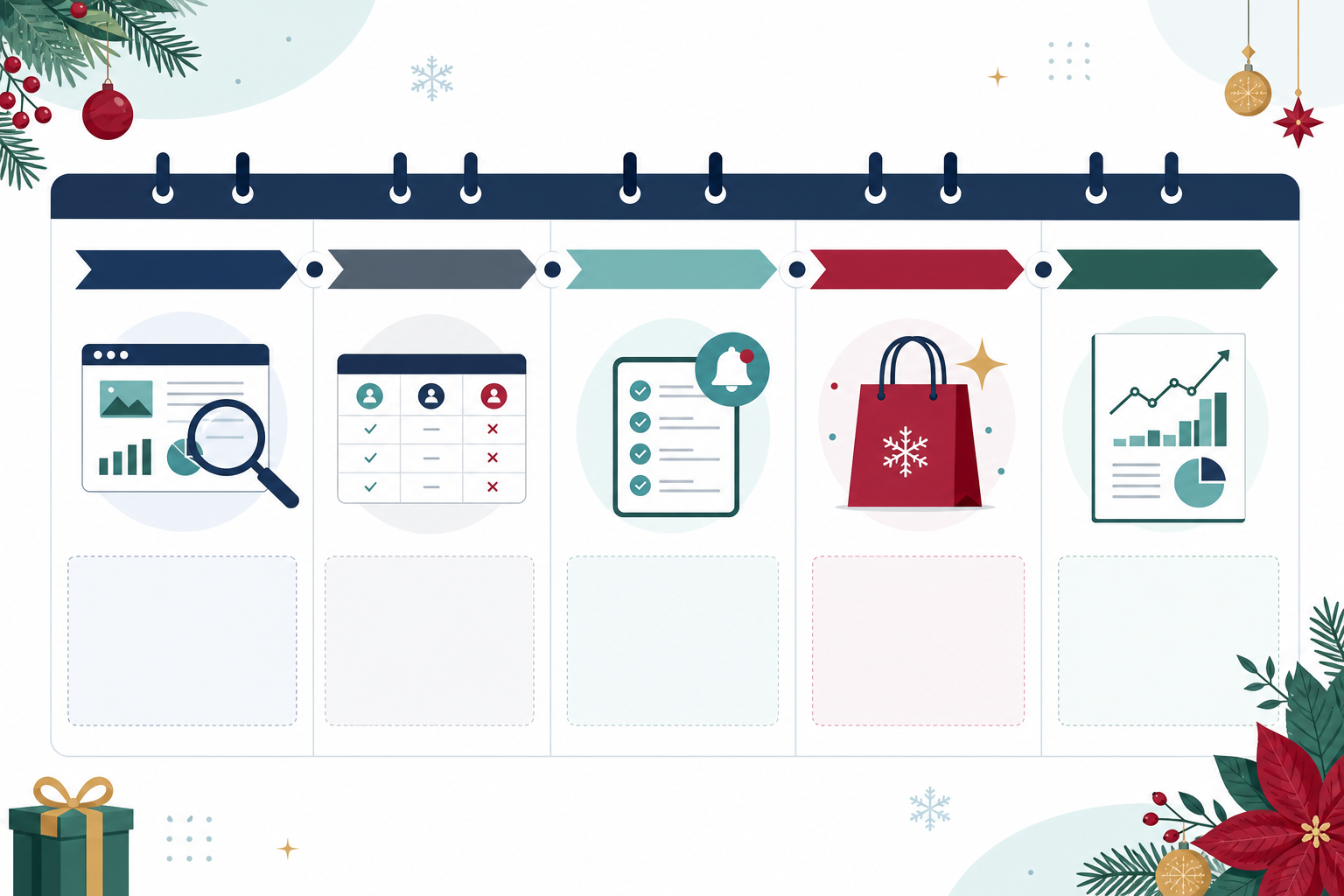
This structure isn't about monitoring more for the sake of it - it's about matching effort to what's actually happening in the market at each stage. Eight weeks out, you're building infrastructure. Two weeks out, you're watching for signals that something big is about to launch. During peak week, you're trying to react fast enough to matter, and by January you're already banking lessons for the year after.
Frequently Asked Questions About Holiday Competitor Ad Monitoring
When should I start monitoring competitors before a big shopping season?
Aim for at least 6-8 weeks before your key dates, though this varies by category - fashion and gifting brands often need to start earlier than grocery or high-consideration categories. In the UK, many brands start testing holiday creative and offers in early-to-mid October, so if you wait until Black Friday week to start watching, you've missed the early signals that actually tell you what's being tested.
What should my competitor watchlist look like heading into the holidays?
A solid watchlist mixes 3-5 direct competitors, 2-3 category leaders, and maybe 1-2 aspirational brands - somewhere between 5 and 15 total. Score each one on customer overlap, price similarity, and strategic relevance so you know who deserves daily attention during peak week versus who just needs an occasional check.
How do I capture lessons from this season for next year?
Archive everything - creative, offers, landing pages, and timing - while it's still fresh, ideally within a week or two of peak season ending. Run a short team debrief, note what ran longest versus what got pulled (while remembering that duration alone doesn't prove performance), and feed those insights directly into next year's watchlist and calendar so you're not rebuilding from zero.
Can competitor ad monitoring tools reveal spend or conversion rates?
Generally, no. Most ad libraries and monitoring tools show you what's publicly visible - the creative, roughly how long an ad has run, and which platforms it's appearing on. They typically can't show you actual spend, true impression frequency, audience targeting, or conversion data, because that information sits inside the competitor's own ad accounts. Treat what you see as directional evidence worth investigating, not confirmed performance figures.