Competitor Ad Reports for Clients: What Agencies Should Include (A Repeatable Ad Intelligence Report Structure)
Learn what an ad intelligence report should include, how often to send it and how weekly ad diffs and AI summaries speed up useful recommendations.
Chris Edington
15 min read

An ad intelligence report opens with a short executive summary. After that it shows what competitors launched, stopped and scaled, the creative and messaging themes behind those moves, and a handful of recommended actions. Keep it to two to four pages and send it weekly or monthly, depending on the client. The real time-saver is letting weekly ad diffs and AI-generated analysis do the grunt work, so you spend your hours on recommendations instead of screenshots.
That's the short version. The rest of this post covers what goes in each section, how long the report should be, how often to send it, and how to produce it without burning out your analysts. I'm writing for agency leads who want to offer competitor ad monitoring as a paid service, so I'll finish with packaging and pricing.
What Clients Actually Read in an Ad Intelligence Report (and What They Skip) 👀
Let's be candid: most clients skim. They read page one, glance at the visuals, and hunt for the answer to 'so what do I do?' If your report makes them dig for it, it goes in the 'read later' pile, which is where reports go to die.
These are the mistakes I see agencies make most often:
- The screenshot dump. Fifty ad thumbnails with no commentary isn't analysis, it's a gallery.
- The 40-slide deck. Nobody has the time, and the three useful slides get buried.
- No point of view. You describe what happened without saying what you think about it.
- Data with no recommendation. The client nods, says 'interesting', and nothing changes.
So what do clients actually want from a competitor ad report? Usually three things. They want reassurance that they aren't missing a trend. They want ammunition for internal meetings (a marketing director who can say 'two of our rivals have moved to testimonial video' looks sharp). And they want clear next steps.
That's why insight beats volume every time. A line like 'Competitor X doubled down on testimonial video on Meta over the past month' is worth more than 200 ad thumbnails. It's specific, it's a pattern, and it invites a decision.
One more reframe before we get into structure. Don't treat this as just another deliverable. A well-run ad intelligence report keeps clients and helps you upsell. It shows you're watching the market for them every single week, and it leads naturally into conversations about new creative, new platforms and budget shifts.
Executive Summary First: What Should an Ad Intelligence Report Include?
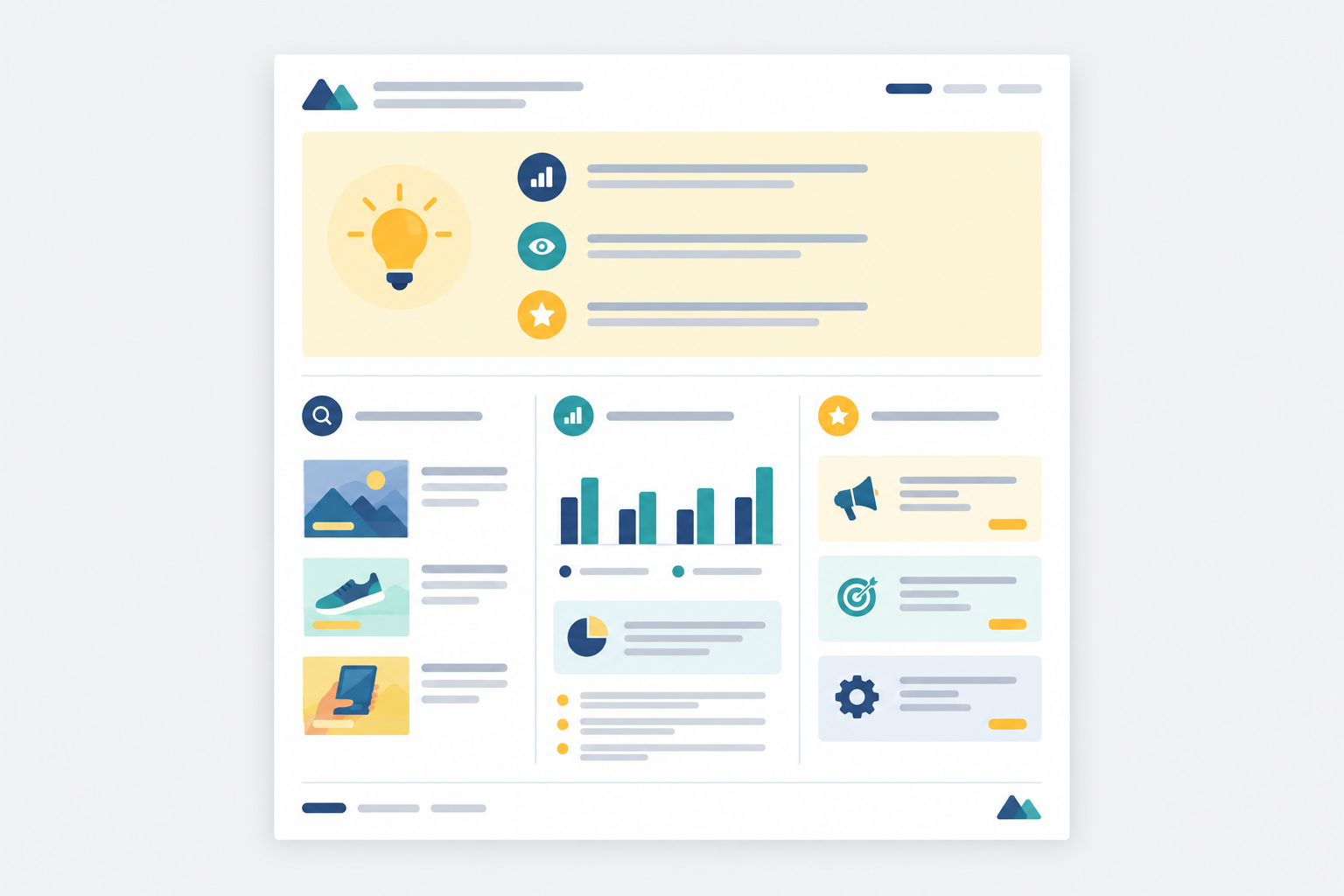
Put the answer first. Newspaper style: the most important stuff at the top, the detail below for anyone who wants it. On page one, give three to five bullet takeaways that a busy marketing director can read in under 60 seconds.
A formula that works well is three beats per bullet: what changed, why it matters, what we recommend.
Here's the difference between a weak summary line and a strong one:
- Weak: 'Competitor A launched 14 new ads this month across Meta and LinkedIn.'
- Strong: 'Competitor A launched 14 new ads, 9 of them founder-led video promoting a free-trial offer. That's a direct challenge to our client's paid-demo model, so we recommend testing a low-friction trial variant in the next two weeks.'
The weak line is a count. The strong line is a story with a decision attached.
Let AI write the first draft, then make it yours
This is where AI-generated strategic analysis earns its keep. With Rival Ads, the analysis (powered by Claude) reads the week's changes the way a senior media buyer would and gives you a draft of the narrative. Then you edit in what the AI can't know: the client's margins, their current promotions, their sensitivities, and your own judgement.
Treat it as a draft, not gospel. Check every claim against the underlying ads before the report goes out. The AI gets you from blank page to 80% fast, and your expertise covers the last 20%.
A small workflow tip: write the summary last, but put it first. You can't summarise findings you haven't pulled together yet.
New, Stopped and Scaling Ads: The Core of a Competitor Report
If the executive summary is the headline, this is the story. It's built on week-over-week diffs, because a static snapshot tells you very little. Movement tells you strategy.
An ad that exists is trivia. An ad that appeared on Tuesday, had three variants by Friday and is still running a month later is a signal. Here's how I break the section down:
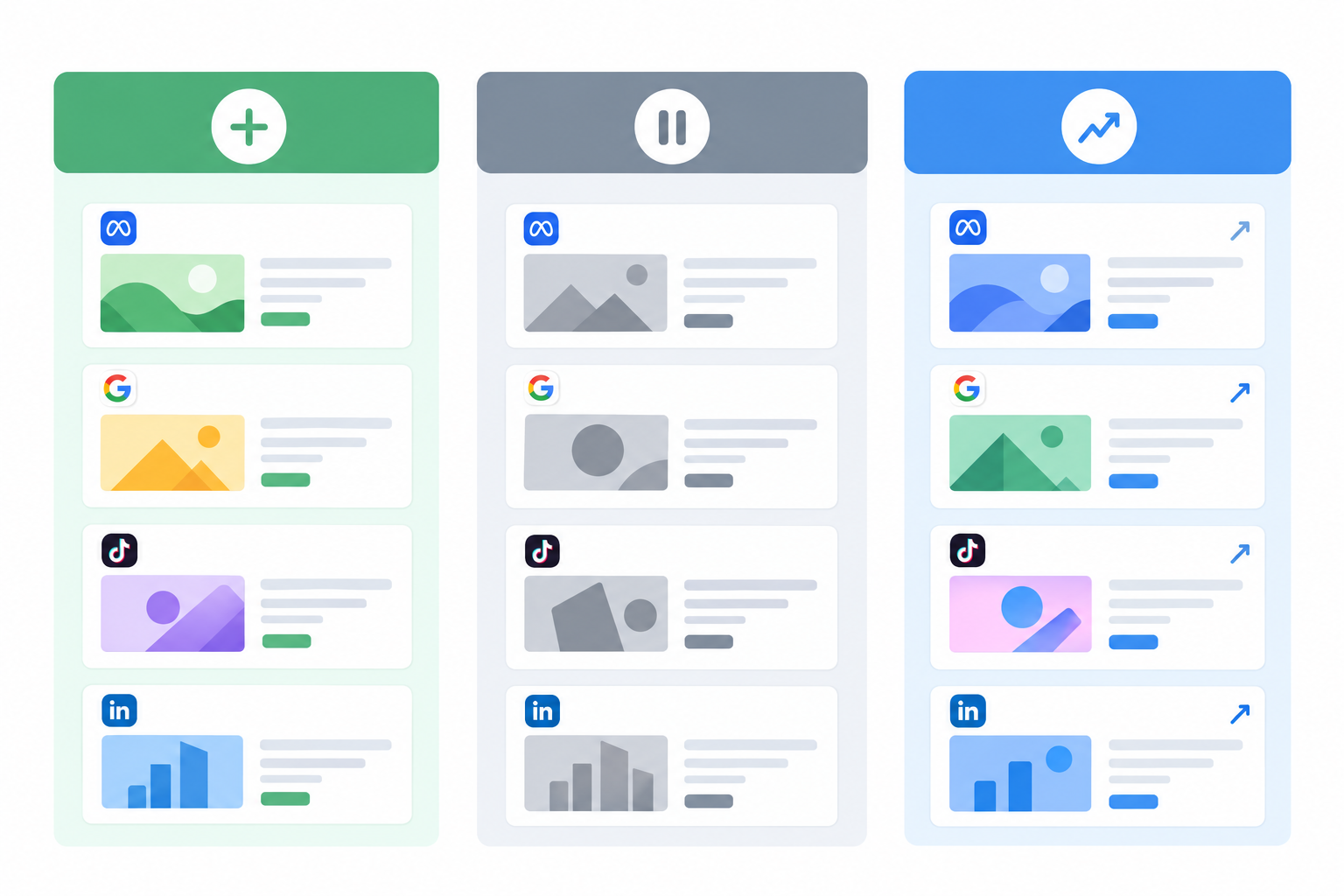
- New ads: what launched, on which platform, and what offer or angle it seems to be testing. Cover Meta (the Meta ad library is the public source here), Google Ads, TikTok and LinkedIn, because competitors often say different things in different places.
- Stopped ads: separate the quick kills from the long runners. An ad pulled after a few days was probably a failed test. One that ran for ten weeks and then stopped is more likely a seasonal offer or a retired campaign.
- Scaling ads: creatives that keep running and multiply into variants (new hooks, new thumbnails, new headlines on the same concept) are usually the winners.
- Cross-platform view: a competitor's LinkedIn ads might lead with ROI and case studies while their TikTok ads lean on humour and creators. That contrast is useful for the client.
Be clear about what you know versus what you infer
This matters for your credibility. Public ad data shows what competitors are running. It doesn't show spend, impressions or results. So when you say an ad is 'scaling', you're inferring from longevity and variant counts, not reading a budget.
I'd encourage a simple habit: keep observation and interpretation apart in the report. 'Six ads now use the same free-delivery offer' is an observation. 'This suggests free delivery is working for them' is analysis, and it should be labelled that way. Clients trust a report more when you show your workings.
Where does competitor ad data come from?
Collection is where most agencies lose their hours. Rival Ads takes that step off your plate. You give it a competitor's website, it detects their presence across Meta, Google Ads, TikTok and LinkedIn, and it fetches every active ad weekly, with real creatives, exact copy and links. You don't need to connect any client ad accounts, which also saves you the awkward access-request emails.
Creative and Messaging Themes to Include in Your Report
Once you've covered the movement, zoom out from individual ads to patterns. This is where your report starts to sound like strategy instead of surveillance.
I track themes across a few dimensions:
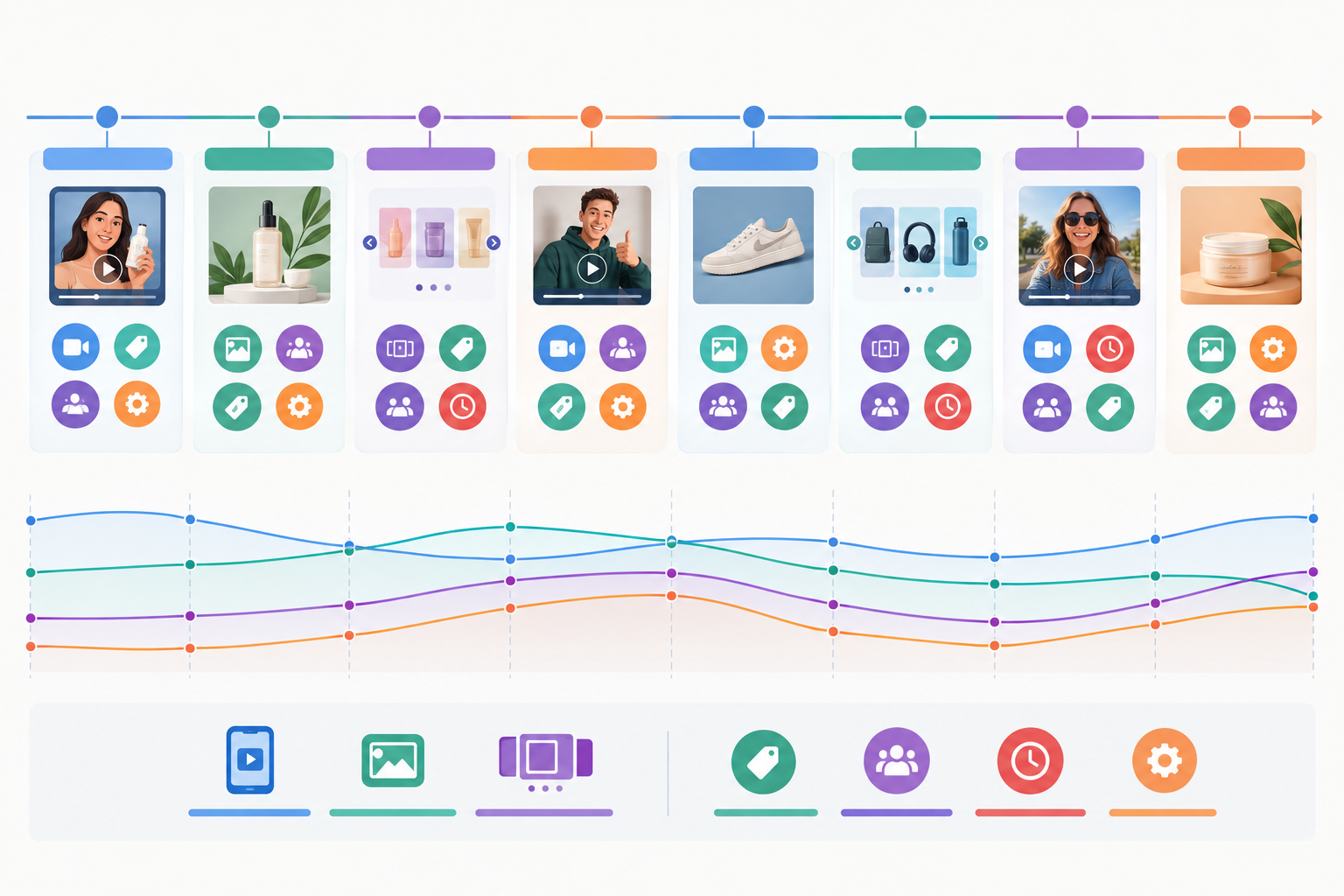
- Formats: UGC, static, carousel, founder-led video, product demos.
- Hooks and openings: the first line or the first three seconds.
- Offers and CTAs: discounts, free trials, 'book a demo', 'shop now'.
- Landing page destinations: are they sending traffic to product pages, dedicated landing pages or lead forms?
- Messaging angles: price and promotions, social proof, product features, urgency, brand positioning.
For UK clients, add seasonal context. Black Friday, Boxing Day sales, January campaigns (the 'new year, new you' wave) and bank holiday promotions all change how you read a competitor's activity. So do the details, like how £ offers are framed or whether pricing is shown VAT-inclusive. A 20% discount in the week before Black Friday means something very different from the same offer in mid-March.
The biggest payoff comes from watching how a theme evolves over four to eight weeks. Maybe a competitor starts with a single testimonial ad, then runs ten variants, then shifts the offer from discount to free delivery. That arc tells you more than any single creative.
Show three to five examples, not everything
Pick three to five annotated examples with the real creative and exact copy. Mark up what's notable: the hook, the offer, the CTA. Resist the urge to show everything. Curation is part of what the client is paying for.
Call out the gaps
The most useful line in this section is often about what competitors aren't doing. If every rival leads with price and nobody talks about service, guarantees or sustainability, that's where your client can stand apart. The opportunity is sitting in plain sight.
Recommended Actions: Where an Ad Intelligence Report Earns Its Fee
This is the part clients remember. Everything before it is evidence, and this is the advice. Aim for three to five actions, each tied to something specific in the report. If a recommendation can't point back to an observation, cut it.
I format each action the same way:
- Observation: what we saw (for example, 'Two competitors launched 'price match' messaging on Meta in the last fortnight').
- Implication: why it matters for this client.
- Recommended test: what to try, whether that's a counter-offer, a creative variant that answers the new claim, or shifting budget to a platform where rivals are quiet.
- Owner and timing: who does it and by when.
Separate quick wins (this week) from strategic moves (this quarter). A new headline variant is a quick win. Entering LinkedIn because three competitors have gone quiet there is a strategic conversation.
Tie every recommendation back to the client's marketing strategy and KPIs. If their goal this quarter is lowering cost per lead, say how the test supports that. That's what makes the report an input for planning rather than a nice talking point.
Finally, close the loop. Start each report with a short note on last period's recommendations: what the client did, what happened, what you'd adjust. Nothing builds trust like showing the advice was acted on and followed up.
Report Cadence and Format: How Long Should It Be, and How Often Should You Send It?
My rule of thumb is one page for a weekly digest, two to four pages for a monthly report, and a deeper review each quarter. If someone needs more detail, point them to a dashboard rather than stretching the document.
| Weekly digest | Monthly report | Quarterly review | |
|---|---|---|---|
| Length | One page | Two to four pages | Slides or a call, plus a short write-up |
| Audience | Day-to-day marketing and paid teams | Marketing director, account lead | Senior stakeholders |
| Focus | New, stopped and scaling ads | Themes, examples and recommended actions | Strategy, trends, positioning shifts |
| Best for | Fast-moving ecommerce and retail | Most B2B and service clients | Everyone |
Weekly digests suit ad monitoring because ads change quickly and you catch launches early. A fast-moving ecommerce brand wants to know about a rival's flash sale while it's live. A B2B client with a long sales cycle usually gets more from a monthly view, because the signal sits in patterns, not individual launches.
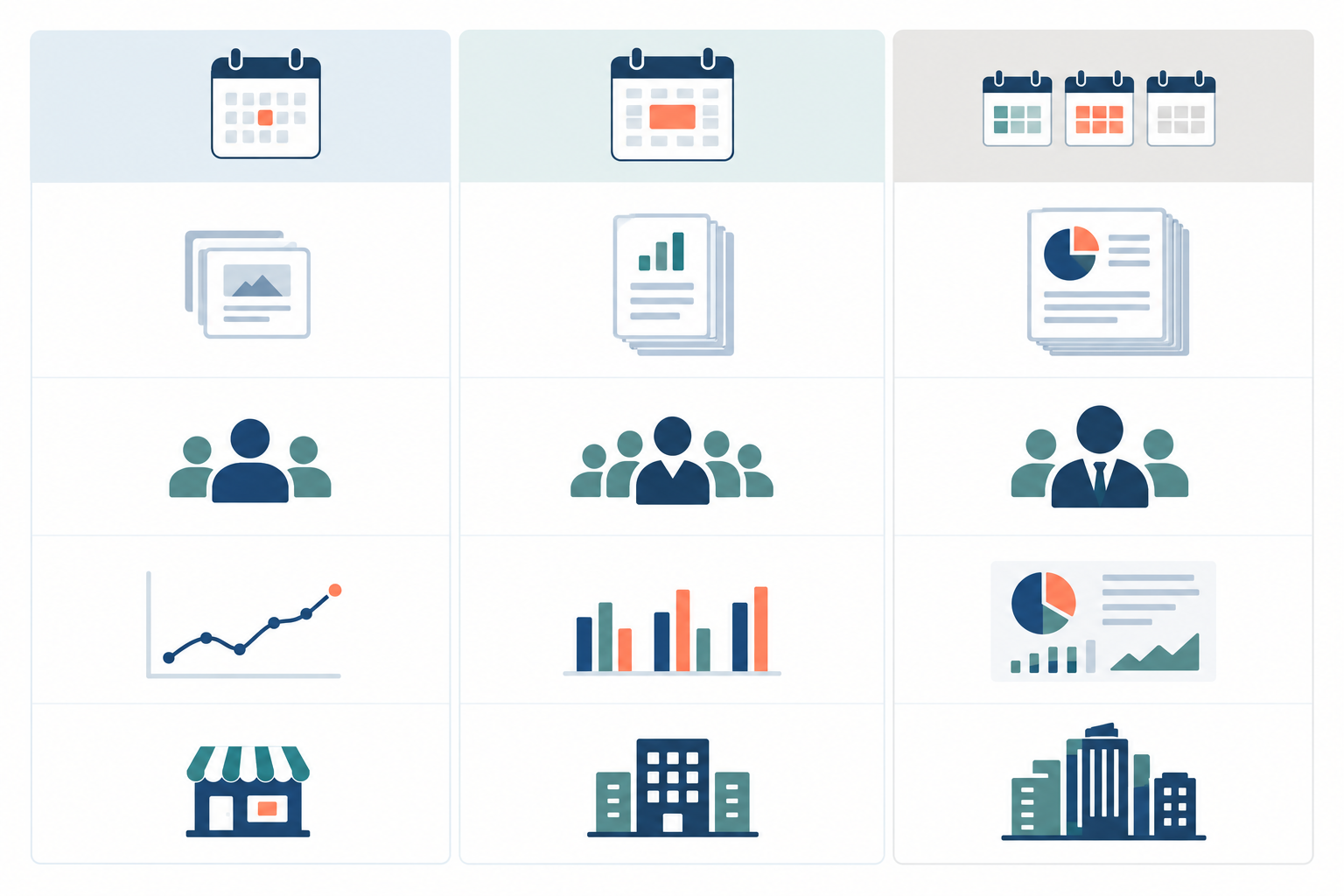
The rhythm I'd suggest is a weekly email digest, monthly written commentary, and a quarterly strategic review call. Format is mix and match. Give dashboard access to the people who like to explore, send an emailed PDF to those who don't, and use a slide deck for review meetings.
Above all, consistency beats perfection. Same day, same structure, every time. Clients come to rely on a predictable report, and your team stops reinventing it each cycle.
A Repeatable Ad Intelligence Report Template You Can Reuse
Here's the structure pulled together. It works because it's the same every time and it mirrors how a client reads: summary first, detail on demand.
- Executive summary (five bullets max): what changed, why it matters, what we recommend.
- New, stopped and scaling ads by competitor: the weekly diff, with short commentary.
- Creative and messaging themes: patterns, with three to five annotated examples and any gaps.
- Platform snapshot: a quick view across Meta, Google, TikTok and LinkedIn, showing where each competitor is active and where they're quiet.
- Recommended actions: three to five, with owners and timing, plus a look back at last period's actions.
- Appendix or dashboard link: for anyone who wants the full archive and every creative.
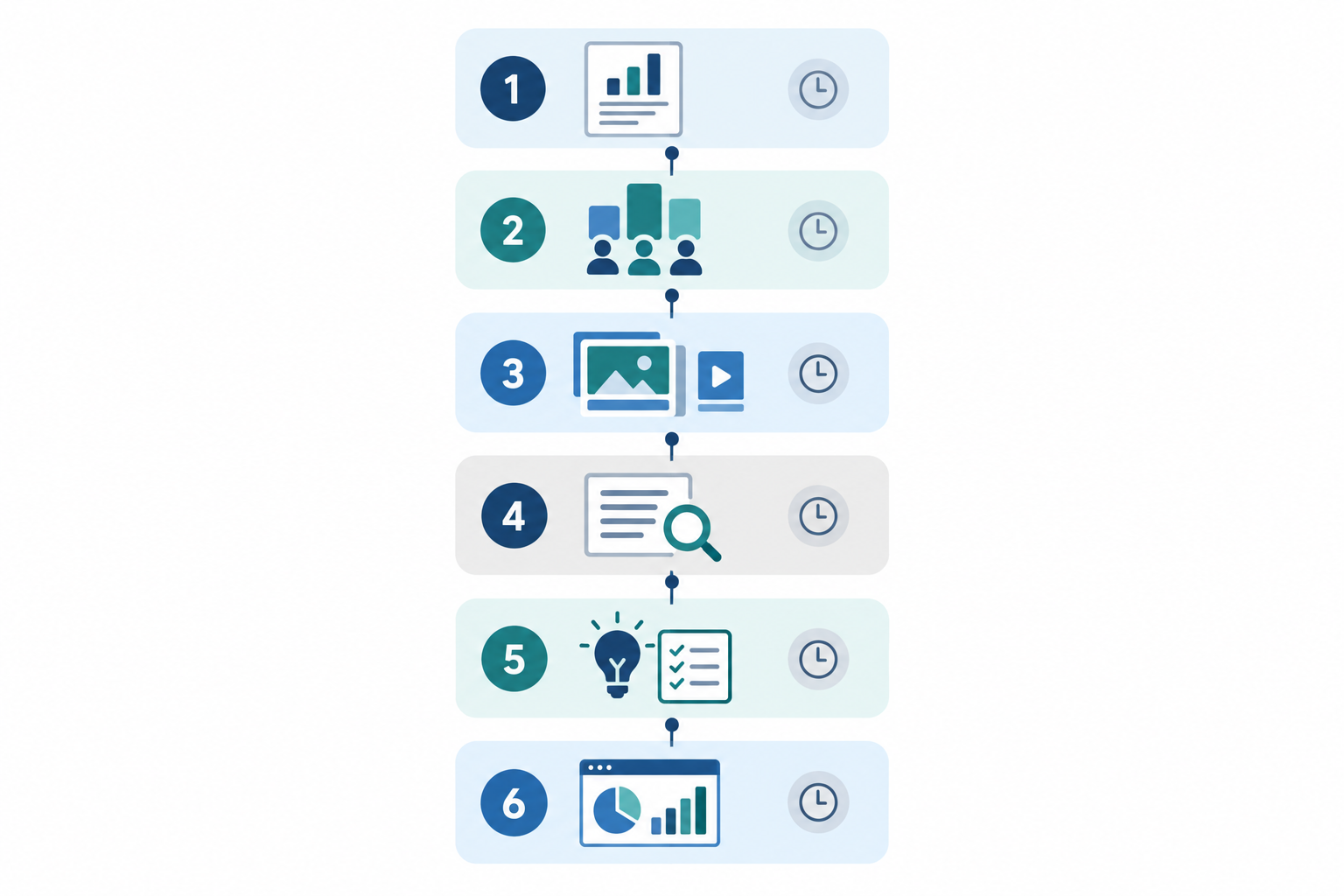
A standard structure has a side benefit that's easy to overlook. Handovers between account managers get painless, and you have something concrete to train junior team members on. They learn what 'good' looks like by filling in the same frame over and over.
How to Produce an Ad Intelligence Report Faster Without Cutting Corners ⚡
Let's talk about time, because that's what makes or breaks this as a service.
The manual way (and why it breaks)
You probably know the manual route already. Check each platform's ad library, screenshot the ads, paste them into a spreadsheet, try to remember what was there last week, then write it up. It works for one or two competitors. Beyond that, it falls apart. Every platform exposes different fields and search options, so you end up reconciling inconsistent data by hand, and the week-over-week comparison is the first thing to slip.
What to automate and what to keep human
The sensible split is to automate the repeatable, low-judgement work and keep people on interpretation.
- Automate collection and comparison. Weekly ad archives with new, stopped and continuing diffs remove the data-gathering step entirely. Rival Ads does this across Meta, Google Ads, TikTok and LinkedIn, so the raw material arrives ready to use.
- Use AI analysis as a first draft. An analysis that reads changes like a senior media buyer gives you a head start. You add the client context, challenge anything that looks off, and check claims against the actual ads.
- Keep humans on verification and meaning. Decide what the activity means for this client. McKinsey estimates that generative AI could lift marketing productivity by a value equivalent to 5-15% of marketing spend, but that's a broad projection rather than a measured result for competitor reporting, and the same research stresses managing accuracy risks. In short: speed from AI, trust from people.
Workflow and delivery
Assign competitors to specific analysts, set roles so the right people can edit and approve, and add a review step before anything is sent. Rival Ads supports team roles and competitor assignment for exactly this. For delivery, whitelabel dashboards and digests go out under your own brand, so it feels like a native part of your service rather than a third-party tool.
While you're at it, log the source, the date you observed each ad and the market it was seen in. When a client asks 'where did this come from?', you'll be glad you did.
A realistic time comparison
The numbers below are illustrative, not a benchmark. Your mileage will vary with the number of competitors and how deep you go.
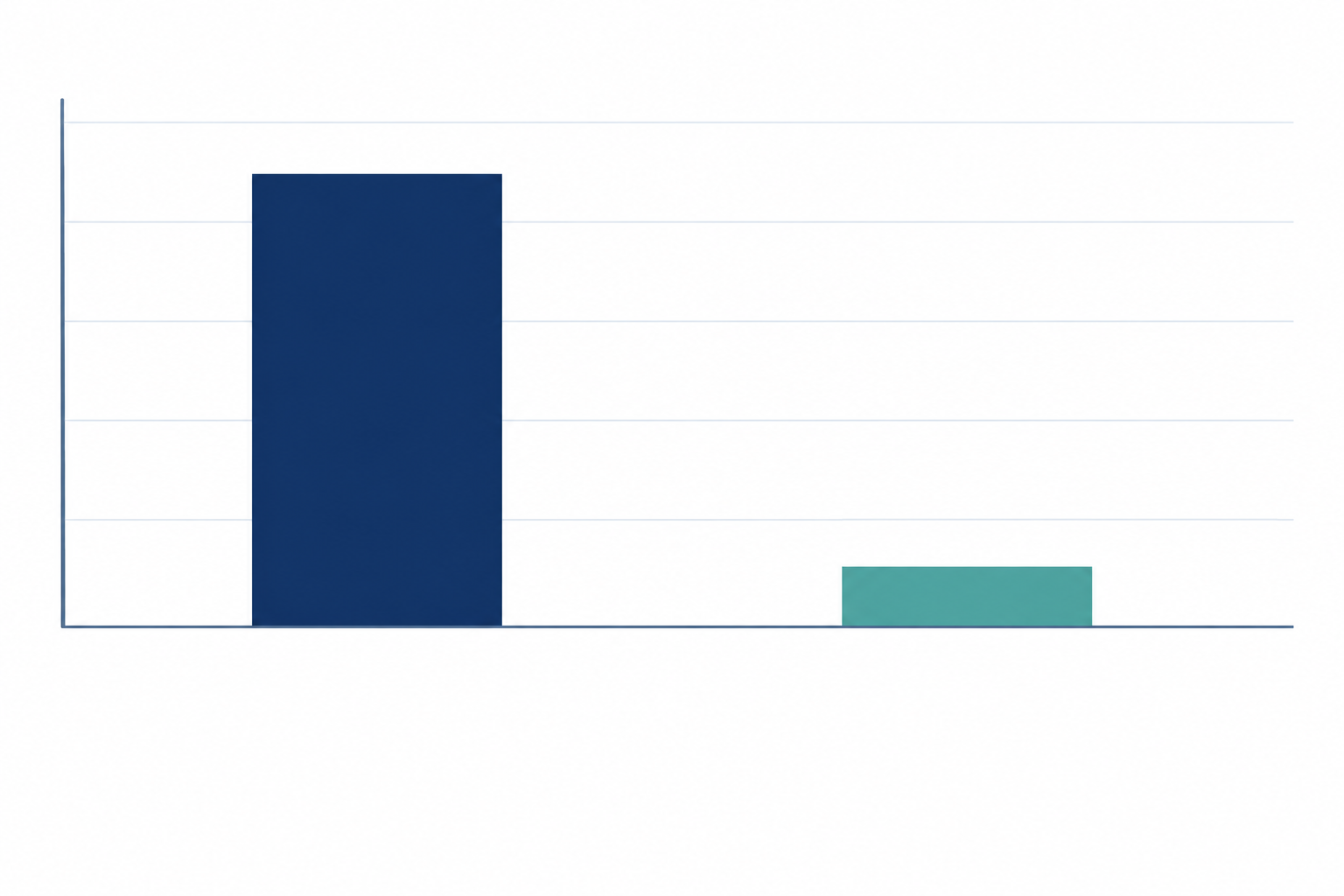
The shape of the saving is what matters. In the manual workflow, most of the hours go on collecting and organising. In a review-and-refine workflow, most of the time goes on editing the narrative and sharpening recommendations, which is the part clients value and pay for.
The pricing angle
Tools like Rival Ads start at $29/month, with tiers based on the number of competitors monitored. Even covering a few competitors per client leaves a healthy margin when you resell it as a retainer add-on. Check the current tiers for your client mix, but the economics are friendly.
Packaging an Ad Intelligence Report as a Paid Service
You have two main options. You can sell the ad intelligence report as a standalone retainer add-on, or build it into a premium tier of your service. Either way, give it a name and a clear description so it feels like a product, not a favour.
There are a few sensible ways to price it:
- Per competitor: simple, and it scales with the client's market.
- Per report cadence: weekly digests cost more than monthly reports.
- Bundled with strategy calls: the report feeds a regular conversation, and the call is where much of the value lands.
Use the report to open the conversations that grow accounts: new creative to answer a competitor's angle, a test on a platform where rivals are quiet, or a budget shift. When the evidence is on page two, the pitch is much easier.
Set expectations early, too. Ad intelligence shows what competitors are running. It doesn't show their results or budgets, and your report should say so plainly. Clients appreciate the honesty, and it stops you over-claiming.
My suggestion: don't roll this out across your whole client base at once. Pick one client with a clear set of competitors, set up a whitelabel dashboard and digest, and run the template for a month or two. You'll learn what your clients actually read, refine the format, and have a real case study before you take it to everyone else.
FAQ: Competitor Ad Intelligence Reports
What should a competitor ad report include?
At minimum: an executive summary, what competitors launched, stopped and scaled since the last report, the creative and messaging themes behind those changes, and three to five recommended actions. Add a platform snapshot if you cover Meta, Google, TikTok and LinkedIn.
How long should a competitor ad report be?
Aim for one page for weekly digests and two to four pages for monthly reports. If the client needs more detail, link to a dashboard rather than lengthening the report.
How often should I send a competitor ad report?
Weekly digests work well for fast-moving sectors like ecommerce and retail, while monthly reports suit most B2B and service clients. Add a quarterly review to zoom out on strategy.
How can I produce an ad intelligence report faster?
Automate the collection and comparison steps. Weekly ad archives with new, stopped and continuing ad diffs, plus an AI-generated analysis as a first draft, free you to spend your time tailoring the recommendations for the client.
Do I need access to my client's ad accounts to monitor competitors?
No. Competitor ad monitoring works from public ad data, so with Rival Ads you only need the competitor's website to start tracking their ads across supported platforms.
Can I put my own branding on competitor ad reports?
Yes. With a whitelabel setup you can deliver dashboards and digests under your agency's brand, so the reports feel like a native part of your service.